A complete AI Assistant inside your .NET App
One plugin gives your users a multi-provider Chat UI, RAG over your documents, a PDF designer and safe AI access to your own APIs - using the accounts, database and security boundary your App already has.
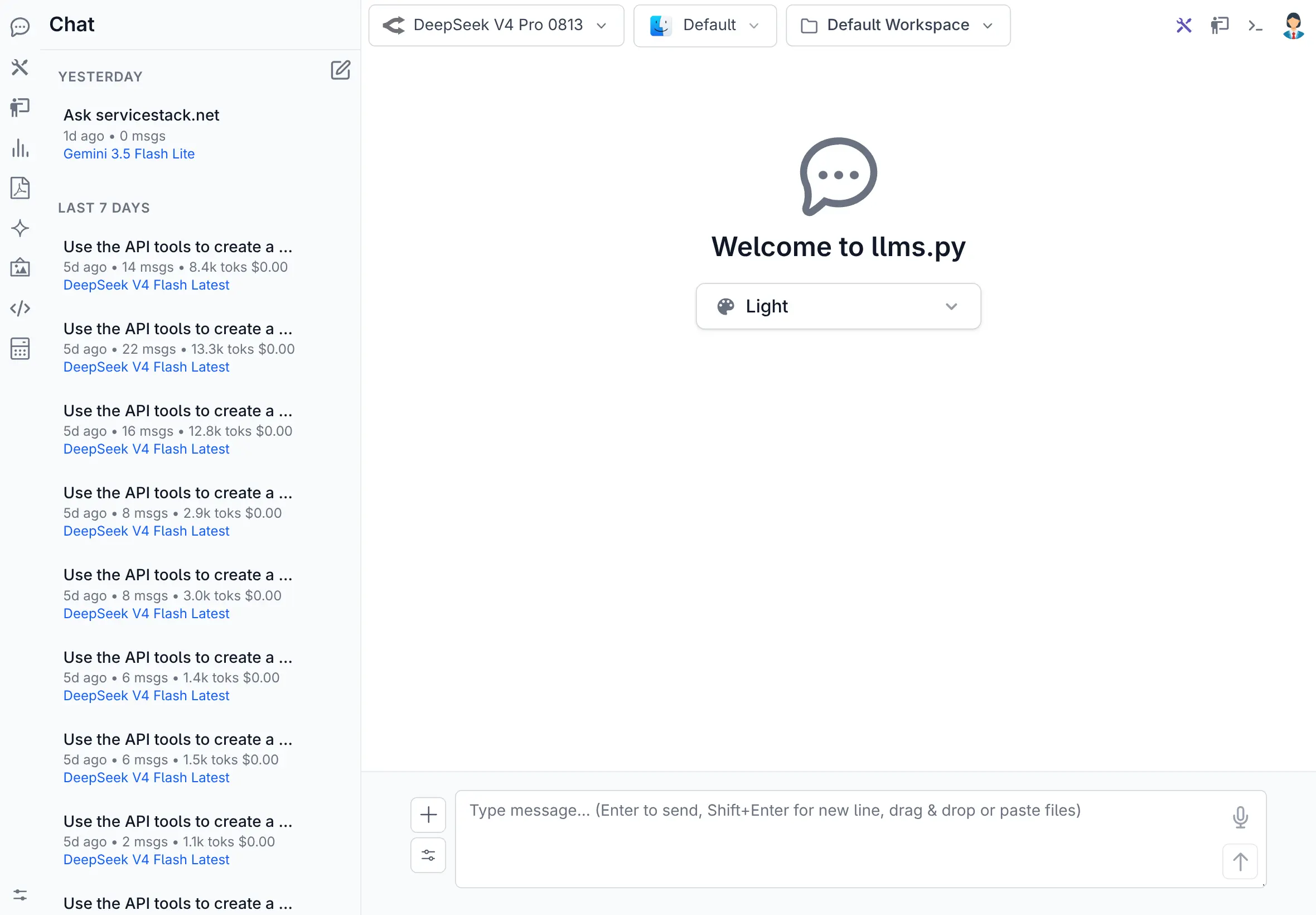
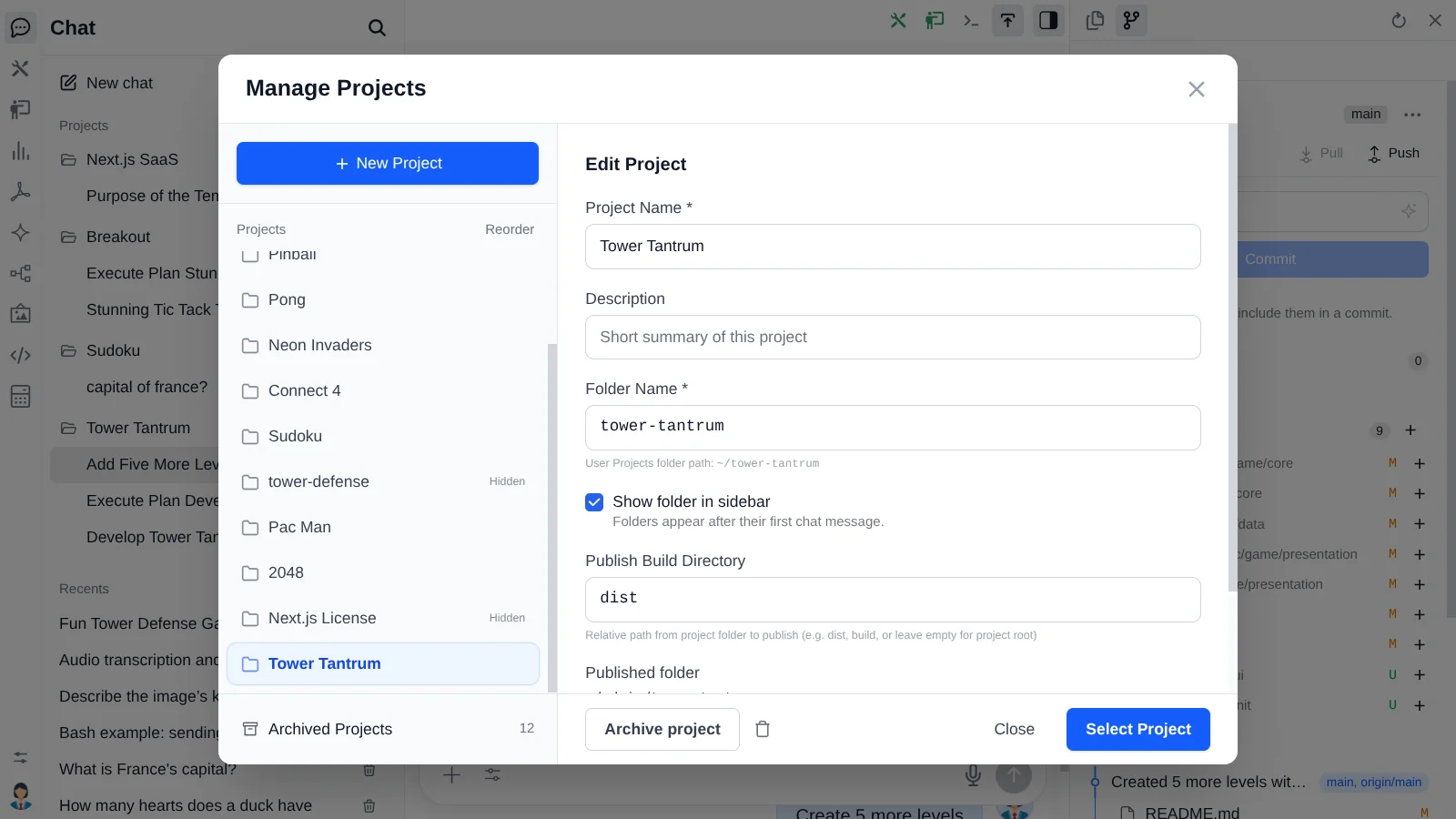
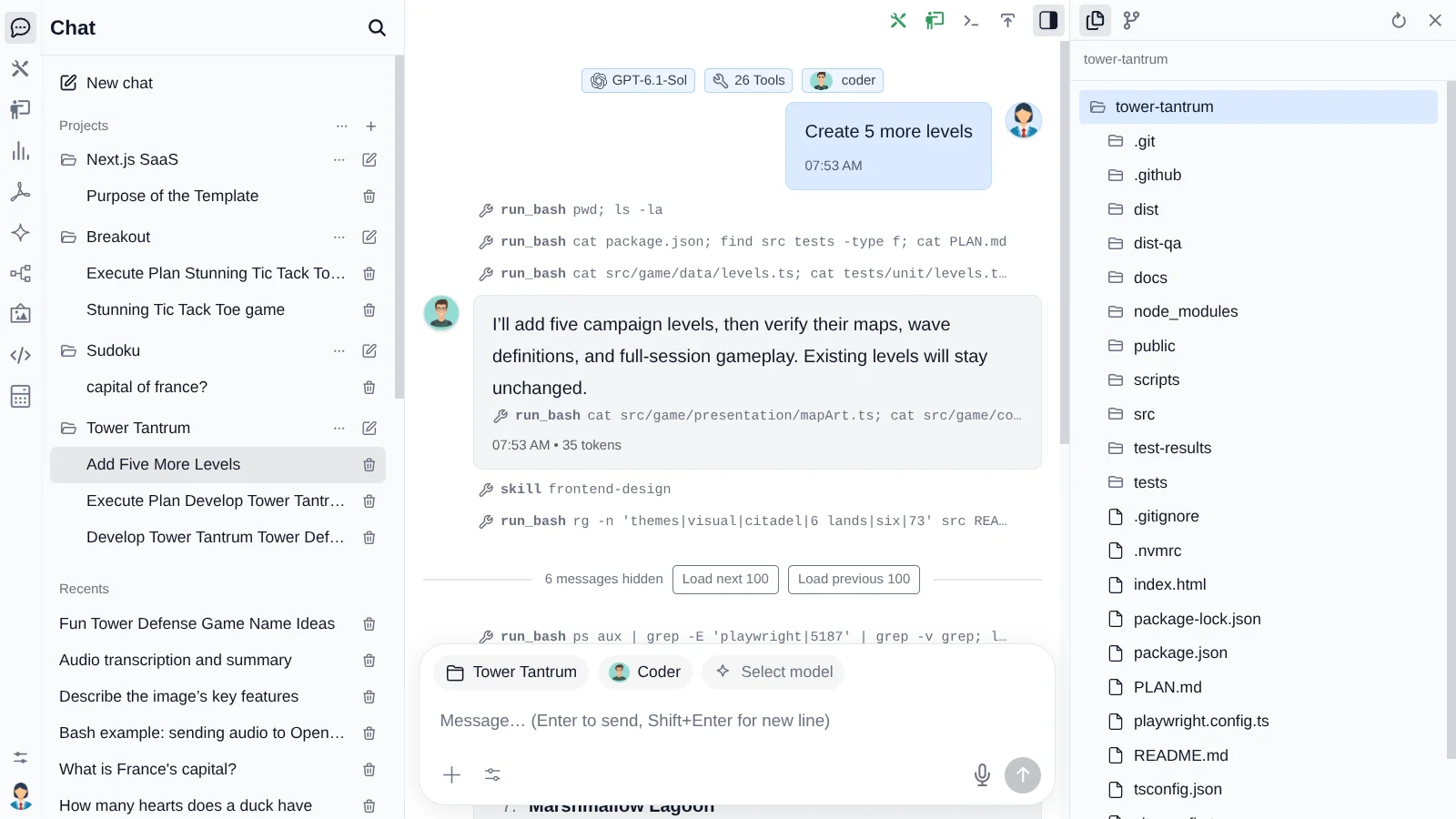
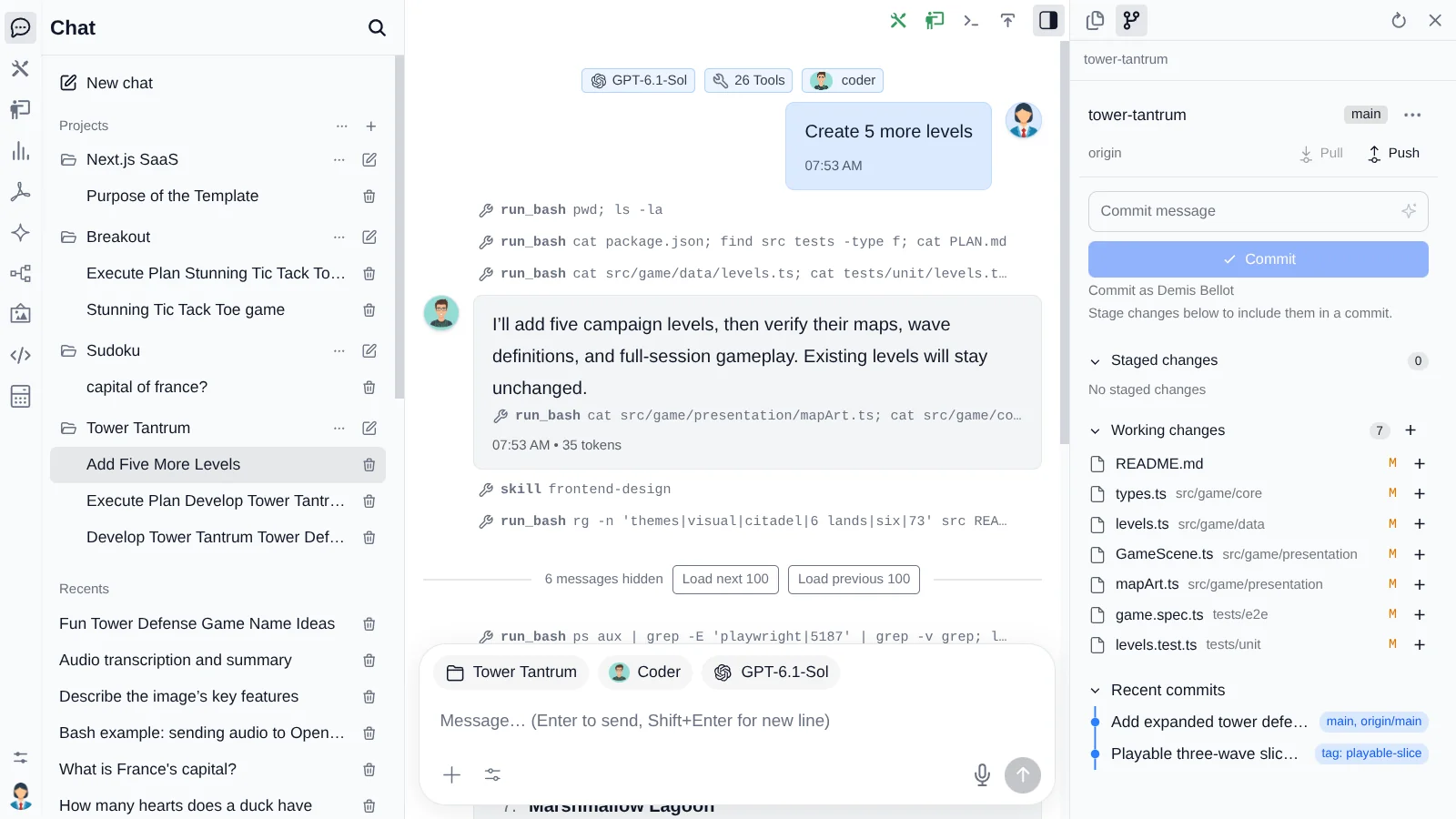
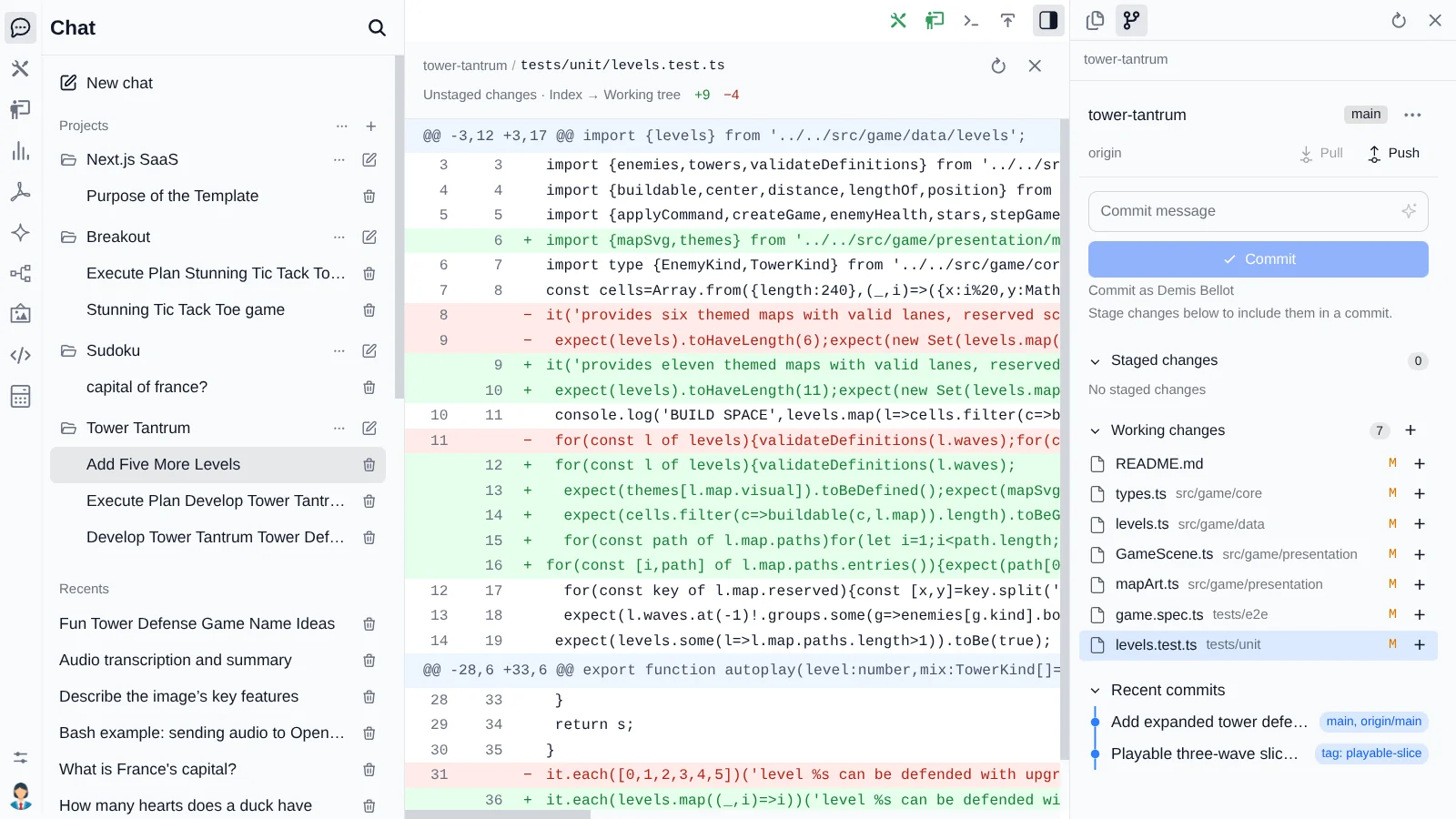
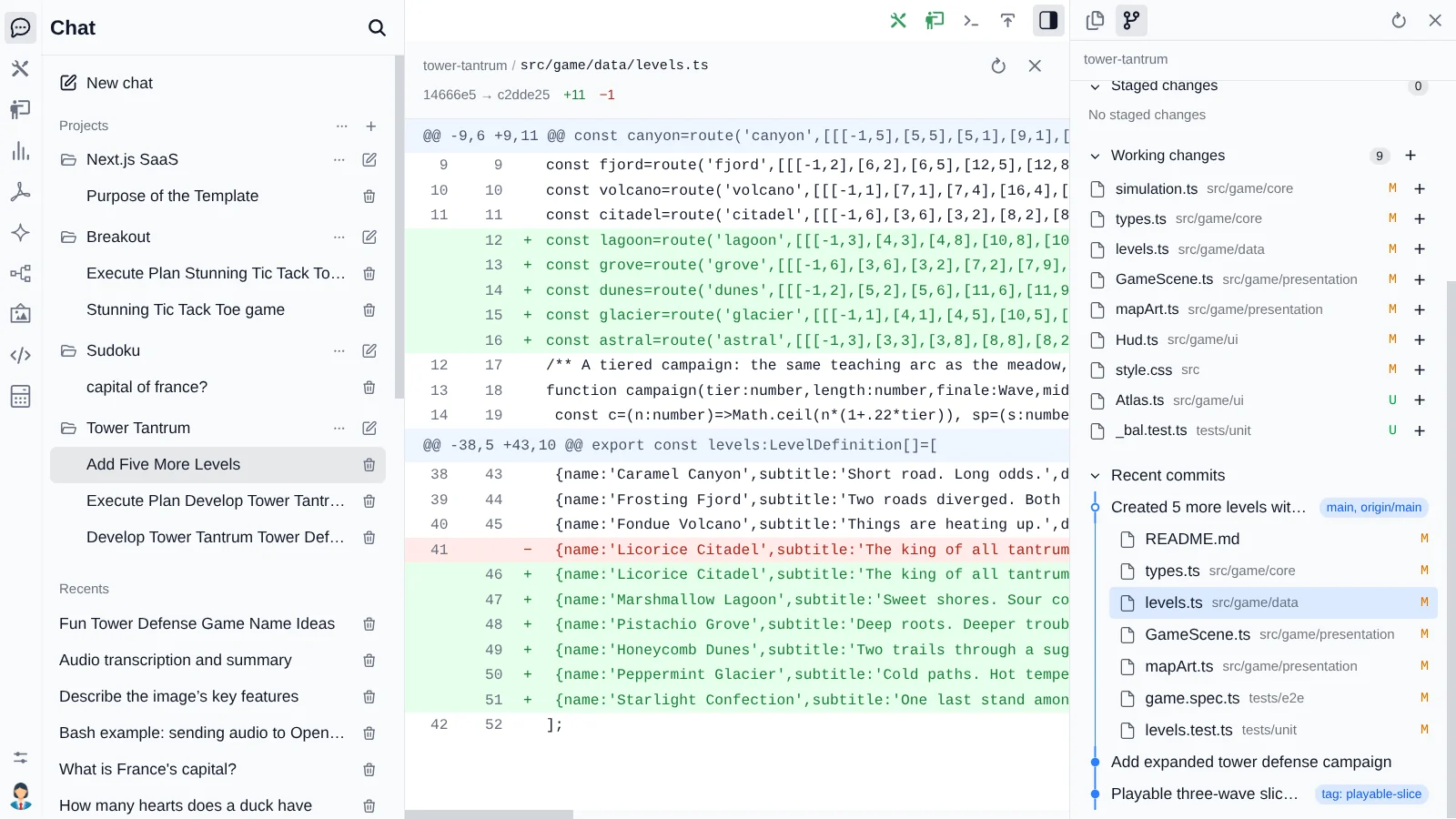
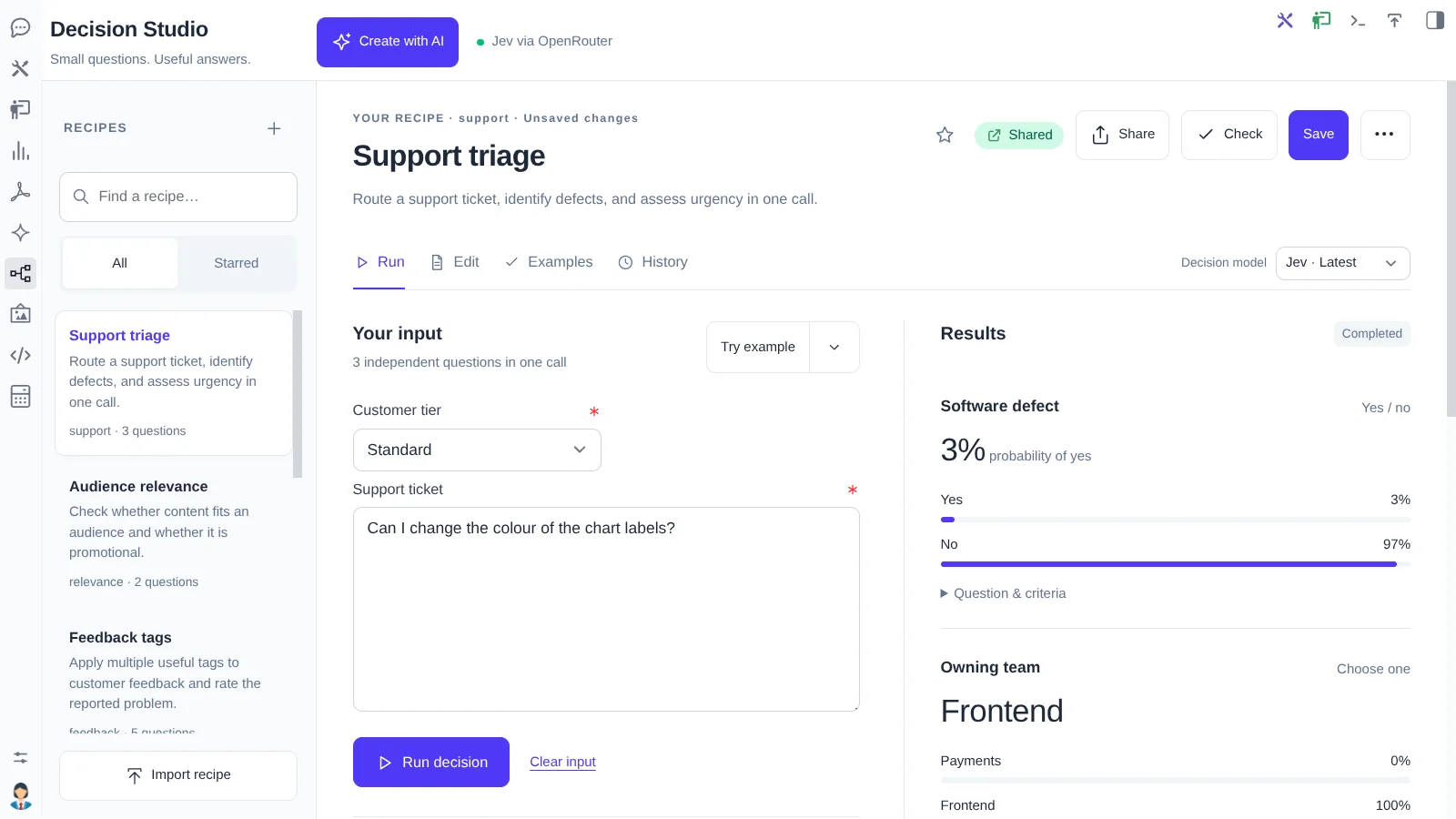
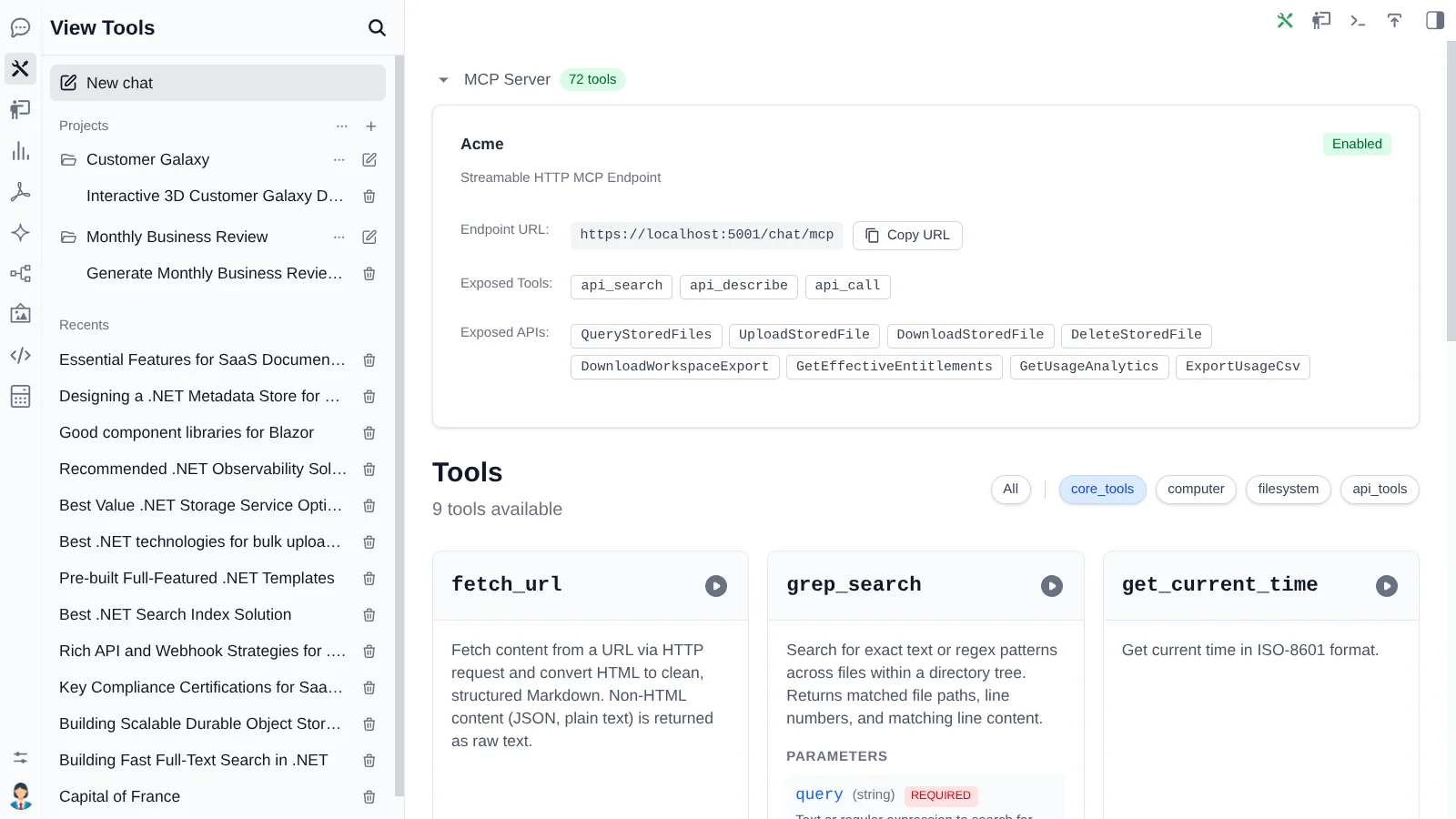
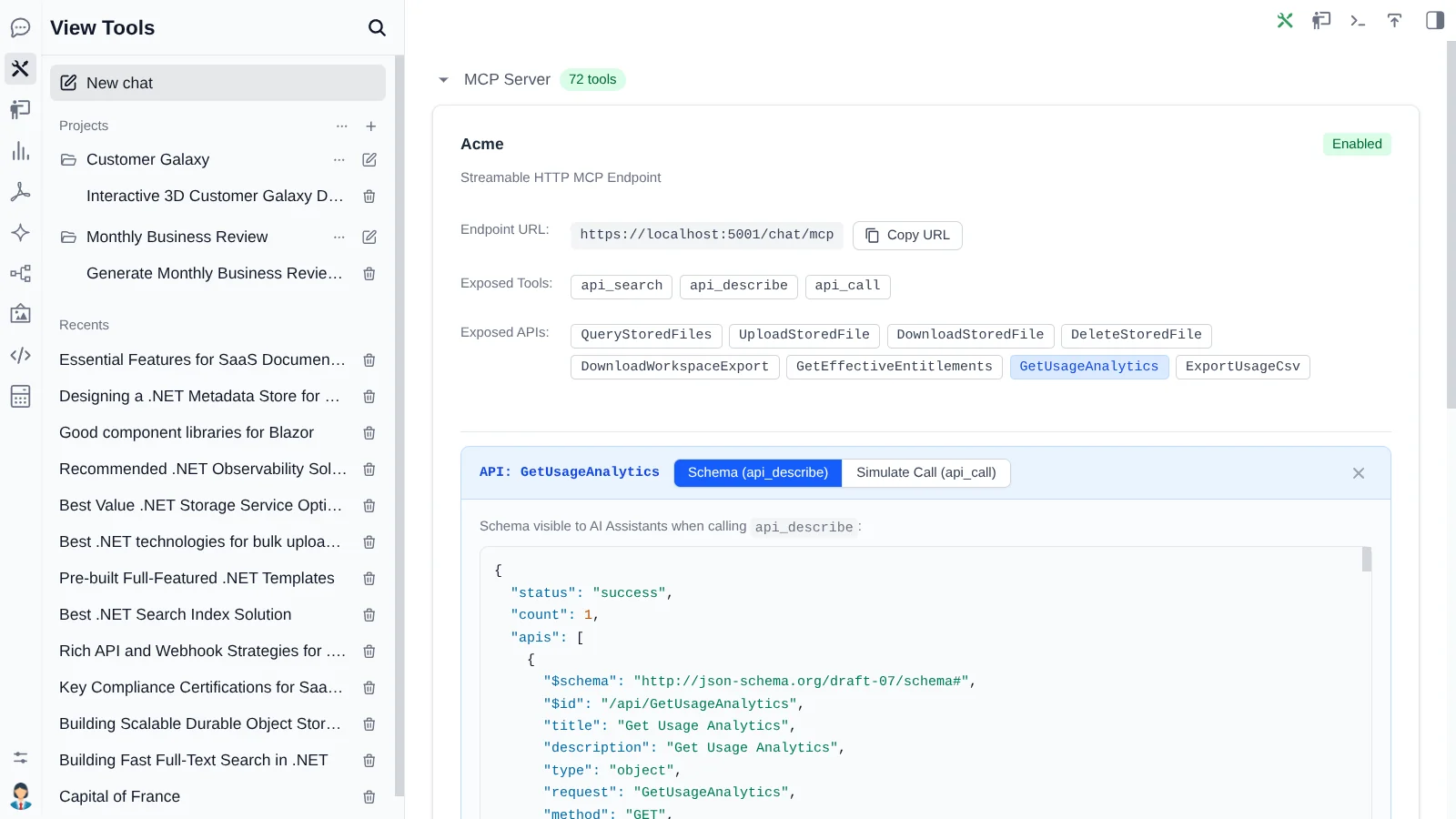
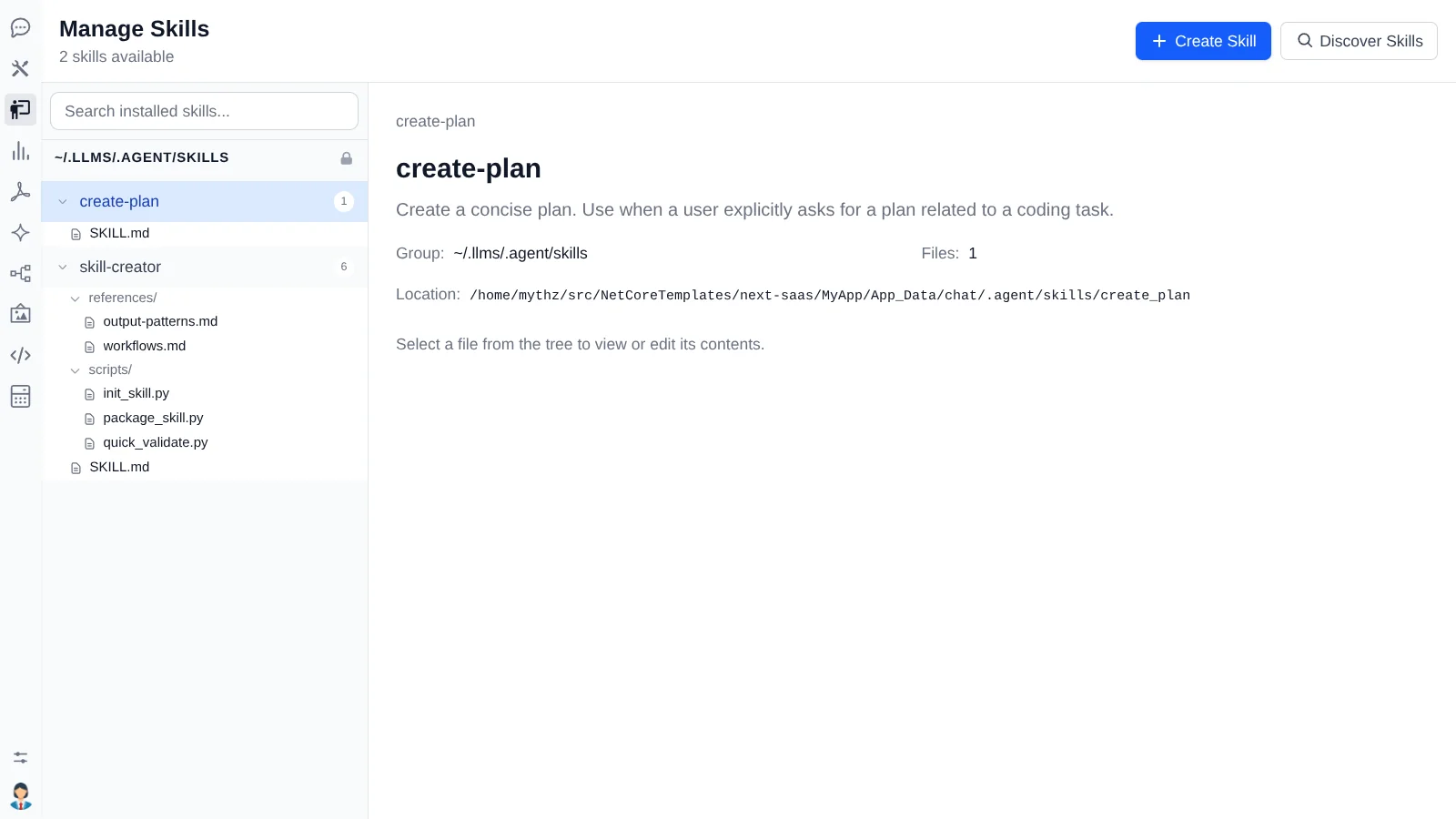

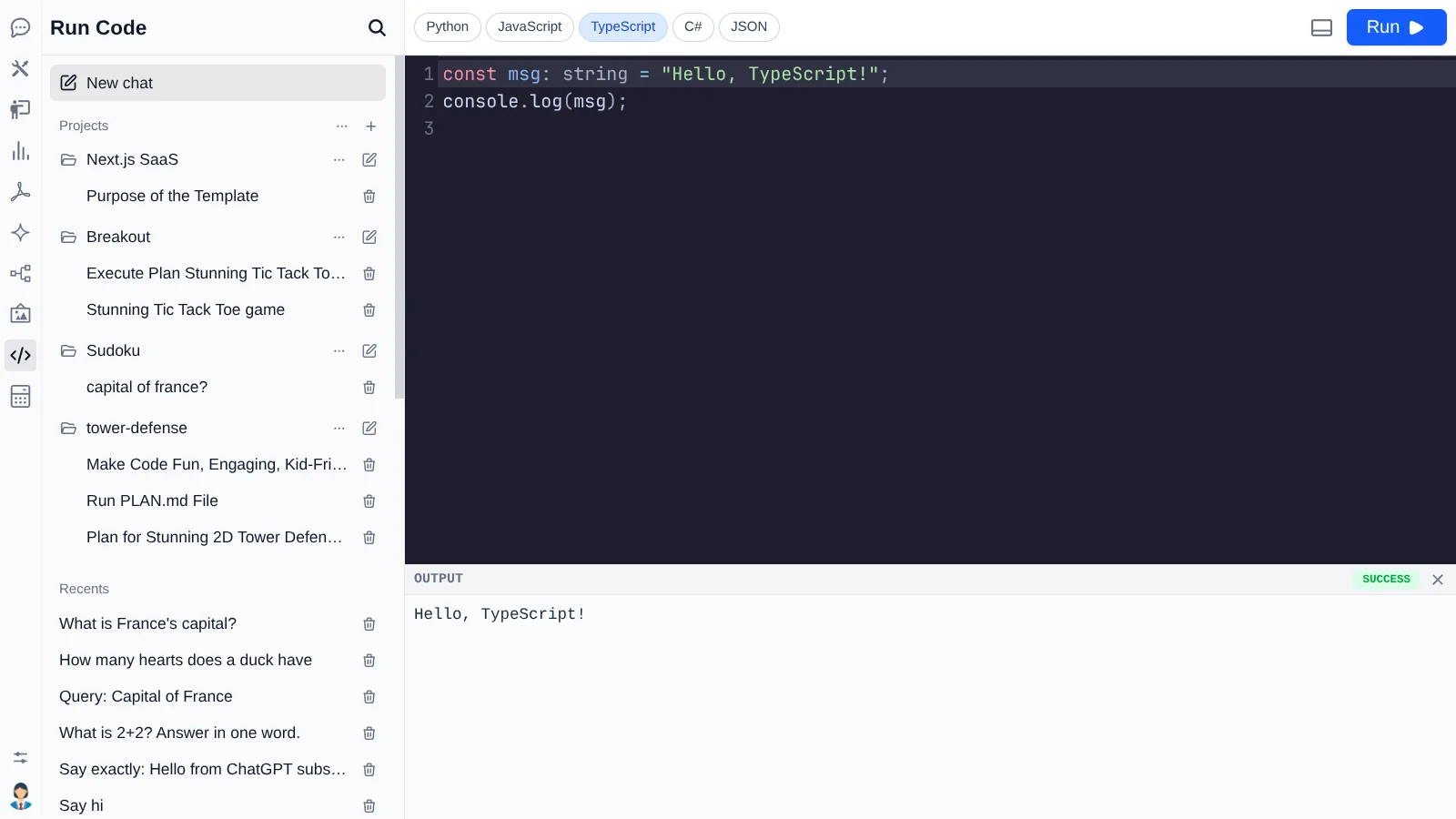
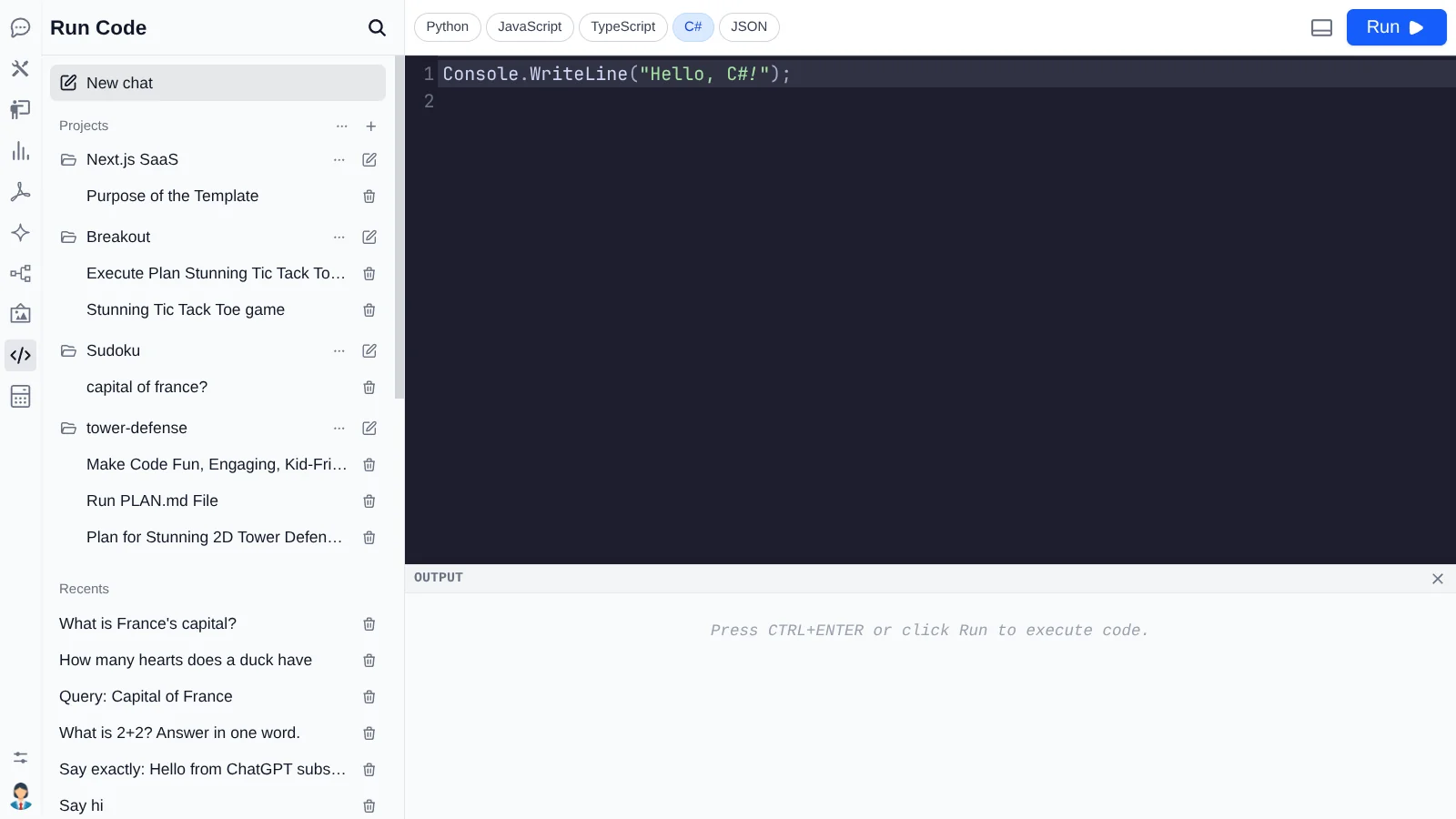
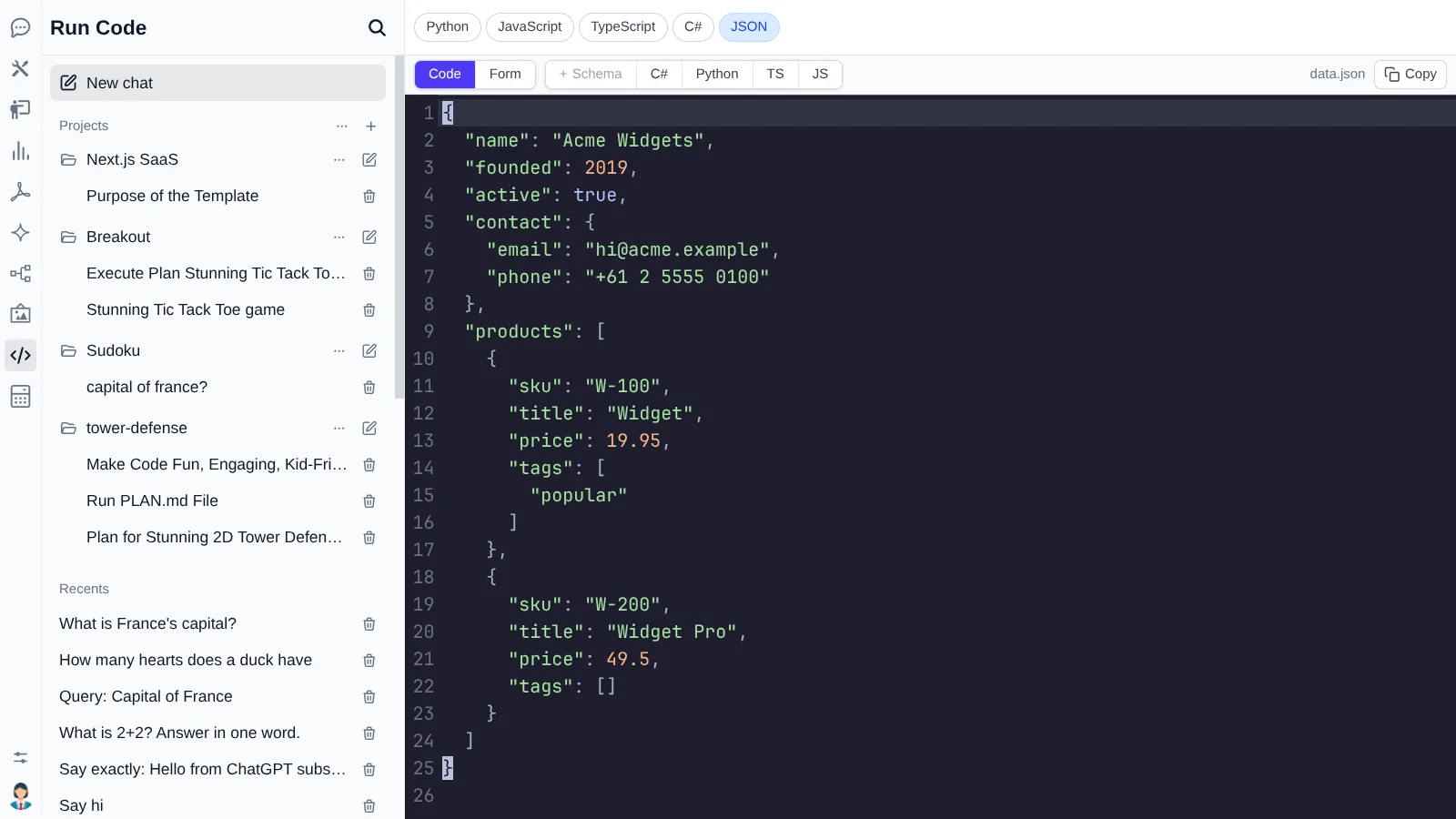
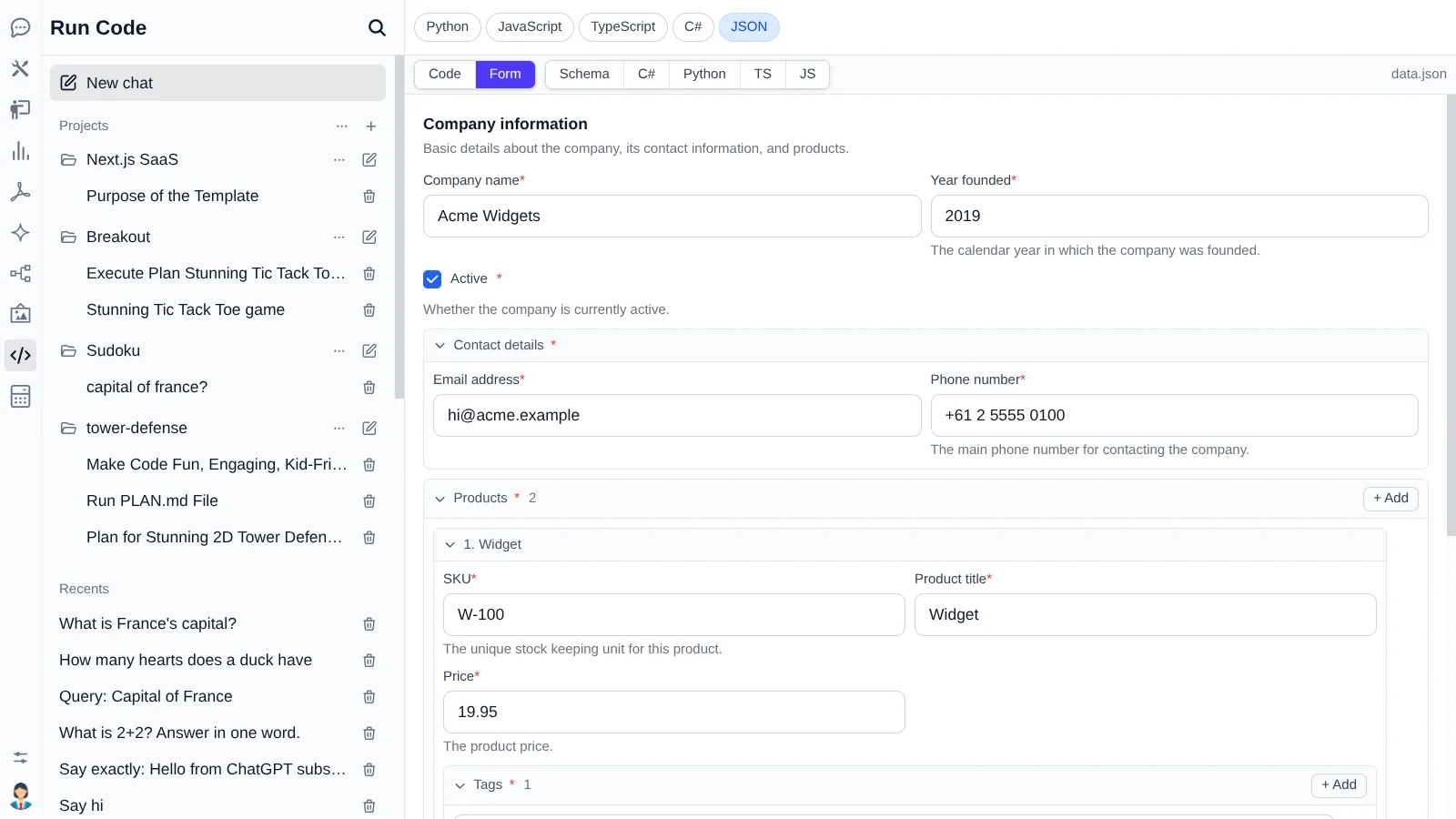
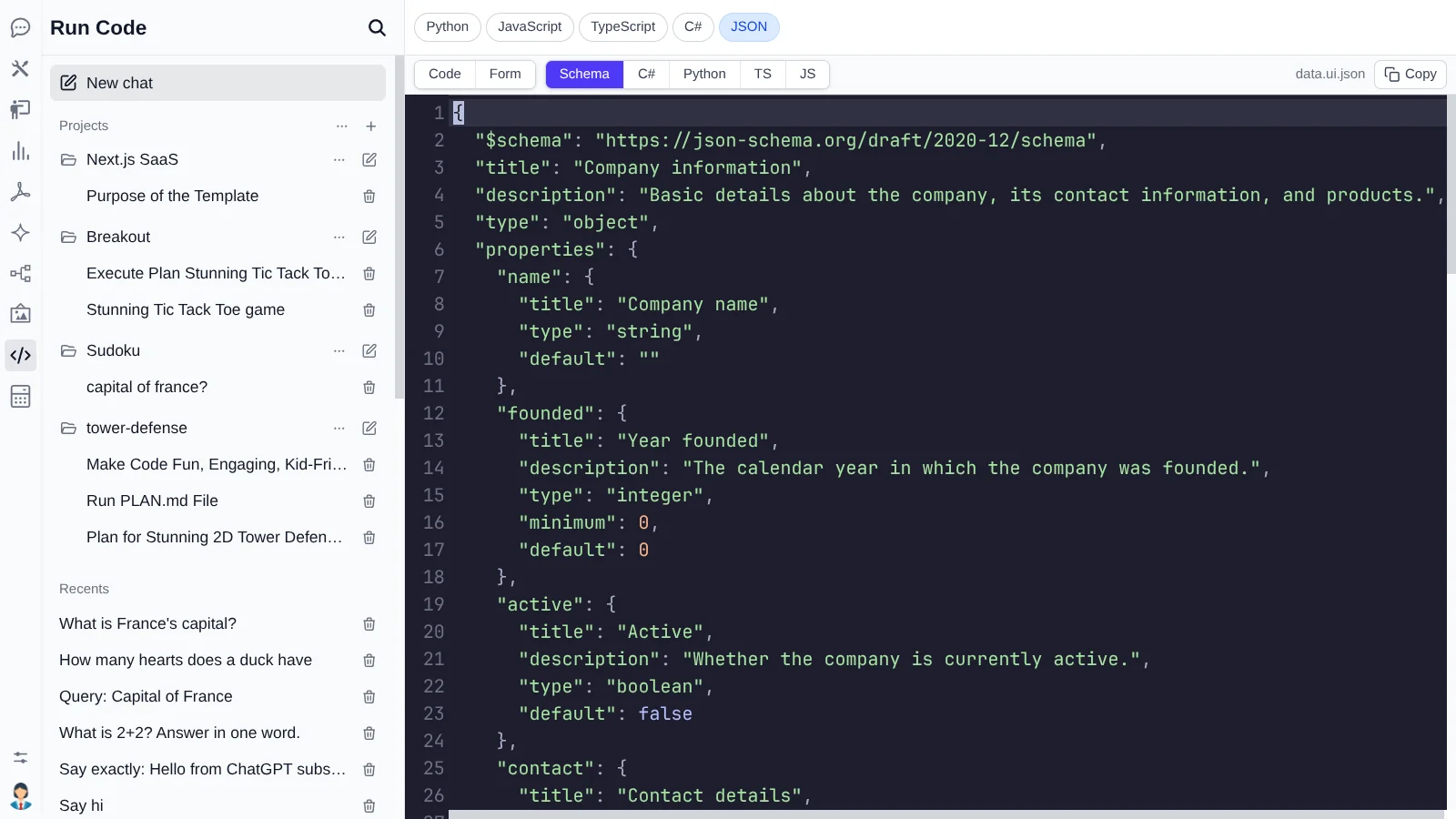
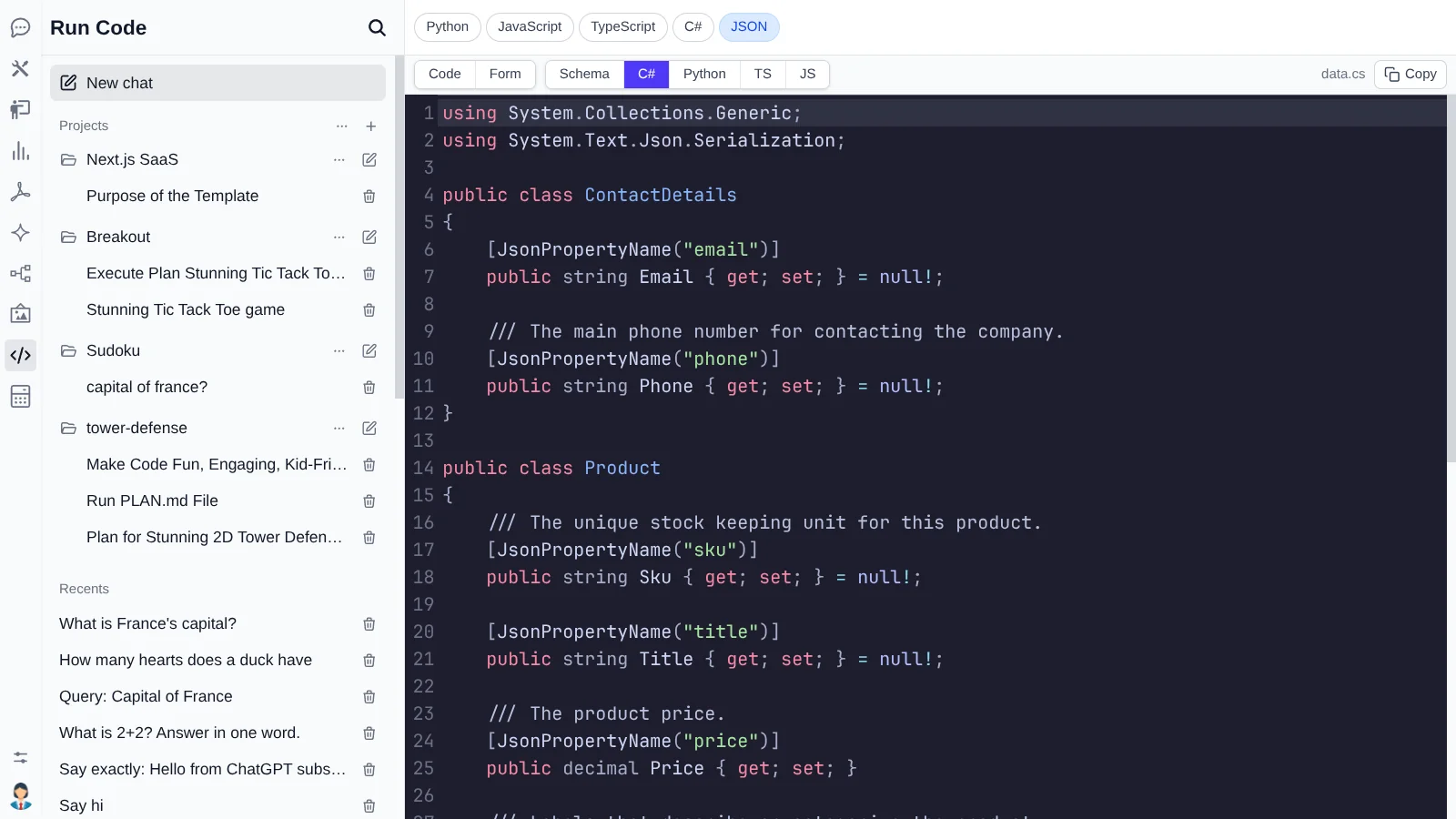
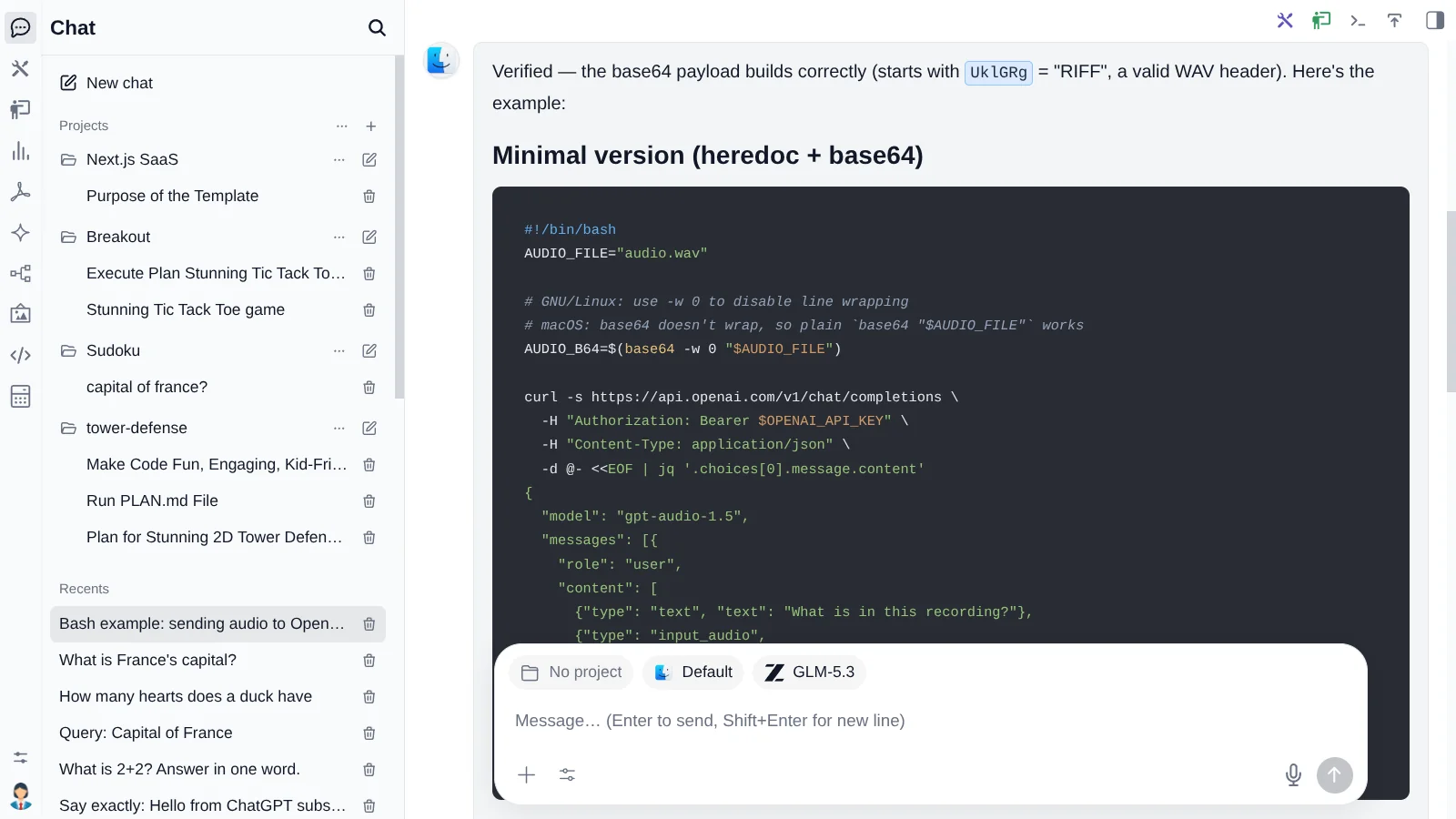
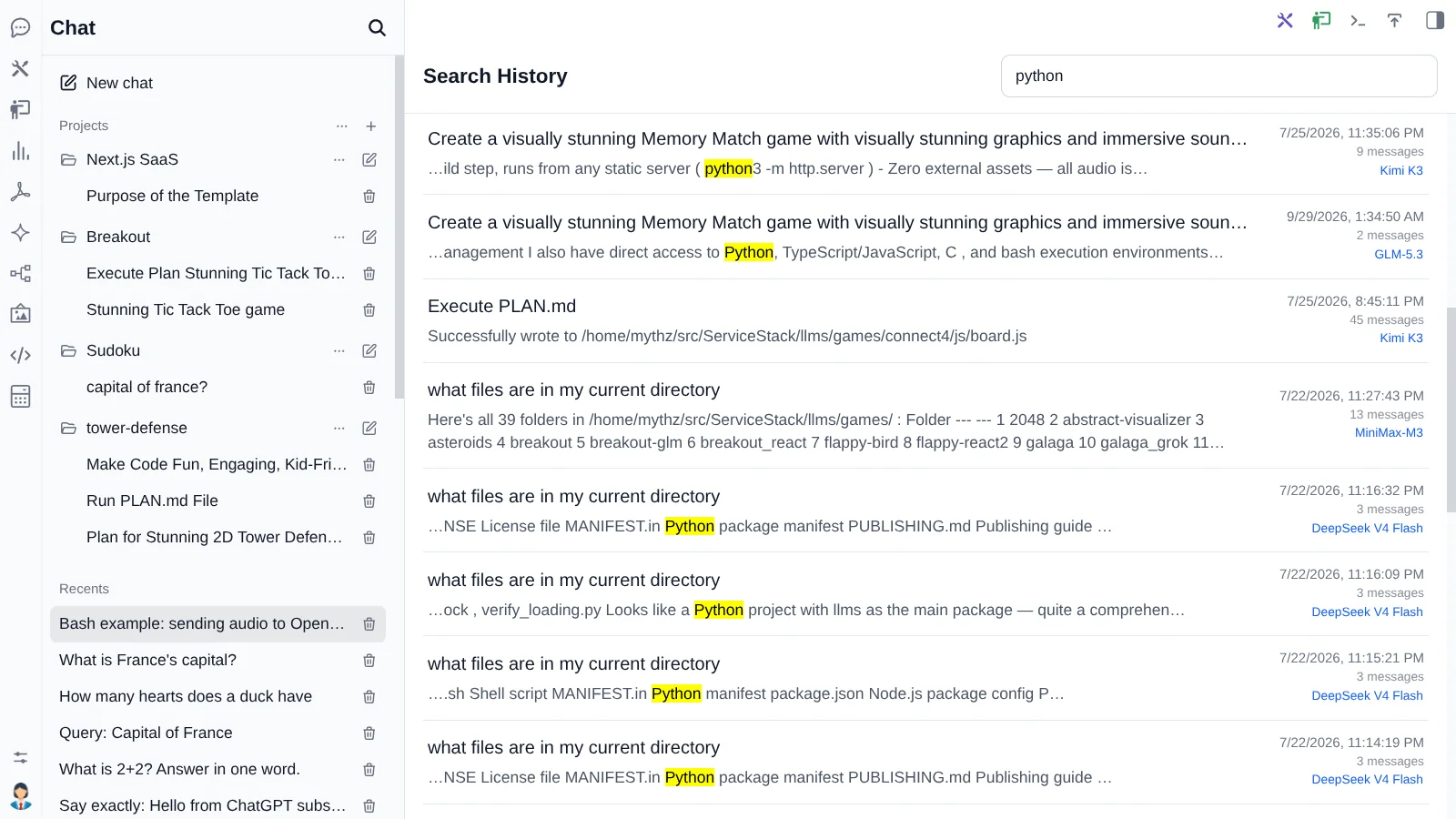
A complete AI Assistant inside your App, using your existing users
Your entire AI workspace, inside the App you already trust
Ask questions of your own APIs as the signed-in user, approve any changes, then turn answers into interactive dashboards and reports you can publish from your App!
Governed by your App
It's already your users
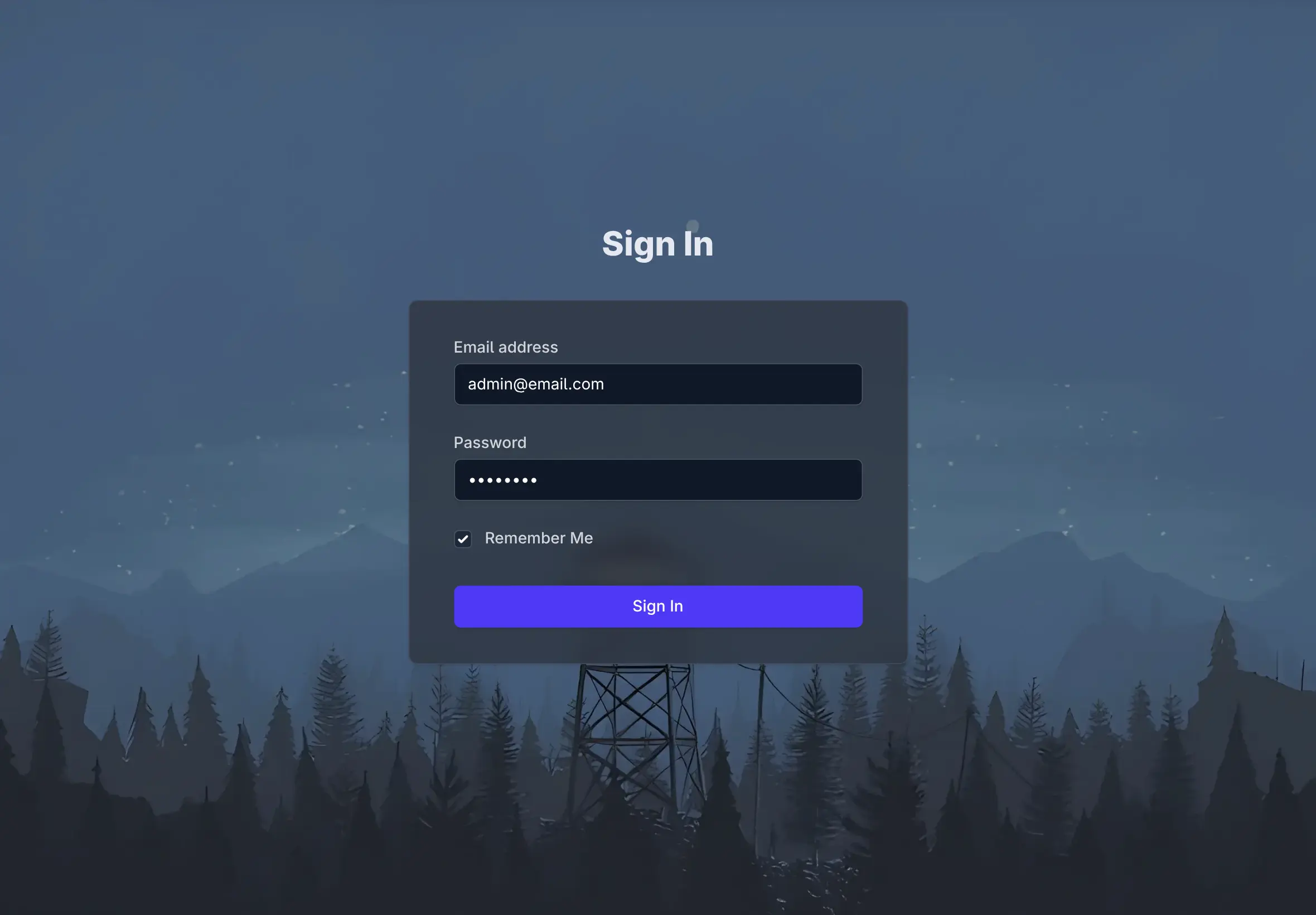
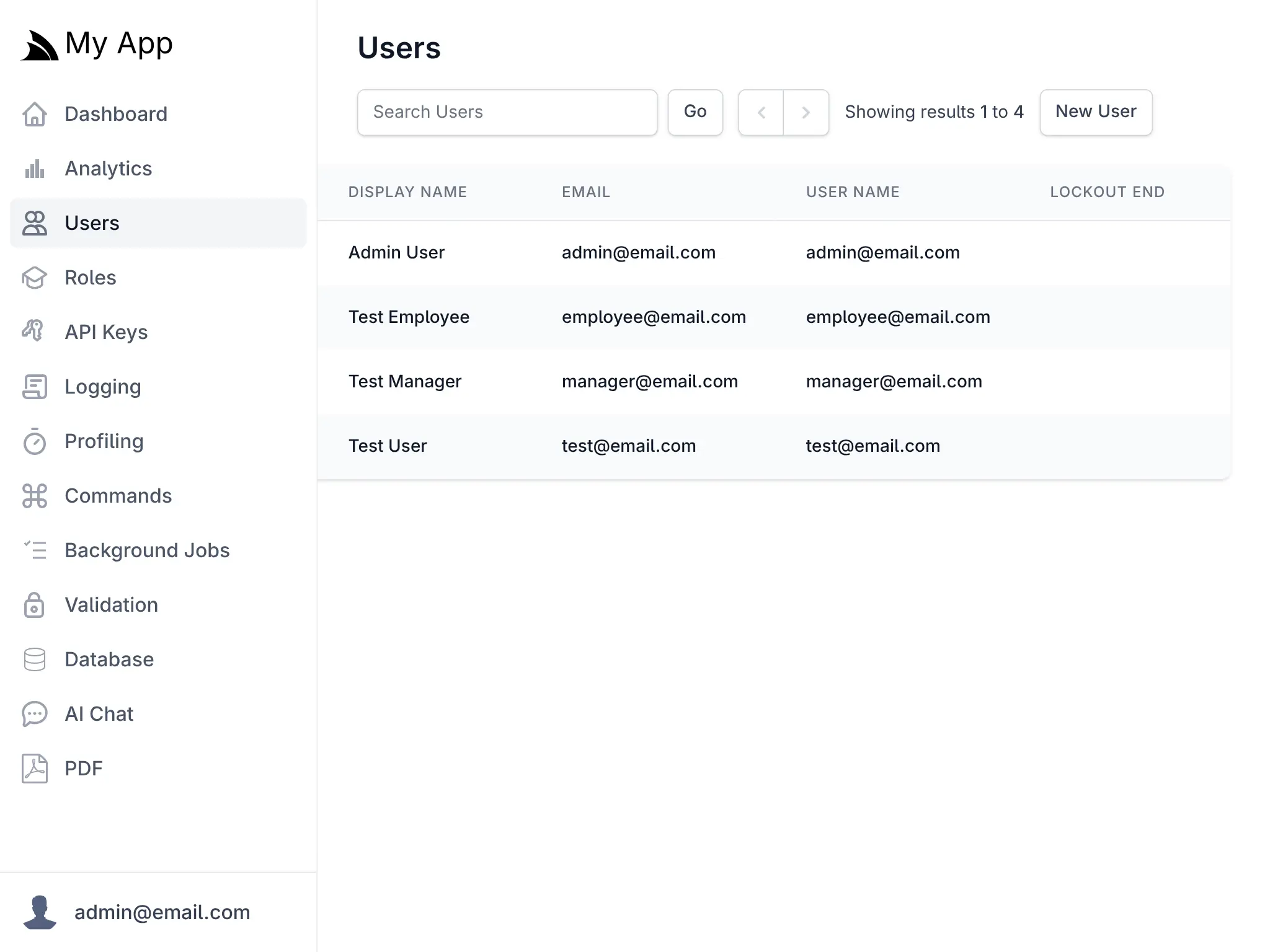
ChatFeature authenticates against the
App it's hosted in. Signing in, roles, locking an account, revoking a key - all of it keeps working
exactly as it does everywhere else in your App.
No second user directory. No SSO integration project. The people who can already sign into your App are the people who can use it - and the ones who can't, can't.
Restrict who gets in
Set RequiredRole and only users
holding that role reach the UI or any of its APIs. Everyone else is rejected at the door.
Keys for programmatic clients
With ApiKeysFeature
registered, /v1/chat/completions
also accepts a Bearer key - so scripts and MCP clients work alongside browser sign-in.
Multi-user from the start
Everyone gets their own workspace. Chat history, uploads and gallery, agent profiles, projects, skills, themes and PDF templates are all partitioned per user.
services.AddPlugin(new ChatFeature {
    RequireAuth  = true,
    RequiredRole = "Staff",       // only Staff can use it
    RoutePrefix  = "/chat",
    EnableProviders = ["openai", "anthropic", "google"],
});One interface, every provider
Never bet the organization on one model vendor
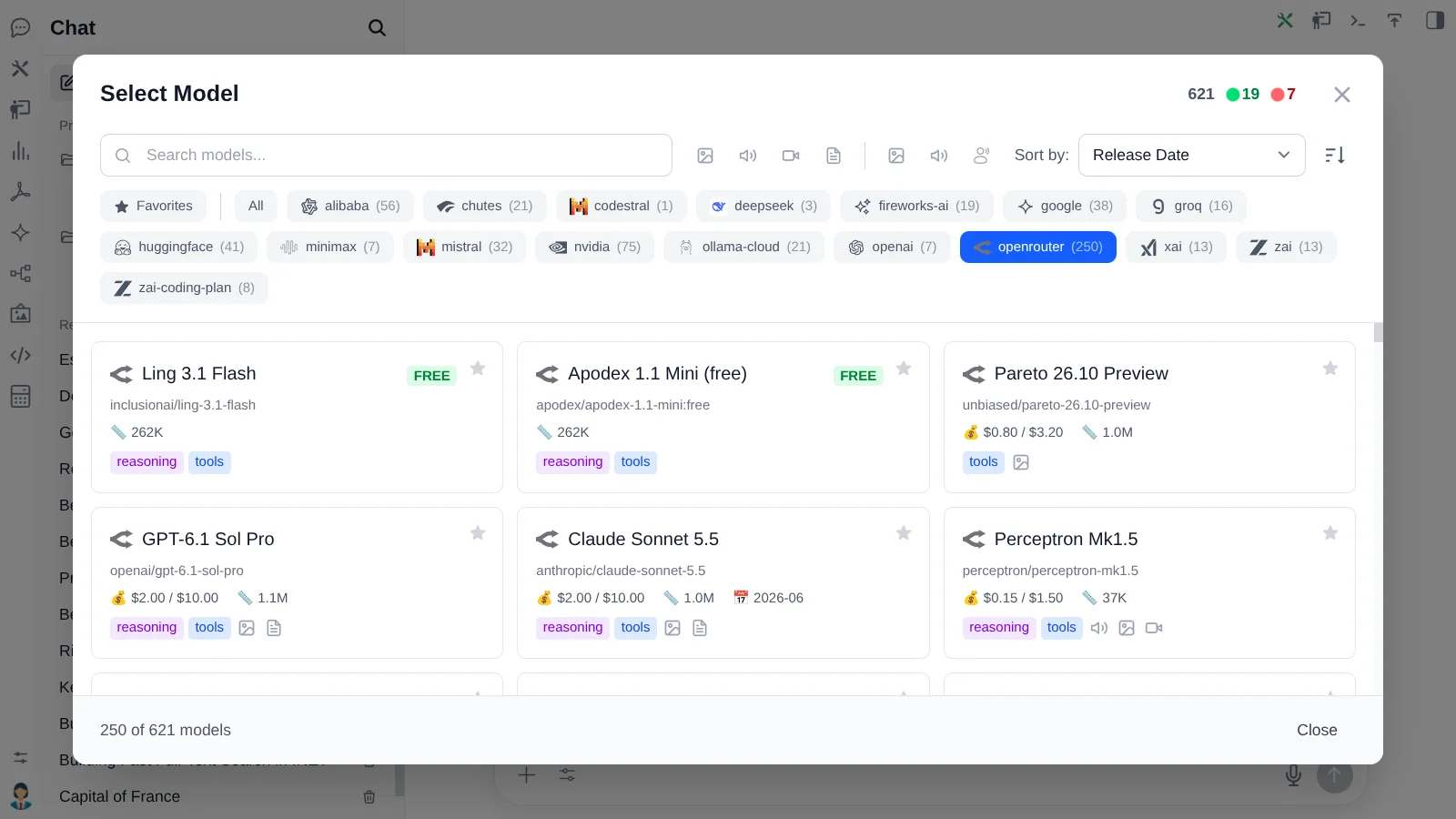
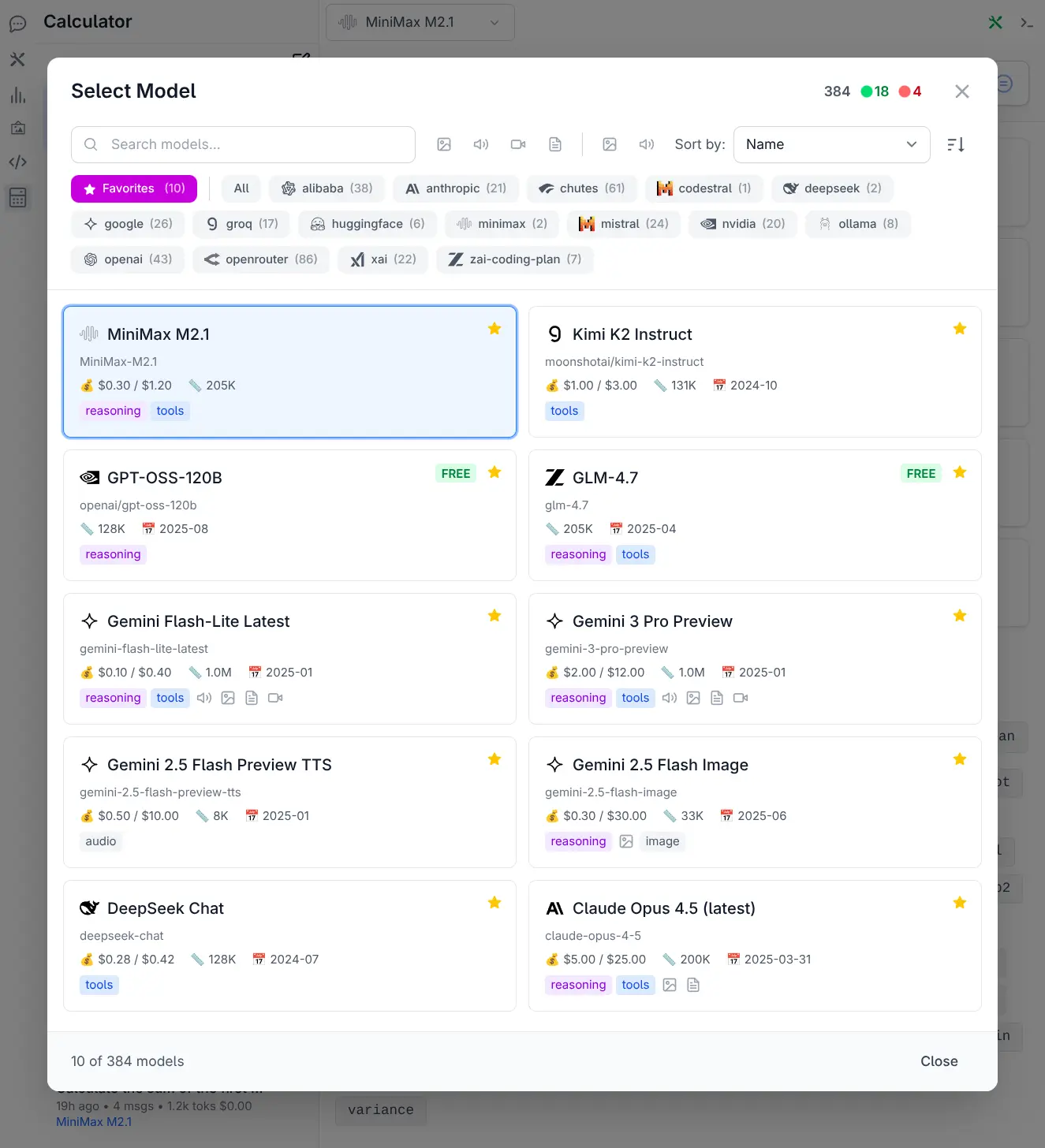
OpenAI, Anthropic, Google, Groq, xAI, Mistral, OpenRouter, Fireworks, Cerebras, a local Ollama or LM Studio endpoint - all behind one model selector, with search, capability filters, context sizes, pricing and favorites.
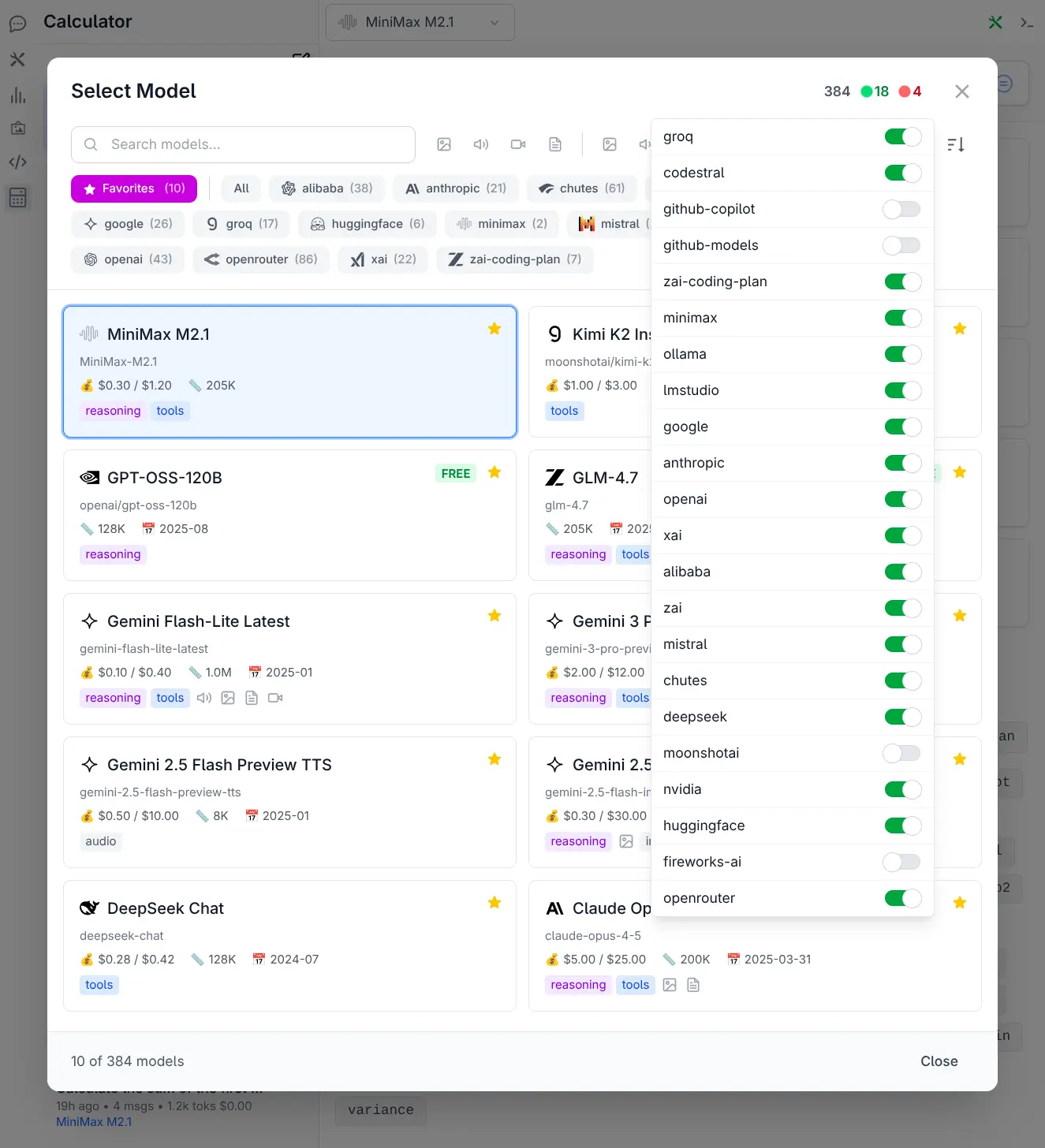
Route work to the right model
Fast and cheap for triage, frontier reasoning for hard problems, a local model for anything that mustn't leave the network.
Consistent streaming
History, attachments, system prompts, tool calls and usage records stay in the same UI when users switch providers mid-conversation.
Fully self-hosted, if you want
Point AI Chat at Ollama or LM Studio and nothing leaves your network. Which providers see your prompts is entirely your decision.
Your APIs become AI capabilities
No parallel AI backend
Models progressively discover and call the ServiceStack APIs you already have - as the signed-in user, through the same validation, authorization and business logic as every other client.
Your existing C# DTO is the AI Contract - enable API & MCP Tools for your APIs
Three tools, not one per API
An App's whole API surface is far too large to keep in context. Only a compact search index is loaded eagerly, and a Model pays for an API's schema only when it actually uses it.
-
api_searchFinds APIs relevant to the user's intent -
api_describeReturns full schemas and workflow metadata -
api_callInvokes the typed Request DTO as the current user
[Tag("CoffeeShop")]
[Tool("the user wants to place an order",
    Safety = ToolSafety.Write,
    RequiresApproval = true)]
public class CreateCoffeeShopOrder : IPost { }
The rest of the CoffeeShop Tag
Each API declares its own safety and which APIs come before and after it, so the Model discovers the workflow from the APIs themselves instead of a hand-written system prompt.
Preview pointing at PreviewCoffeeShopOrder so the approval form shows a priced summary
Menu → Preview → Create → Get
- the order the Model follows, read from each API's Prerequisites and FollowUps.
Consequential calls need a human
Reads execute immediately. Writes and destructive operations pause and render an editable form generated from the API's own schema - the user sees exactly what's sent, and can fix it before approving. No per-API Chat component to write.
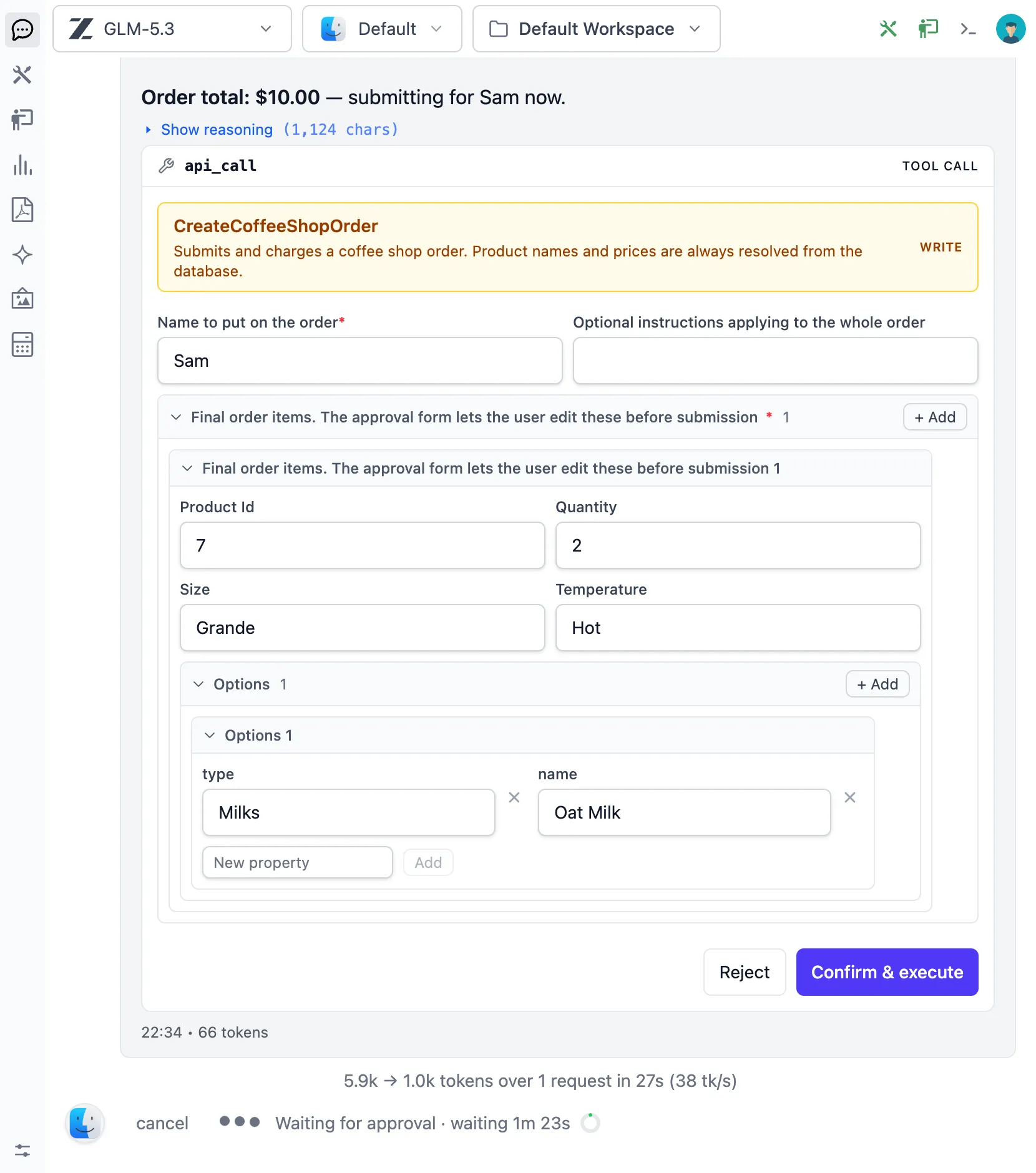
The write stops here. Every field comes from CreateCoffeeShopOrder's own schema, and stays editable until Confirm & execute.
Inside the Chat UI
Enable API Tools and name the tags you want Models to reach. Your users get a natural-language operations console over the APIs they're already authorized to call.
API Tools reference →From any MCP client
The built-in MCP Server at /chat/mcp
exposes the same tools to Claude Code, Cursor, VS Code and OpenCode - authenticated with a
ServiceStack API key, so tools run as that key's user.
One coffee order, seven MCP clients
None of this was built per-client. Every assistant discovers the same
CoffeeShop APIs through the same
three tools, and stops at the same approval before anything is written.
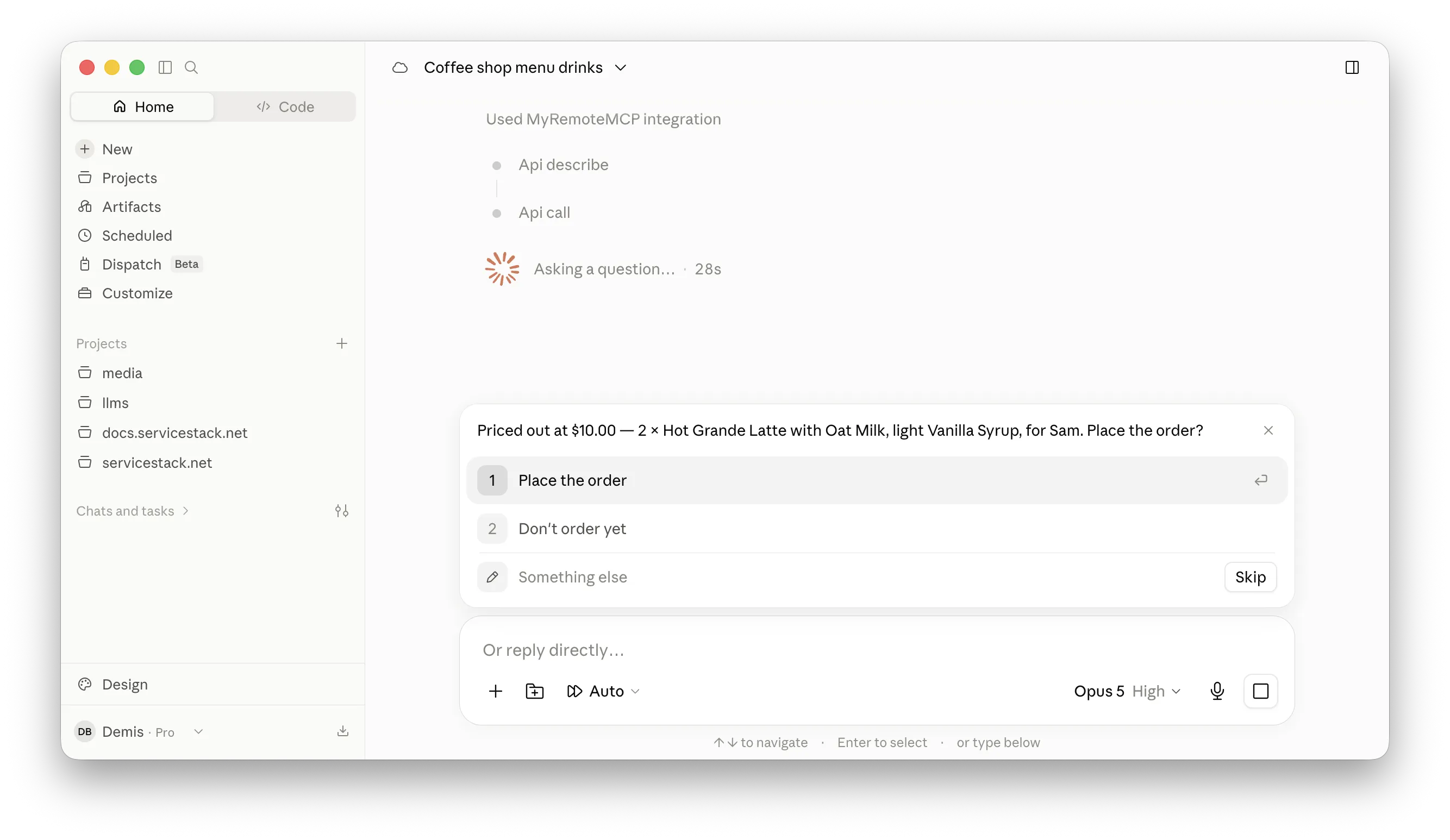
Claude Desktop
CreateCoffeeShopOrder is a write, so the call comes back as a
validated preview and a confirmation token instead of an order.
Grounded answers
RAG over your documents, without building a pipeline
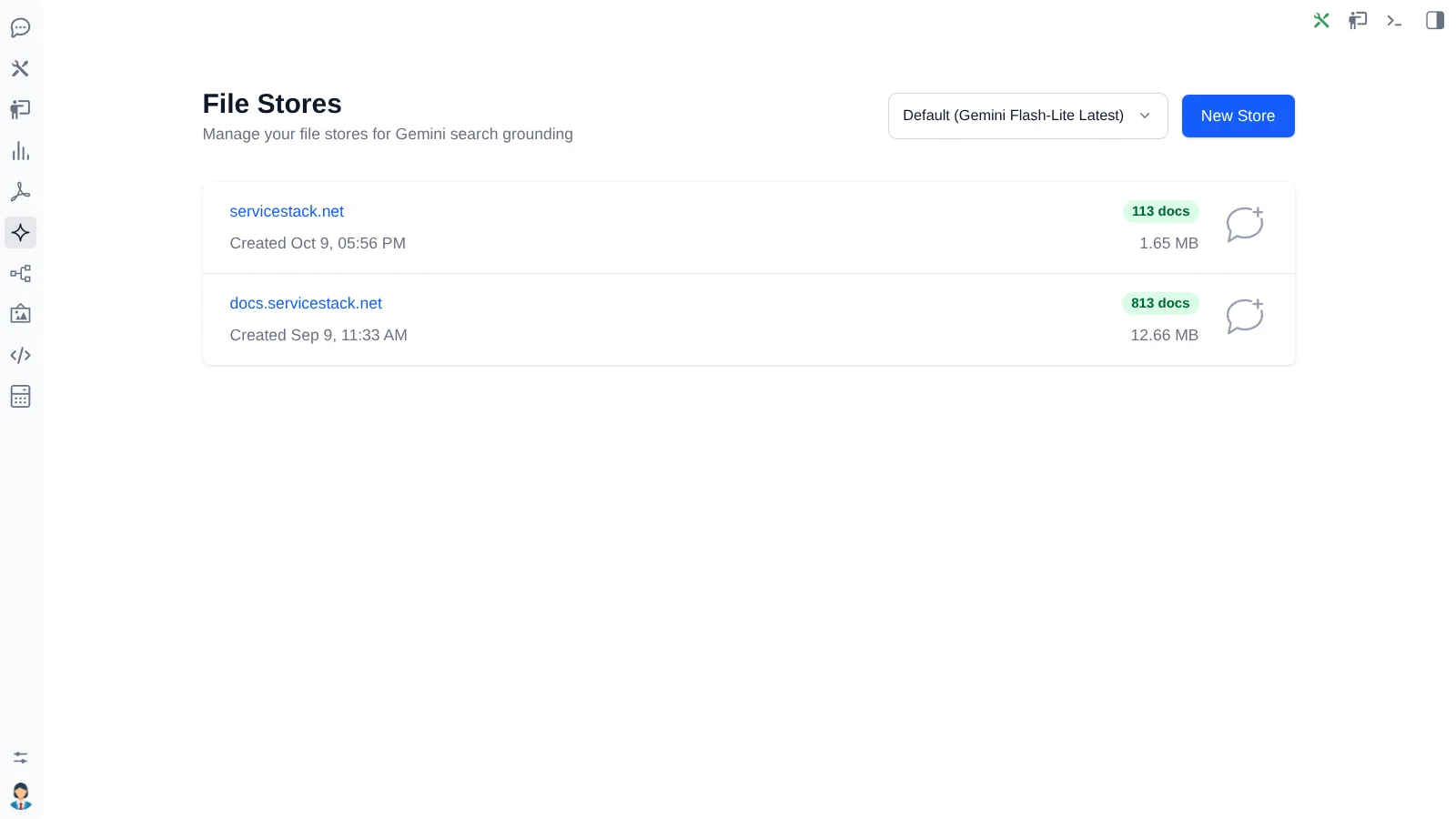
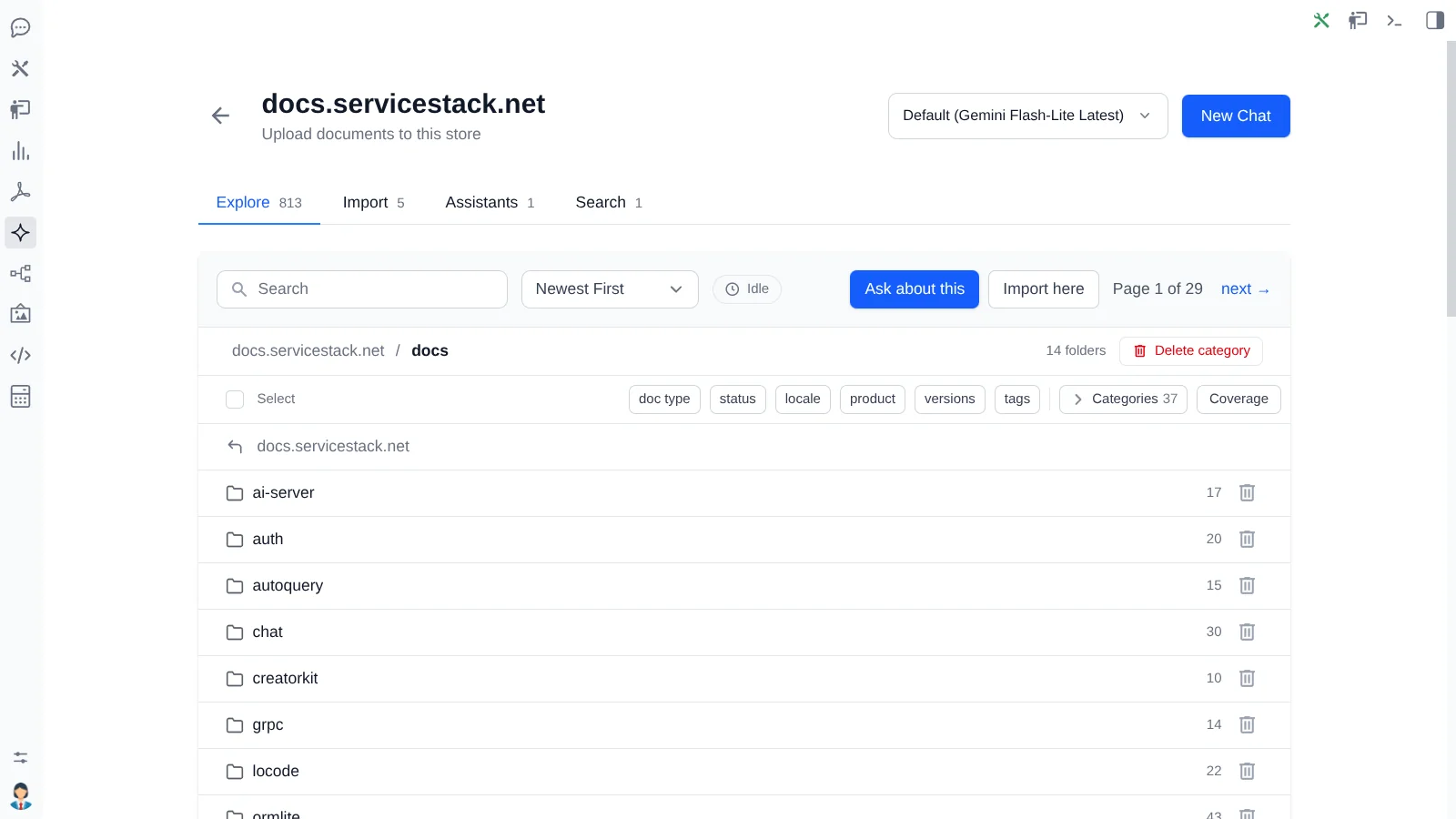
Drag a folder of PDFs into a File Store and ask questions about it. No chunking pipeline, no vector database to operate, no indexer to write.
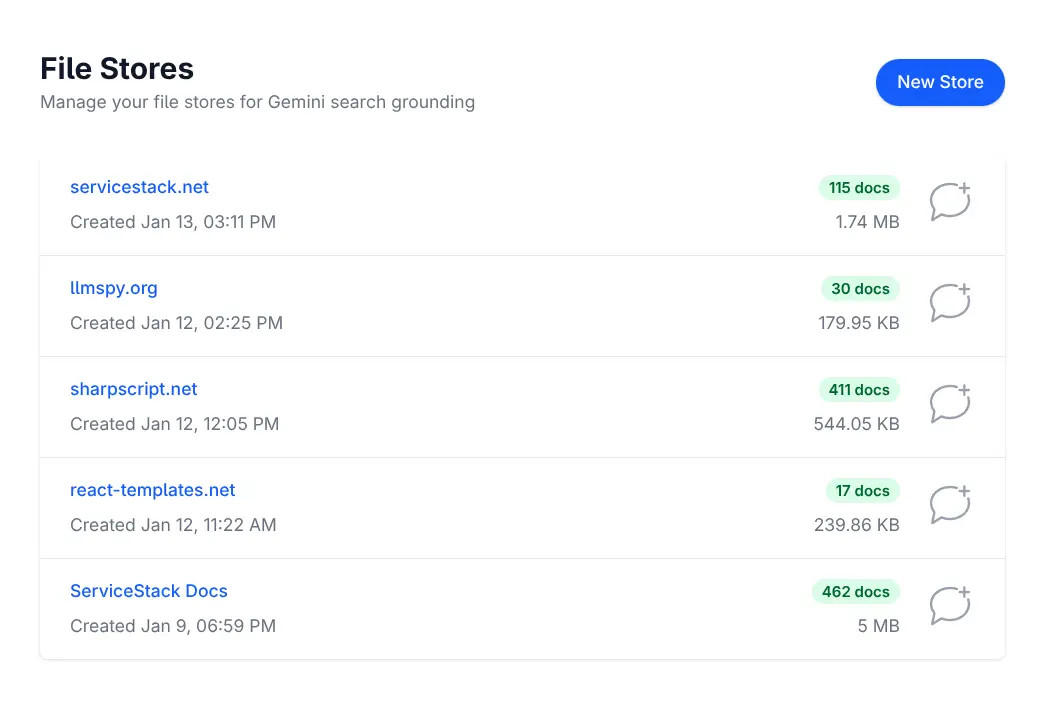
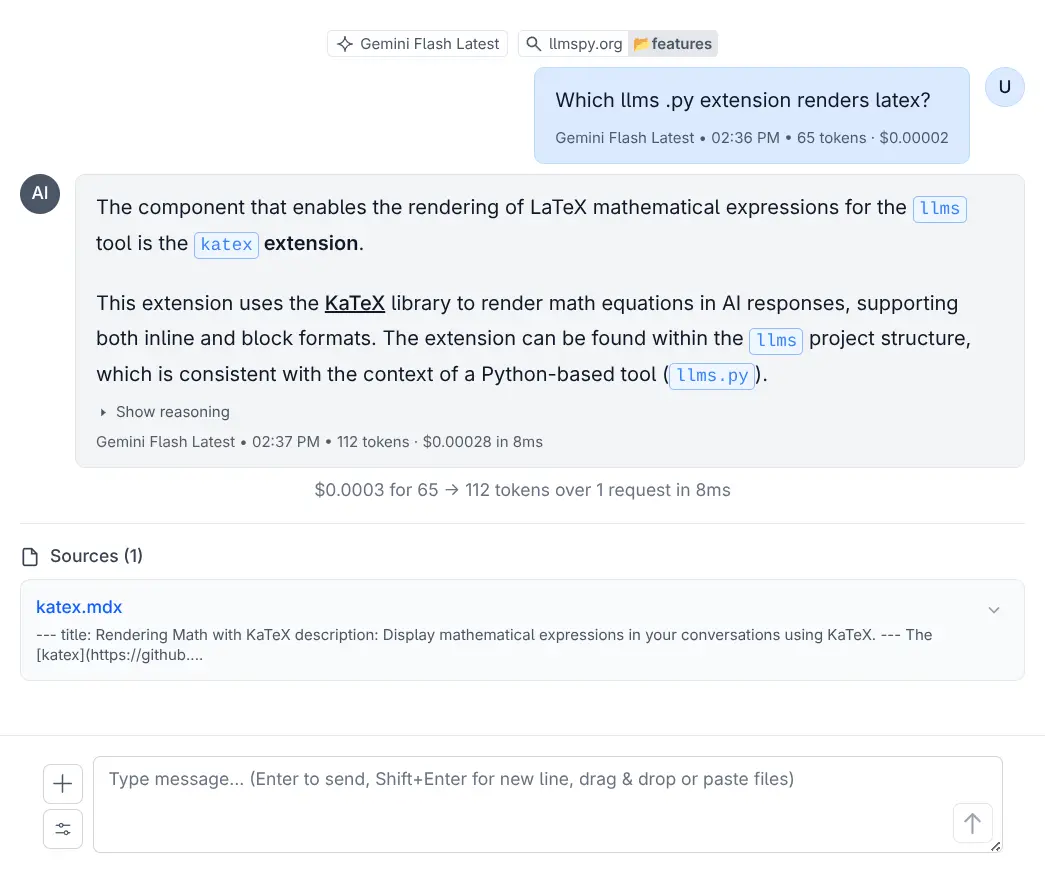
Drop in a folder
PDFs, Markdown, text and business documents, deduplicated by SHA-256 and indexed by a background worker so the UI never blocks.
Narrow the question
Ask the whole store, one category, or a single document - whichever scope actually contains the answer.
Kept honest
Grounding sources are retained with responses, so a user can verify where an answer came from instead of trusting fluent output.
Same front door
Stores are scoped per user behind the same auth as everything else, with a sync report when the local catalog and remote drift.
Design with AI, render without it
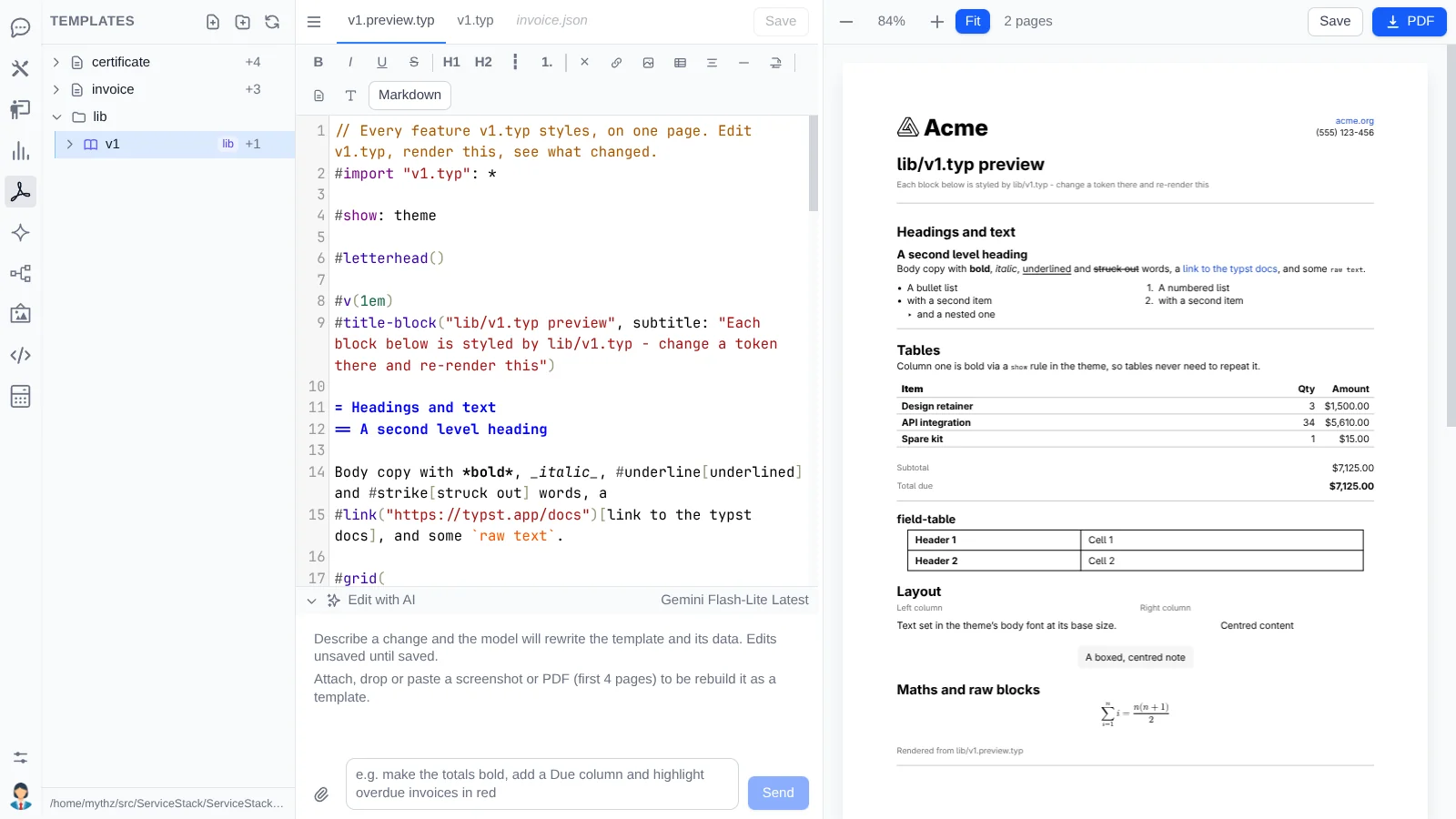
PDF Studio
Describe the document you want - or hand a vision model a screenshot of the one you're replacing - and iterate on a live preview. Then publish it and render production PDFs with no LLM in the path.
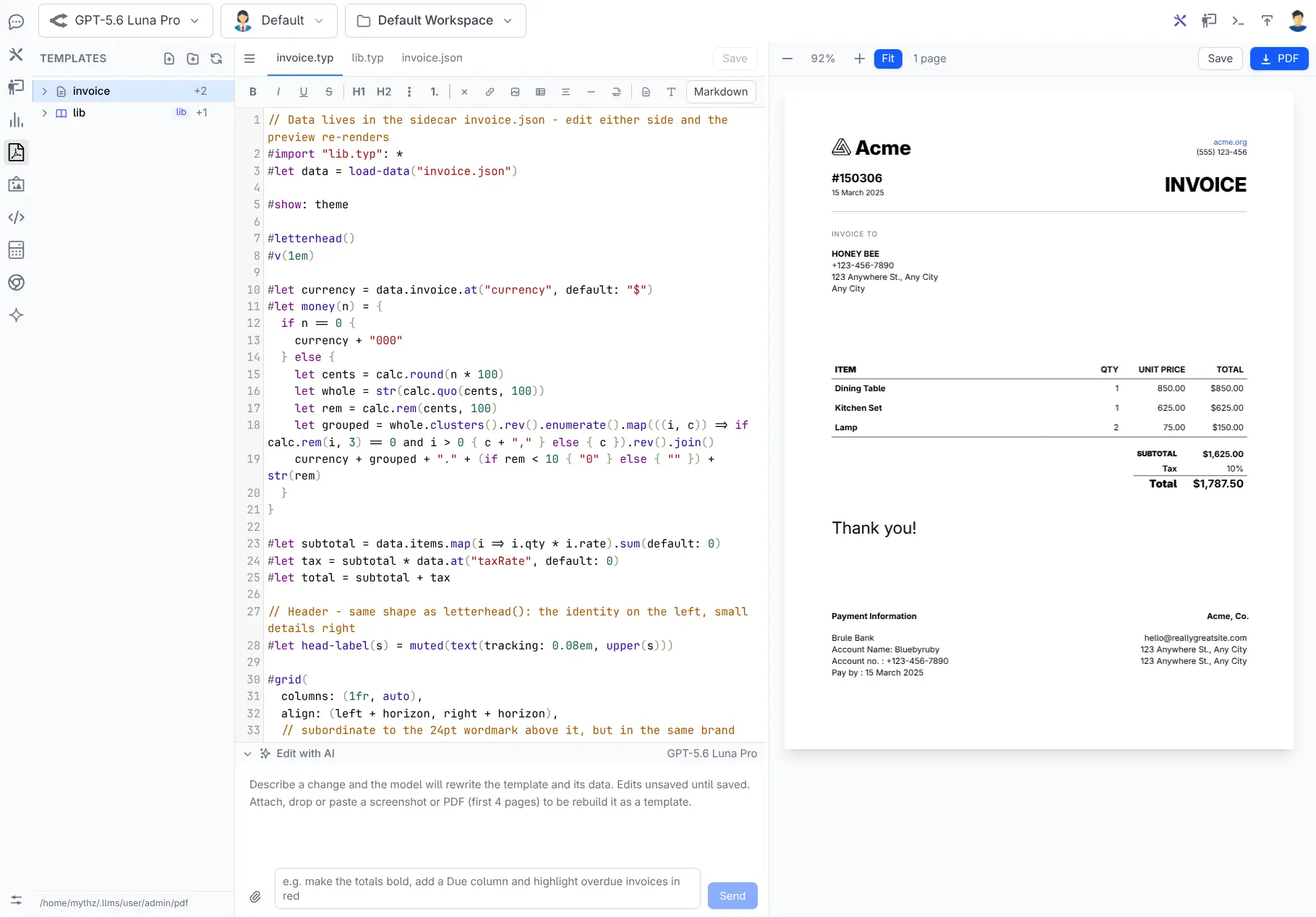
Rendered by typst
Plain-text templates that compile fast and express precise typography, tables and page structure.
Data-driven, not baked in
A JSON Schema contract sits beside every template, with named fixtures that must render before it can be published.
Typed end to end
Generate strongly typed C# models from the schema, so document design and application code share a compile-time contract.
A versioned design system
Shared fonts, colors and components live in lib/v1.typ, so a
redesign can't reflow every historical document.
Edit with AI
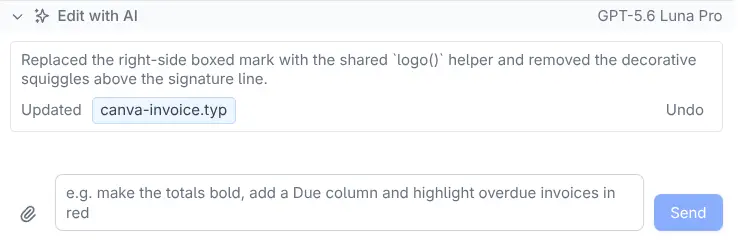
Describe the change in English. The model gets the current template, its data and any referenced partials, and Studio compiles what it returns immediately - with a repair pass if it doesn't compile the first time.
Add a Paid watermark when the outstanding balance is zero.
Move the totals into a bordered box and show tax on a separate row.
Reformat this as a 4×6 shipping label with no page margins.
AI edits update editor buffers rather than committing files, so experimentation stays reversible.
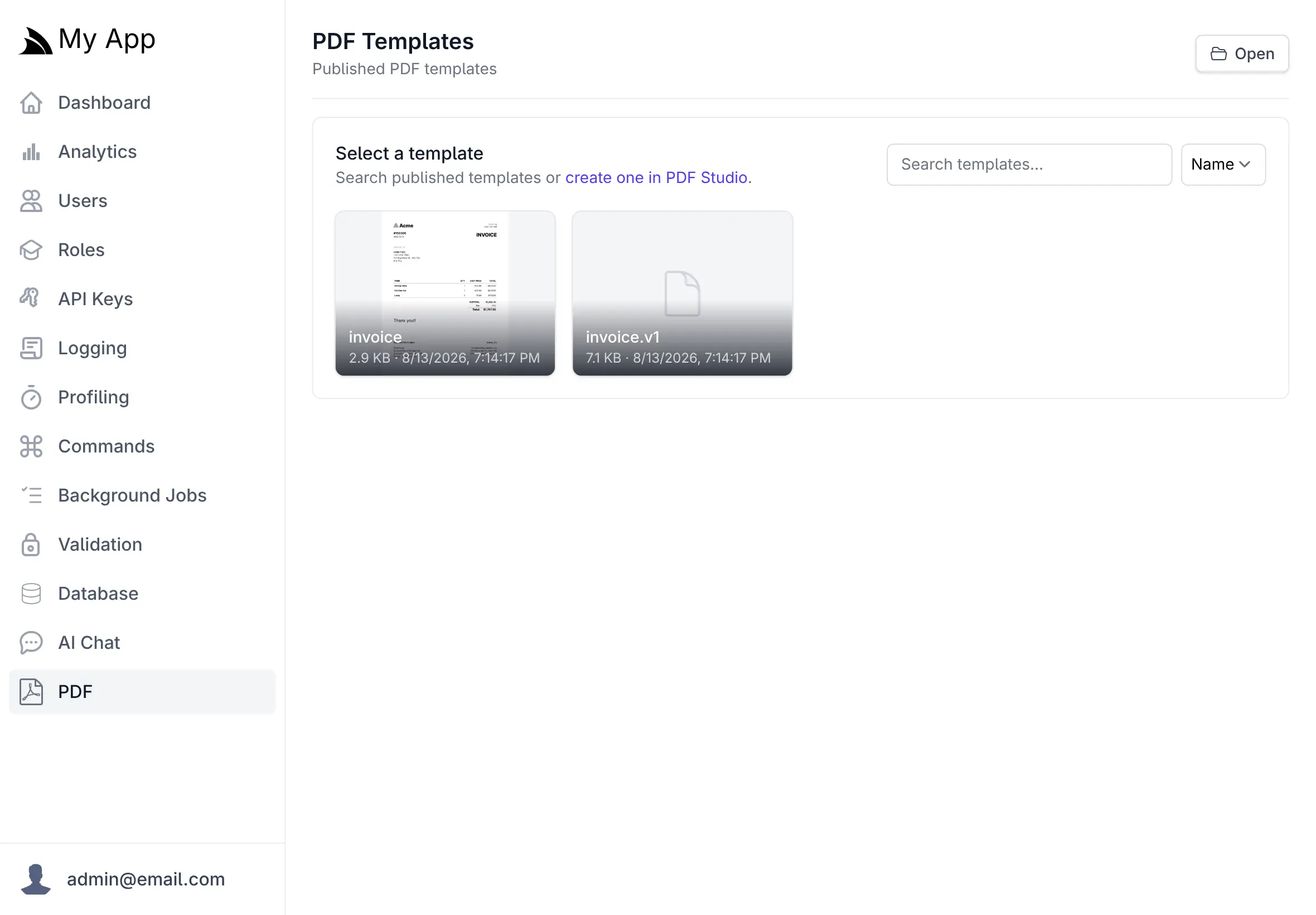
From template to inbox
Publishing validates the template and every fixture, generates the typed model, compiles it all and saves an immutable revision - rolling back if anything fails. Production rendering then needs nothing but typst and the published files.
public class InvoiceServices(IPdfRenderer pdf) : Service
{
    public async Task<object> Any(GetOrderInvoice request)
    {
        var order = await Db.LoadSingleByIdAsync<Order>(request.Id);
        return await pdf.PdfResultAsync(MapToInvoice(order),
            $"Invoice-{order.InvoiceNo}.pdf");
    }
}Specialization
Profiles, skills and safe working boundaries
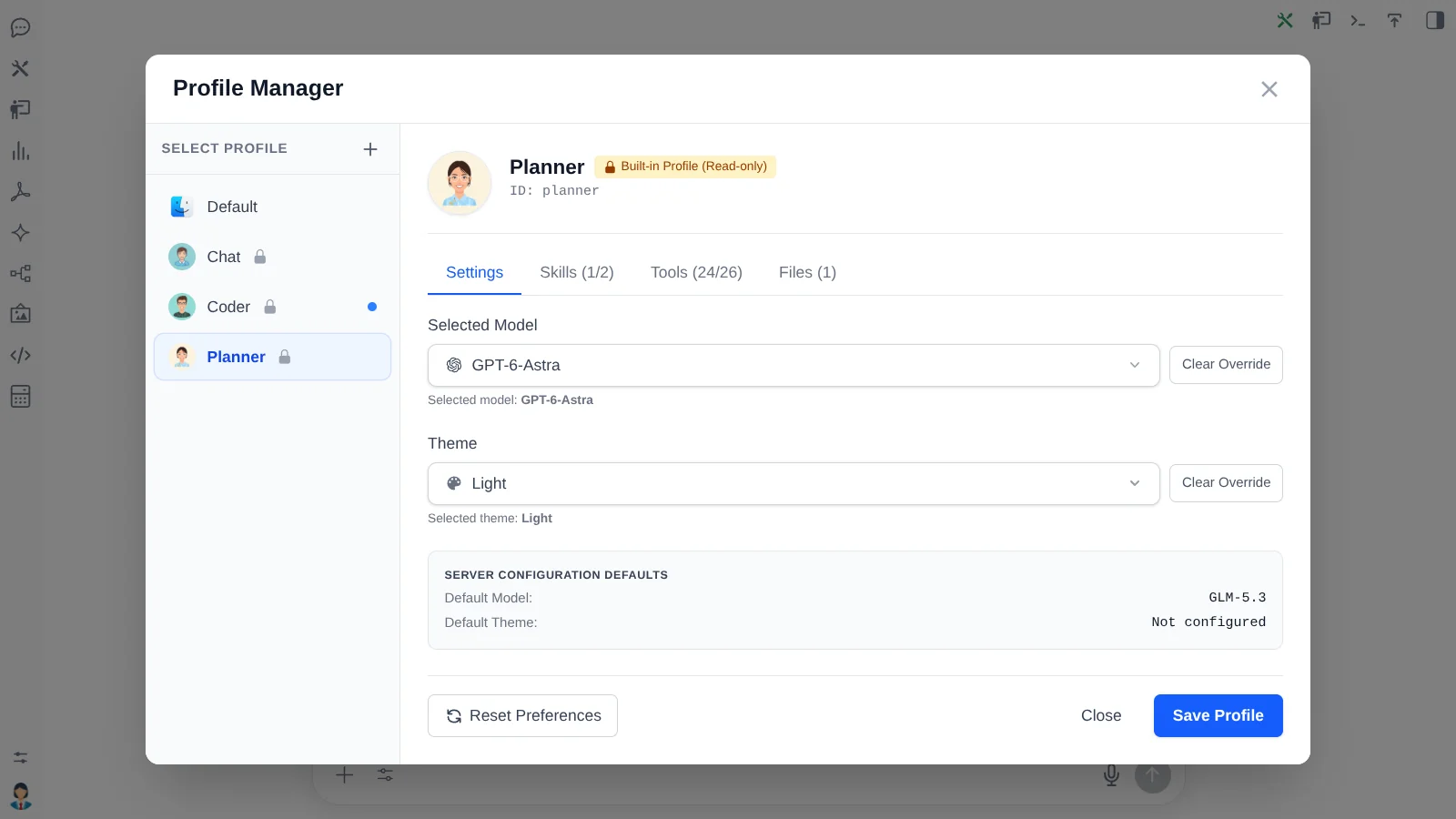
One system prompt can't be right for every task. Package a model, prompt, theme, allowed tools and allowed skills into a named assistant - then give it a workspace it can't escape.
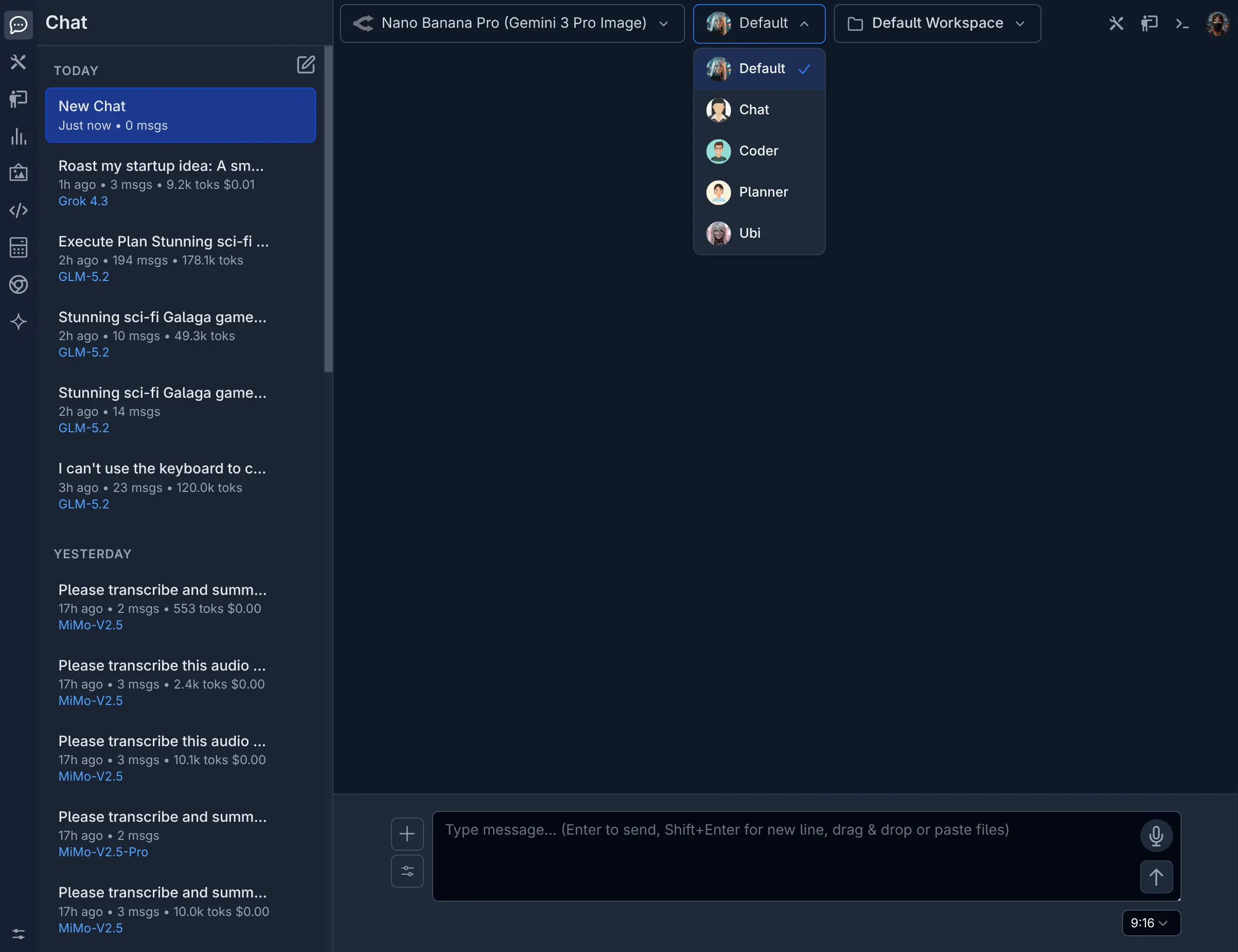
Agent Profiles
Support Assistant, Policy Analyst, Release Planner - governed job descriptions, each with only the context and capabilities its role needs.
Reference →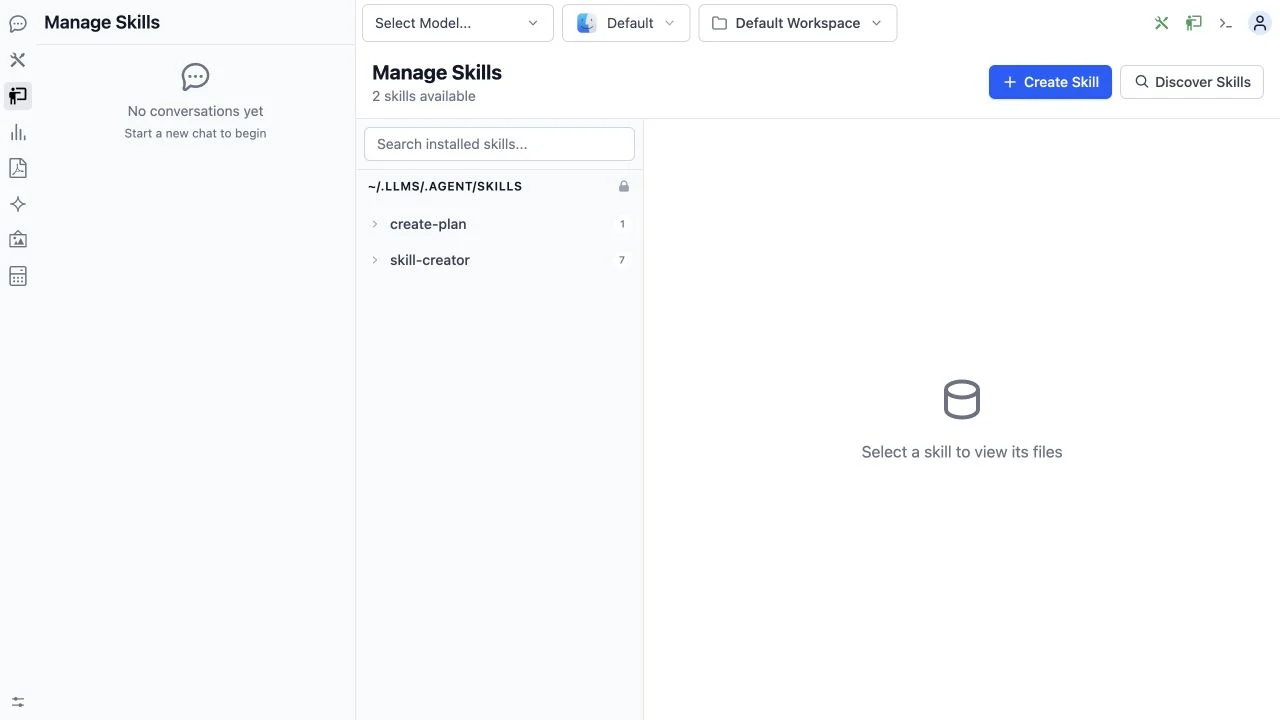
Skills
Procedures a Model loads only when relevant - incident response, onboarding, code review - keeping prompts small and specialists specialized.
Reference →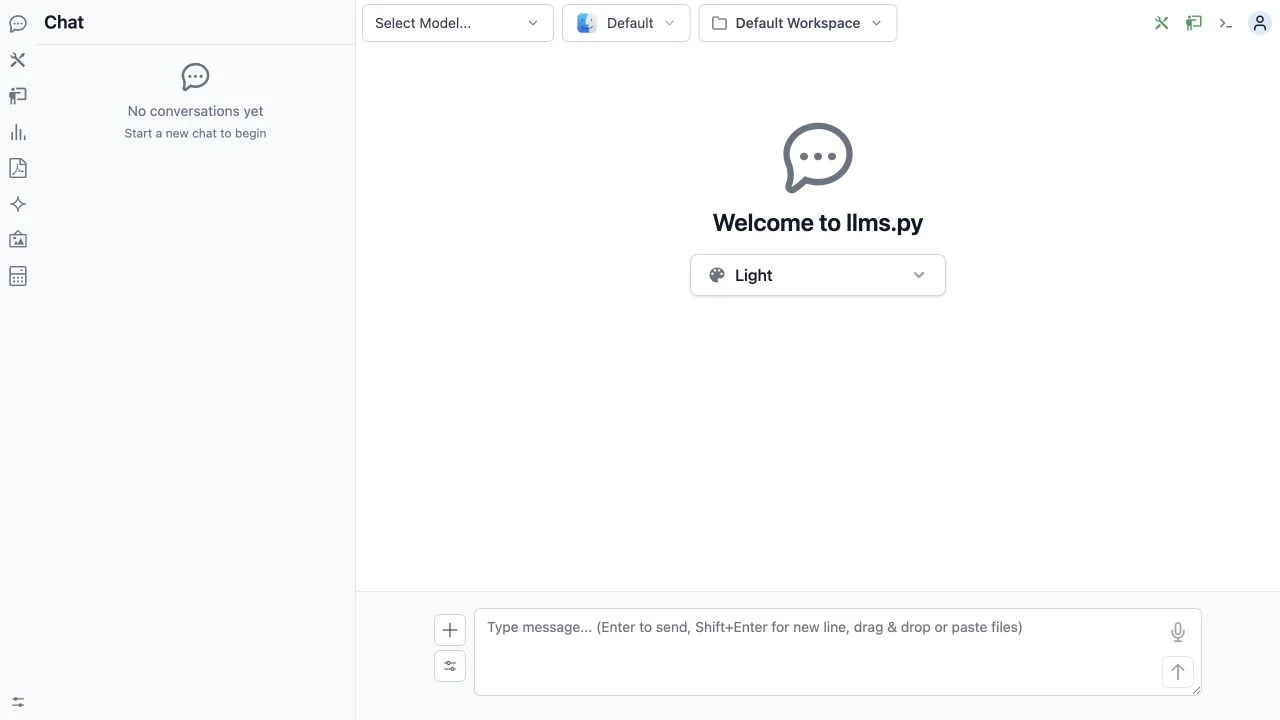
Projects
A per-user workspace that defines exactly which directories filesystem and code tools may touch. Capable Agents, without ambient server access.
Reference →Operated, not just installed
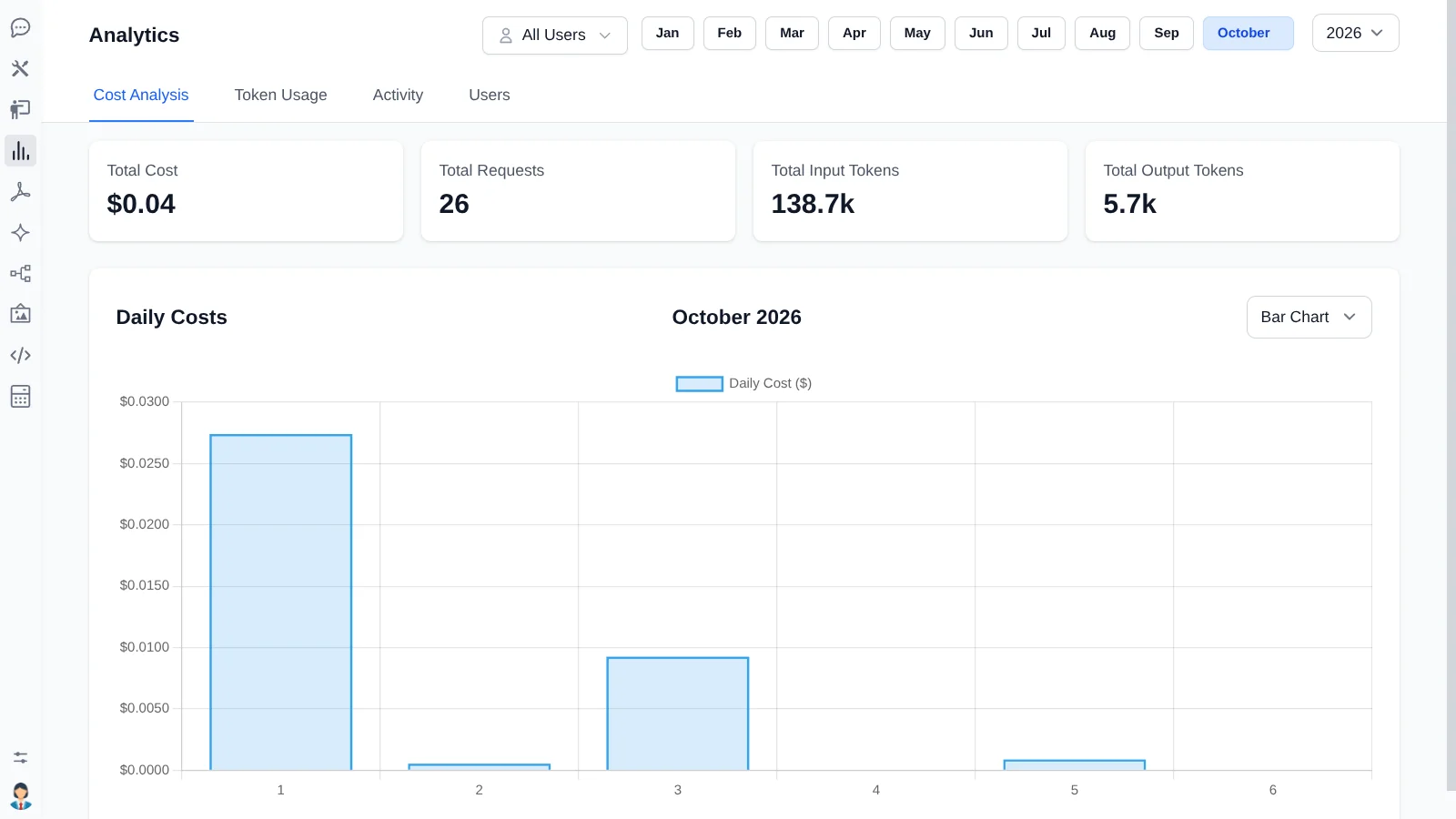
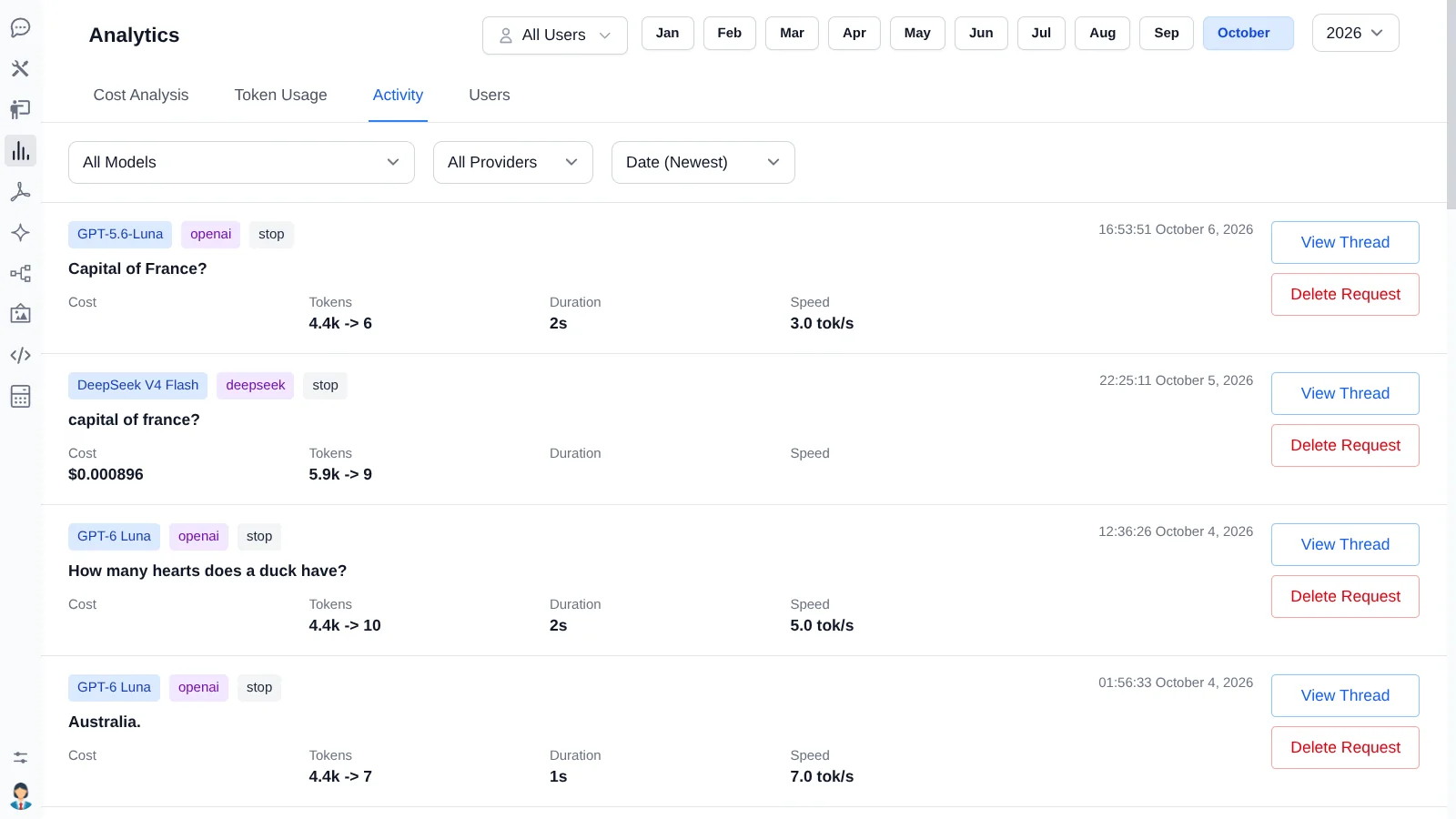
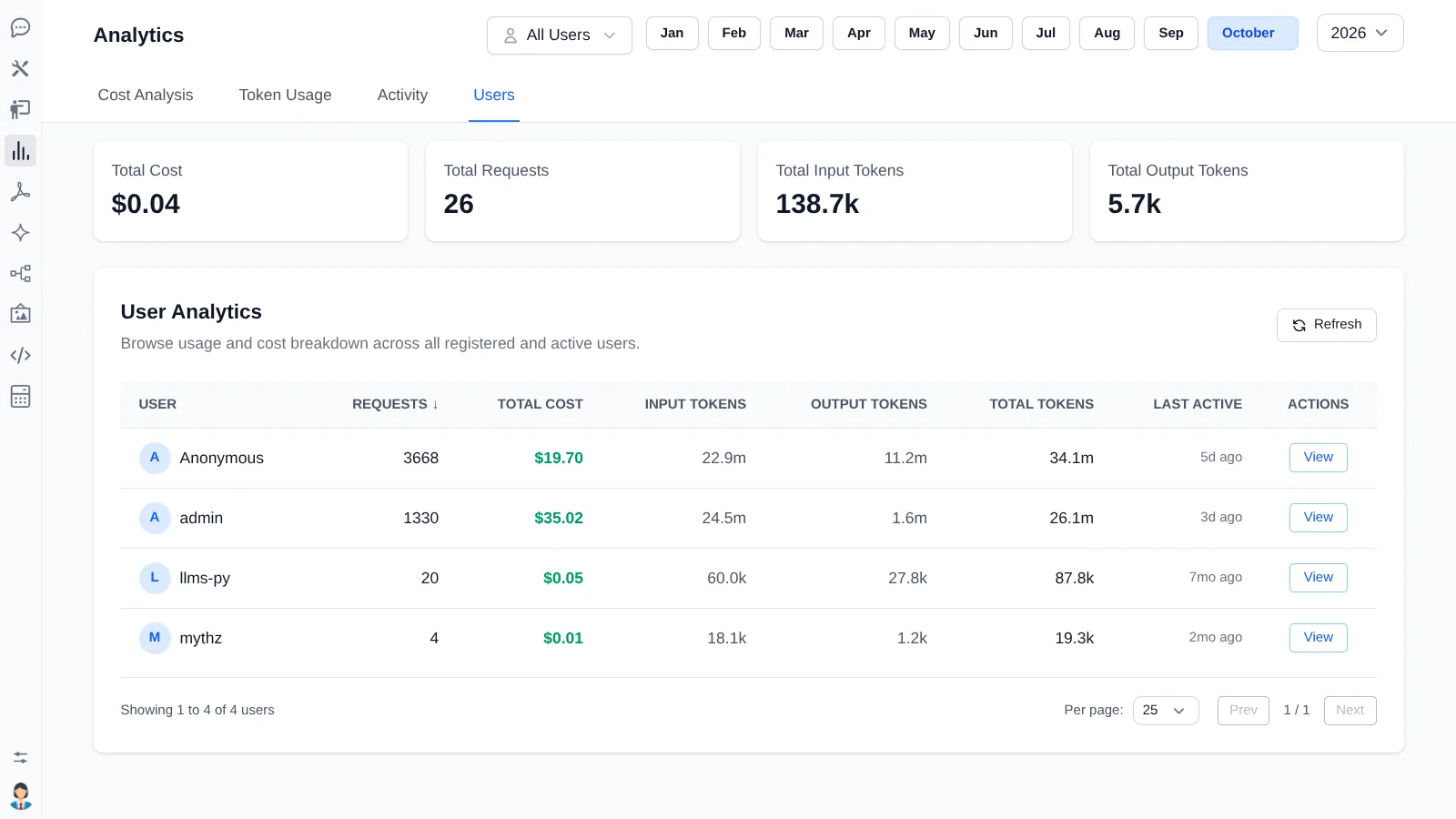
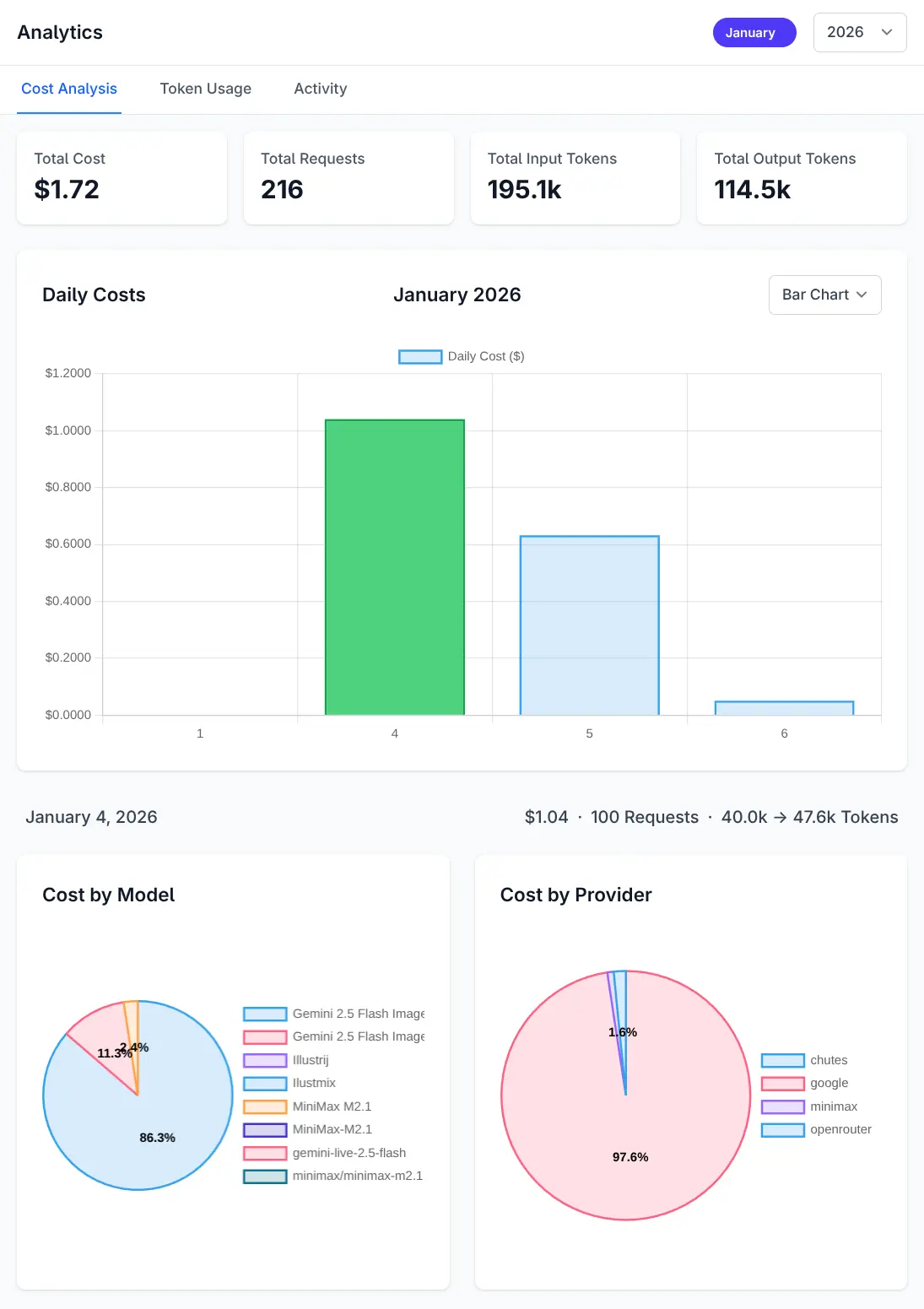
Know what it costs before the invoice does
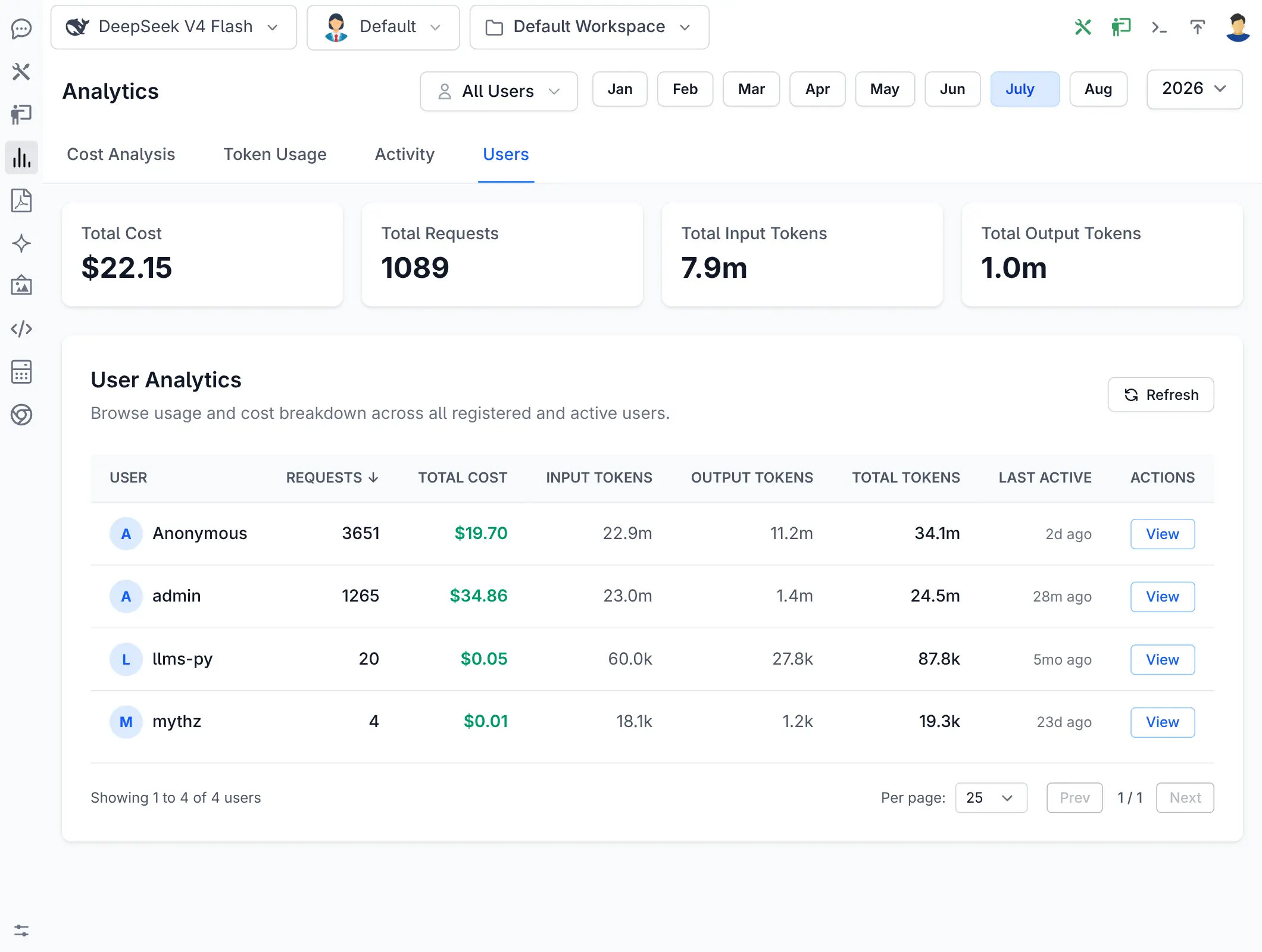
Every completion records provider, model, tokens, duration and cost into your own database - queryable with OrmLite, reportable from the Admin UI, and enforceable as a quota.
And the rest of it
Everything below ships as a separately installable extension you can disable from one line of config.
Text, image & audio
Image and audio generation, speech synthesis and voice-to-text, with everything generated recorded in a browsable media gallery. Reference
Modular by design
19 built-in extensions, each owning its own routes, tools, tables and UI components - and replaceable by your own. Reference
Your own tools
Register a ServiceStack Command as a tool and its request type becomes the JSON Schema the Model reads. Reference
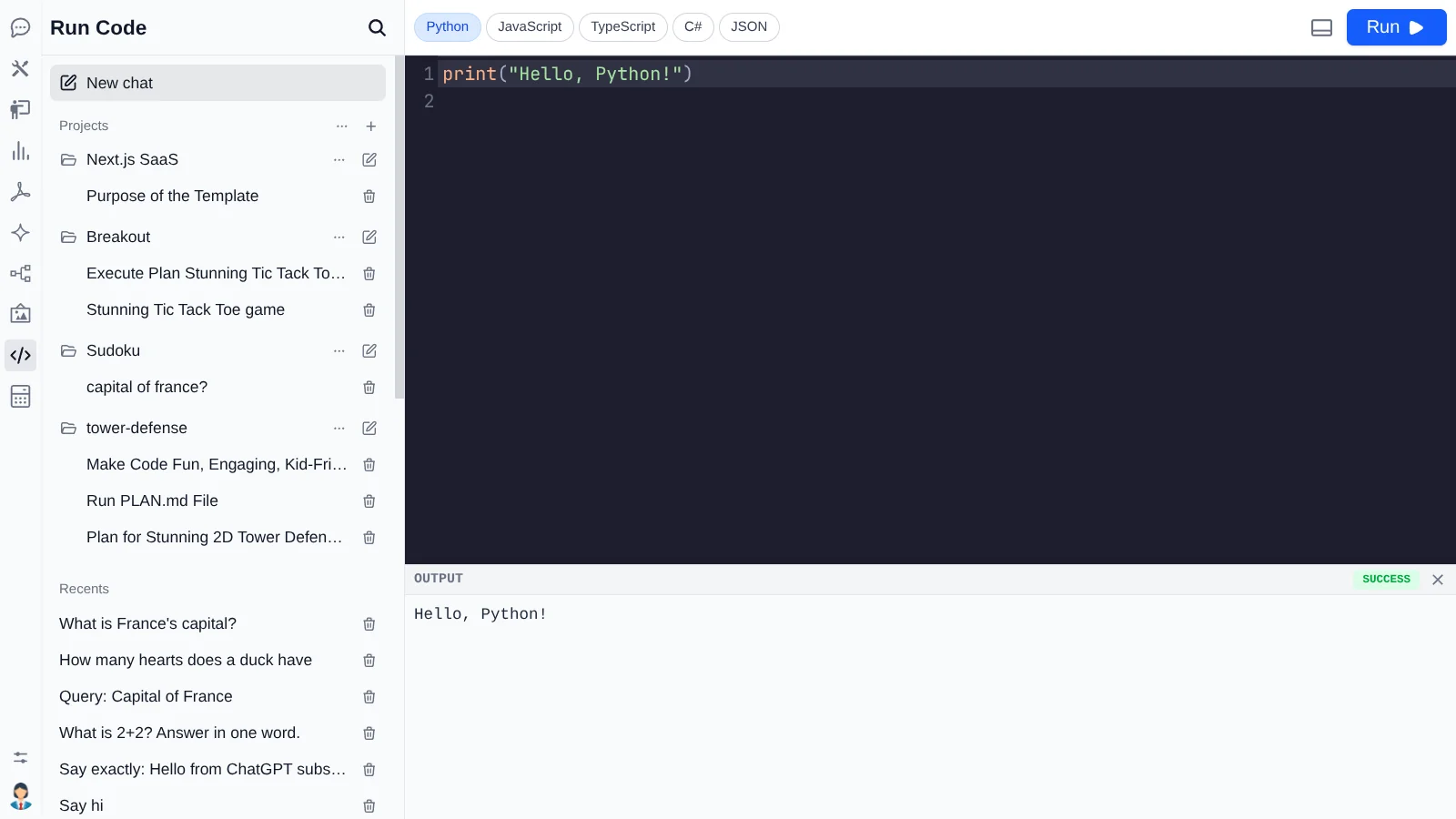
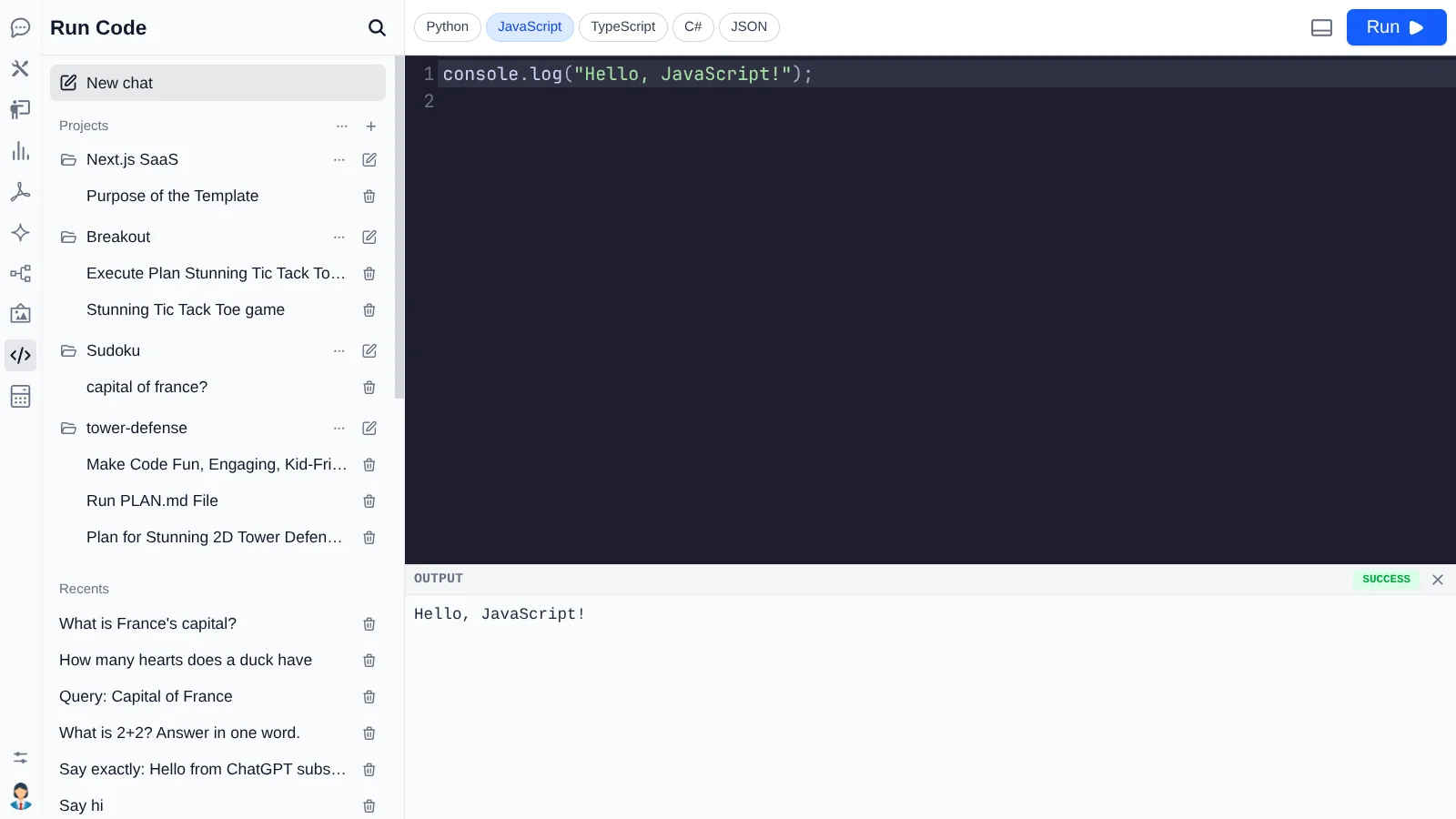
Code execution, opt-in
Filesystem and run_bash tools stay off until you turn them
on, and only reach configured directories. Reference
OpenAI-compatible API
POST /v1/chat/completions plus an in-process
IChatClient running the same pipeline.
Reference
Your database
Threads, requests and media are ordinary OrmLite tables in your App's database. Nothing is held by a vendor. Reference
Add it to an App you already have
One command adds the package, registers ChatFeature and
PdfFeature, and writes a starting configuration you can edit.
Set an API key for at least one provider, run your App and open /chat.
Your existing users can sign in immediately.