Describe the PDF. Ship the C# class.
Design documents in plain English against a live preview, publish them to your App, and render them from strongly-typed C# - no binary templates, no Windows-only report designer, no AI at runtime.
PDF Studio overview
Design and ship dynamic PDFs
See how PDF Studio turns natural-language instructions into polished Typst templates that you can preview, refine, publish and render from strongly typed C# APIs.
End-to-end walkthrough
From visual reference to typed PDF API
Follow a certificate from design-time visual reconstruction through editable Typst and JSON, a validated publish, generated C# models, and deterministic runtime rendering with no AI in the request path.
Built on typst
A format the models already know
typst is a modern typesetting language with a fast Rust compiler and enough public source for LLMs to write it fluently. That combination is what makes "add a payment status badge and highlight overdue rows in red" a workable instruction instead of a wish.
Documents as source code
Plain text you can diff, review in a PR and track in git - not a binary Word file someone edits by hand.
One fast binary
A Rust compiler renders the true PDF in milliseconds. No headless browser that lays out differently on every machine.
AI writes it well
Models handle typst fluently, so most documents are a few plain-English prompts rather than a layout project.
Pixel-identical, every time
The same template renders one customer or ten thousand, and each PDF comes out the same as the preview.
PDF Studio
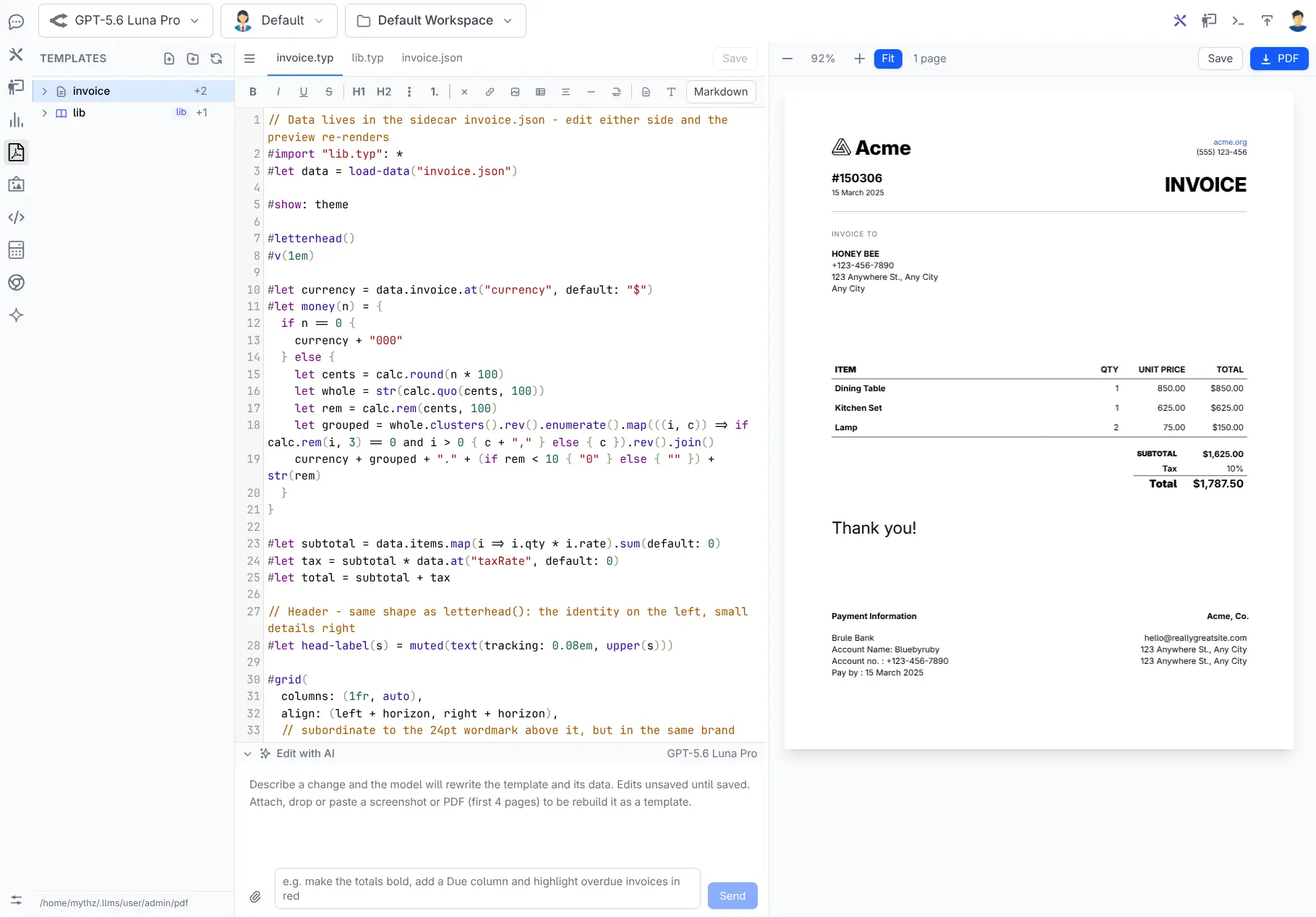
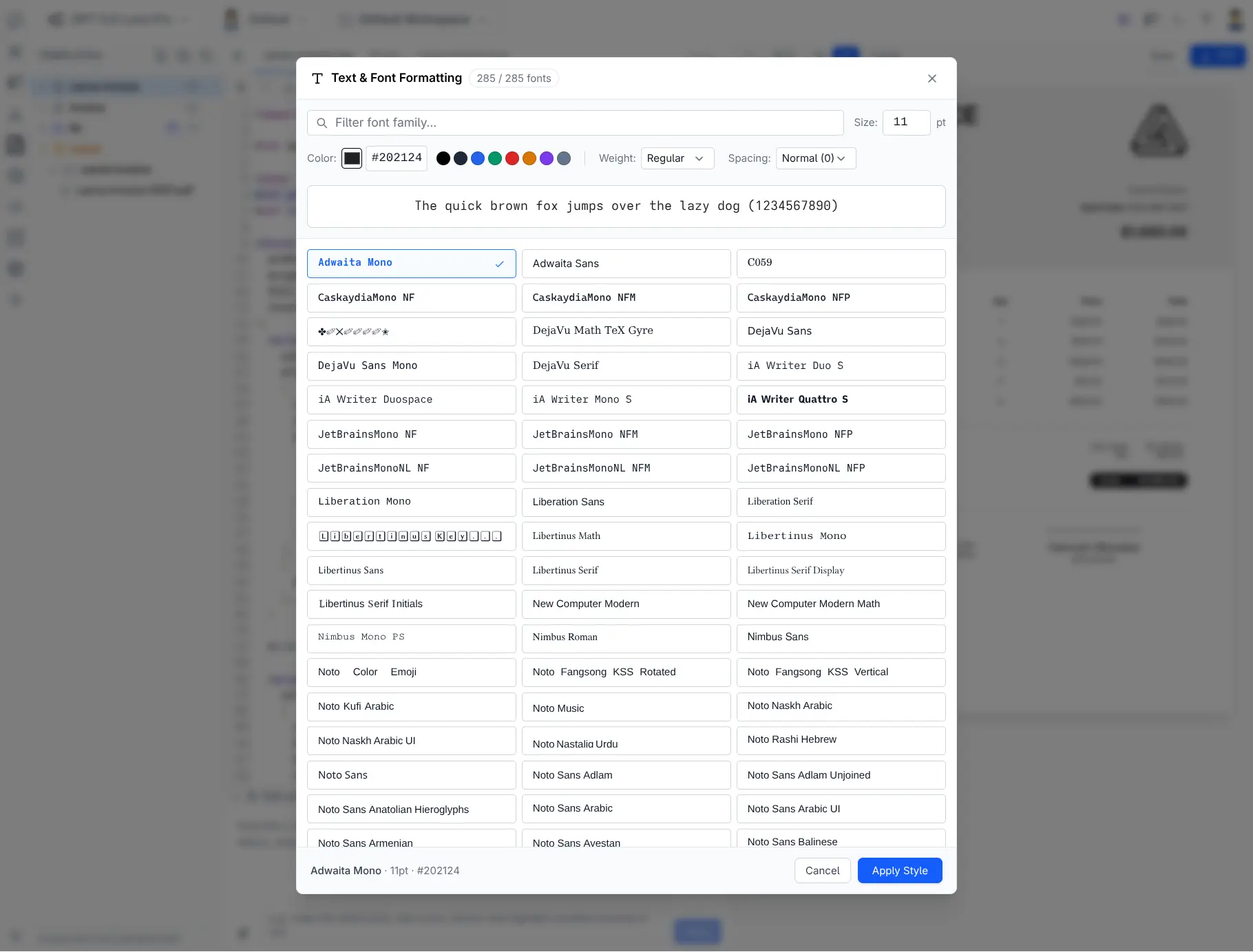
Create and edit with text prompts
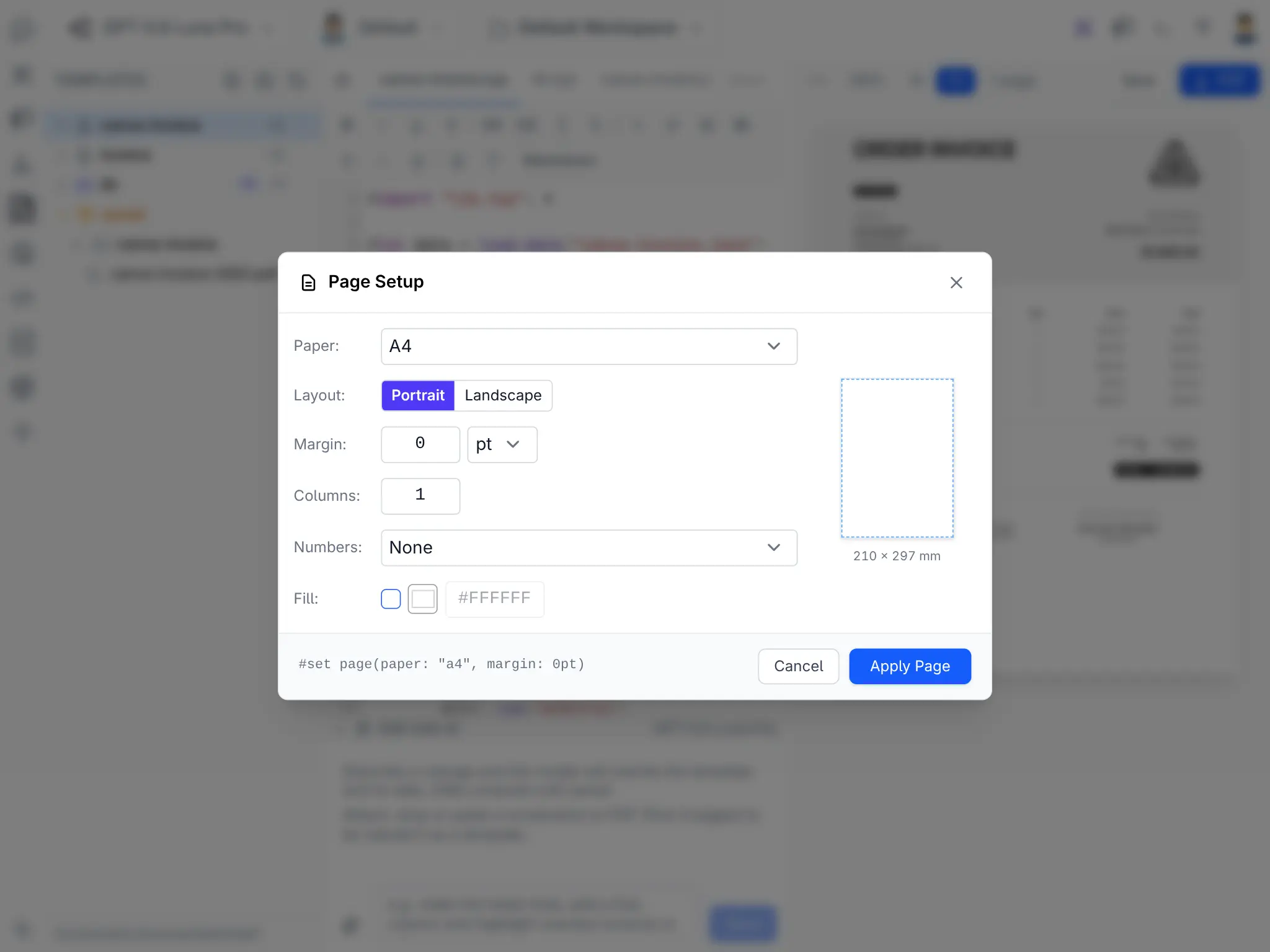
Template on the left, the real compiled PDF on the right, re-rendering as you type.
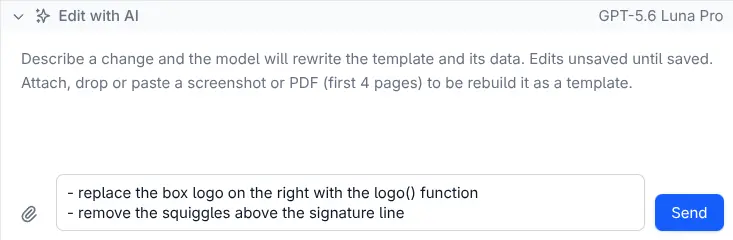
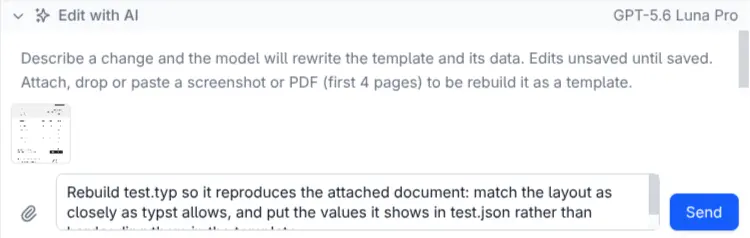
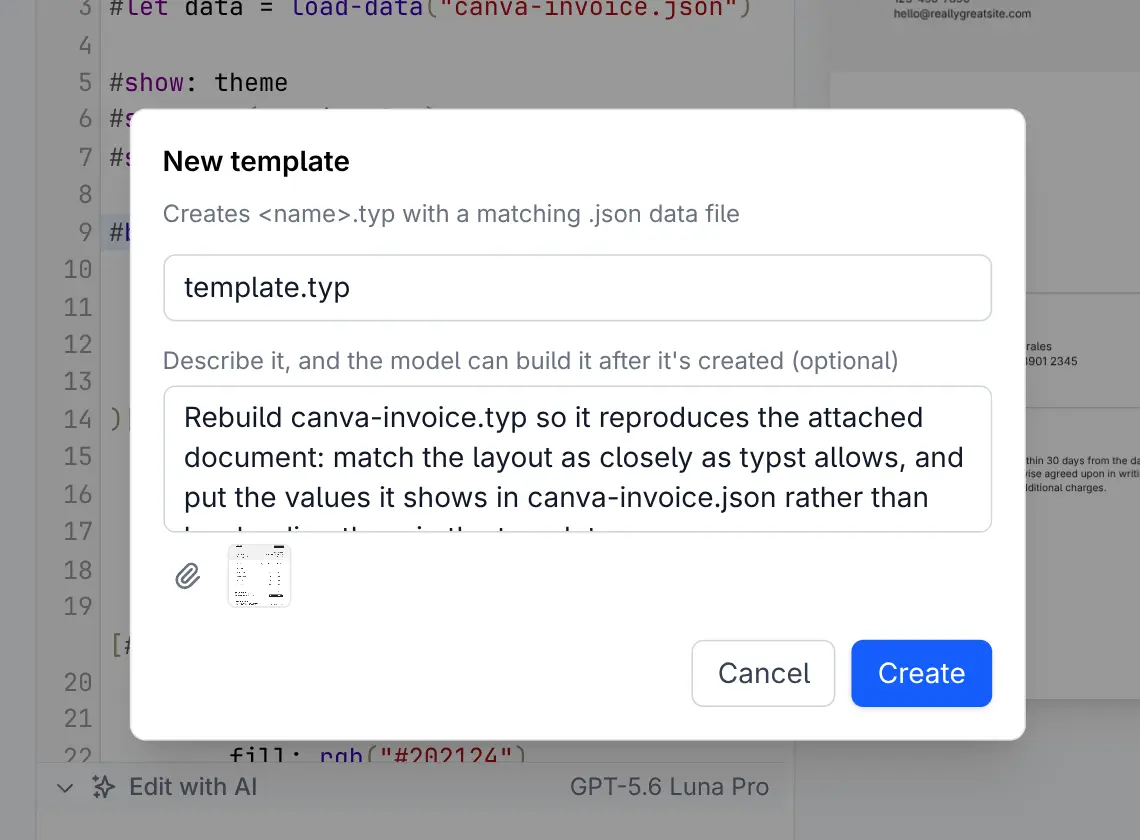
- Rebuild what you already send - attach a screenshot or an existing PDF and get a template plus its data model back
- Or start from nothing - describe the document and let the model draft it
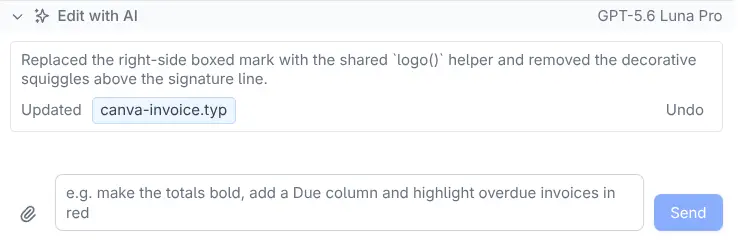
- Errors heal themselves - compile diagnostics are fed back for up to 3 repair passes before you ever see them
- Undo is a button - revert cleanly to the pre-prompt state when a change doesn't land

Data-driven
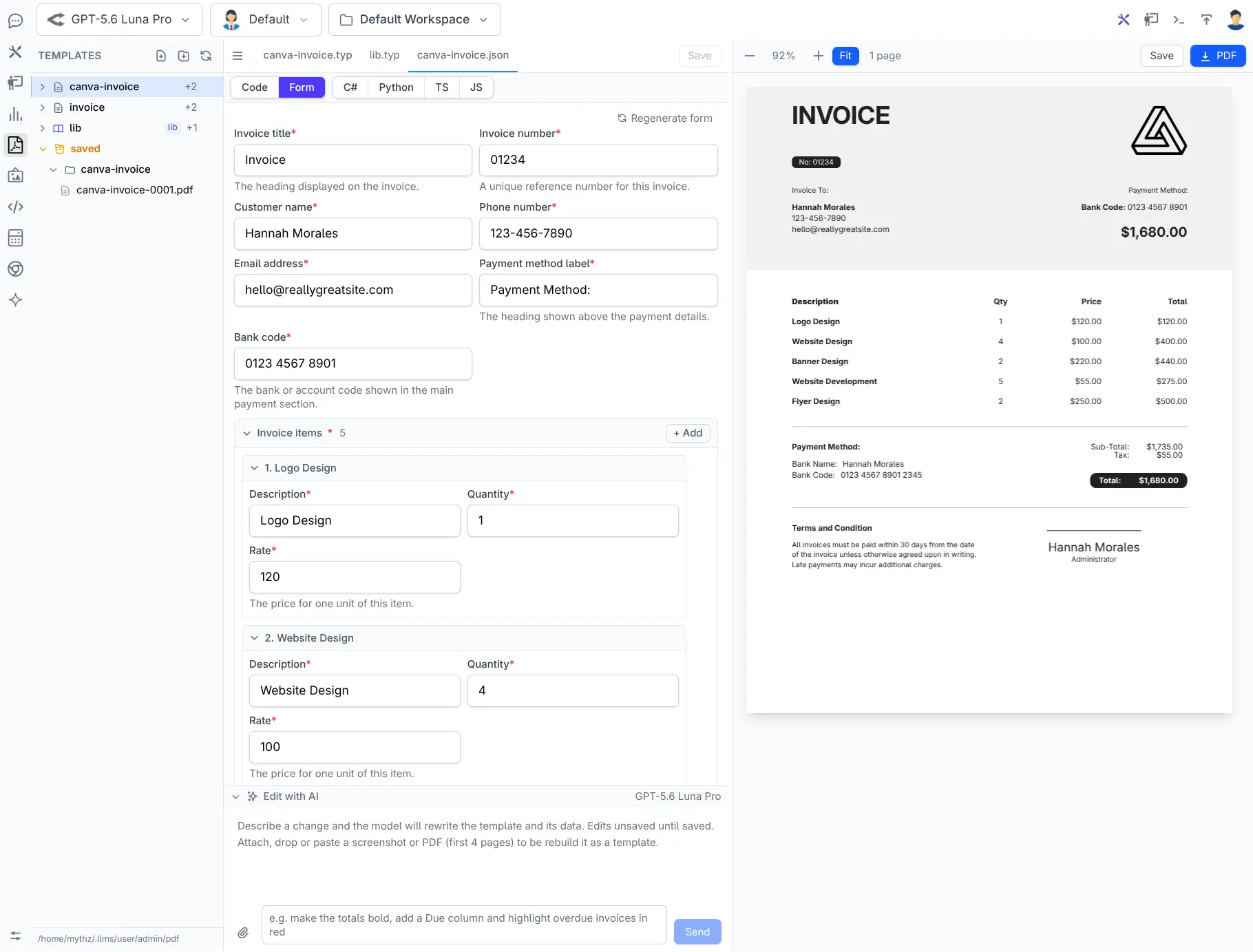
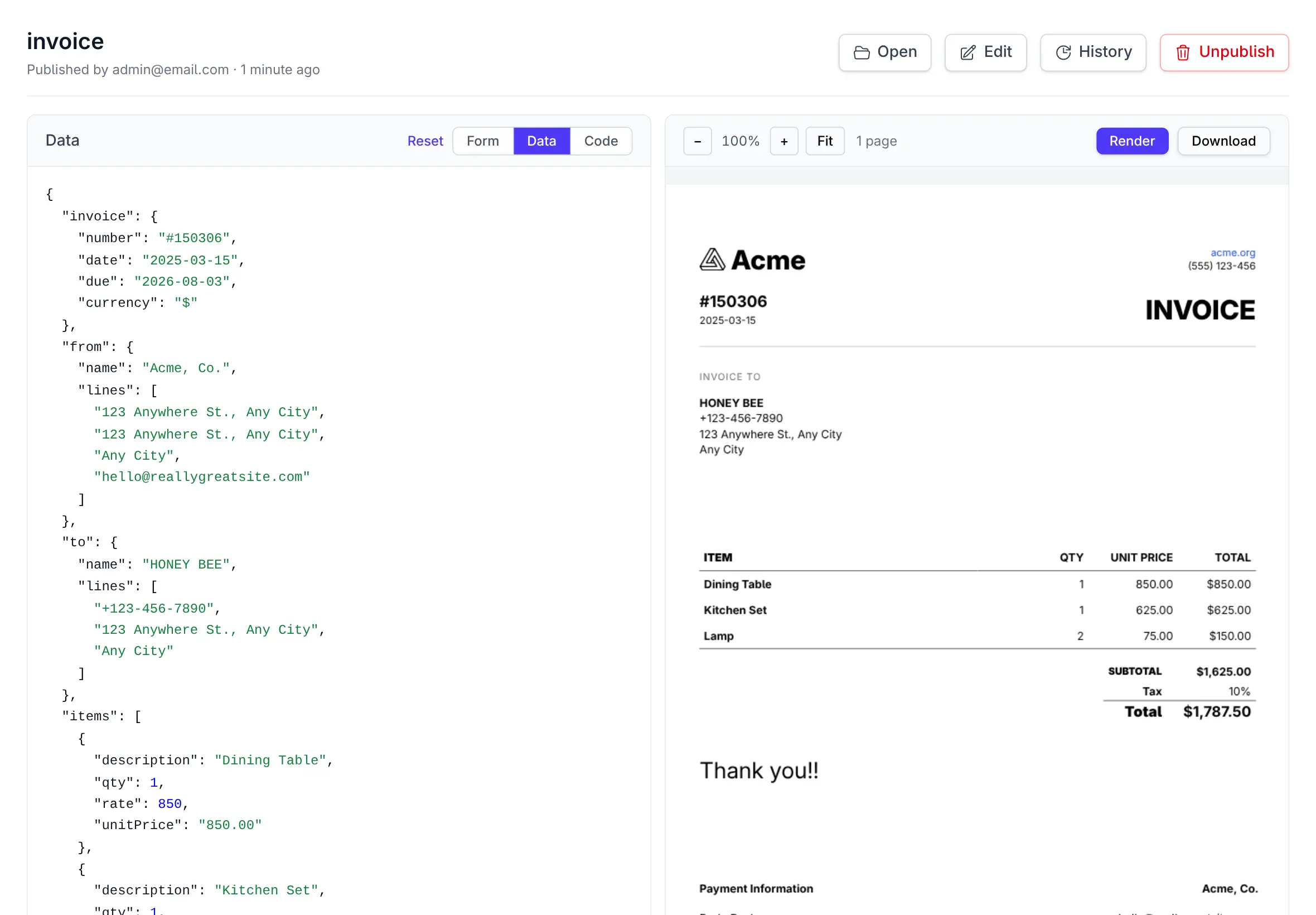
The layout is the template. The content is JSON.
Every template has a .json
sidecar holding its data, and a .ui.json
JSON Schema describing the shape of it. That separation is what lets your App render the same design
with its own data - one customer or ten thousand.
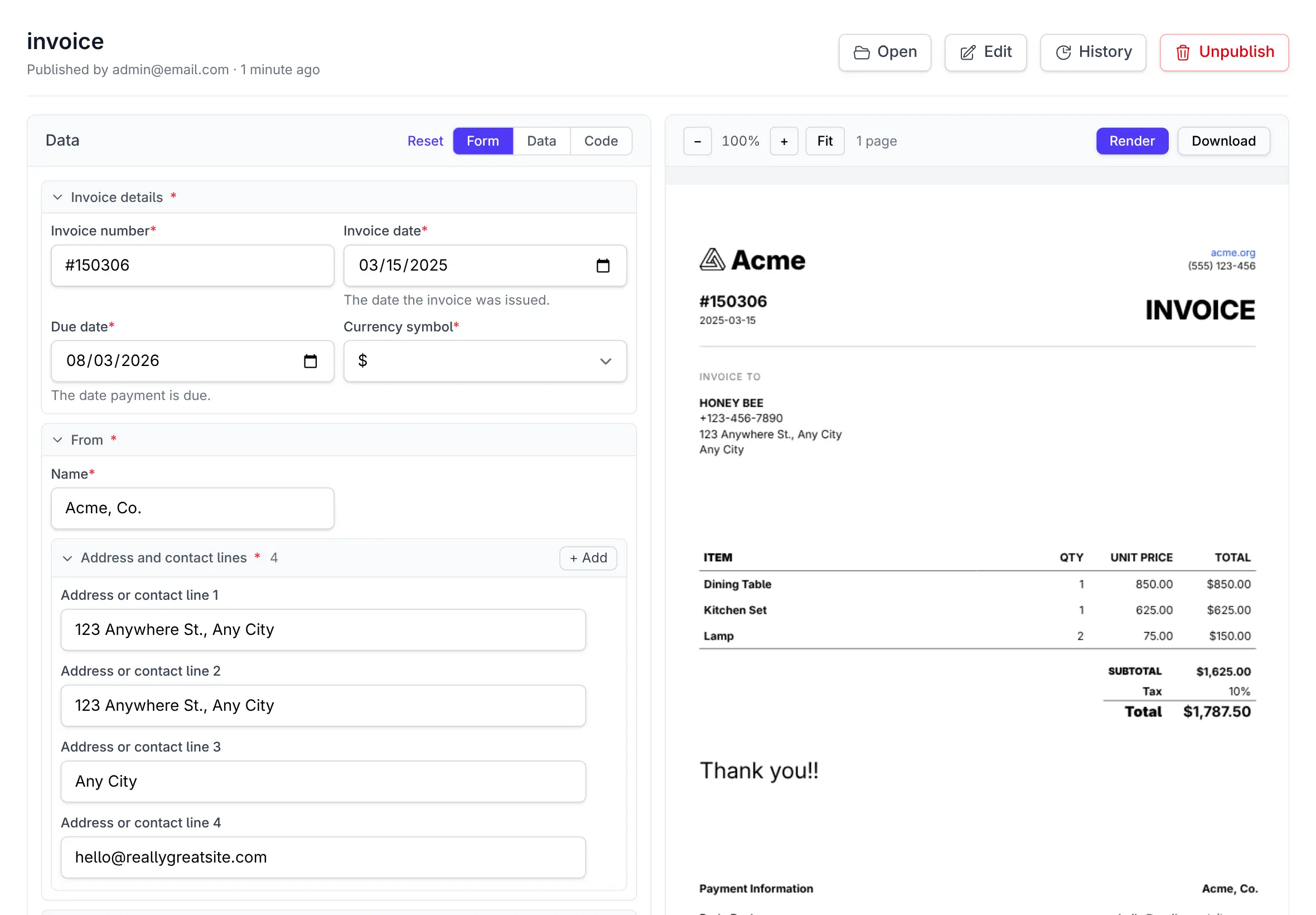
- Edit as raw JSON, or through a form generated from the schema
- Labelled fields, date pickers, enum dropdowns, add/remove rows for line items
- No schema yet? Generate one from the sample data with a click
- Either way the preview re-renders as you edit
One shared library, every document
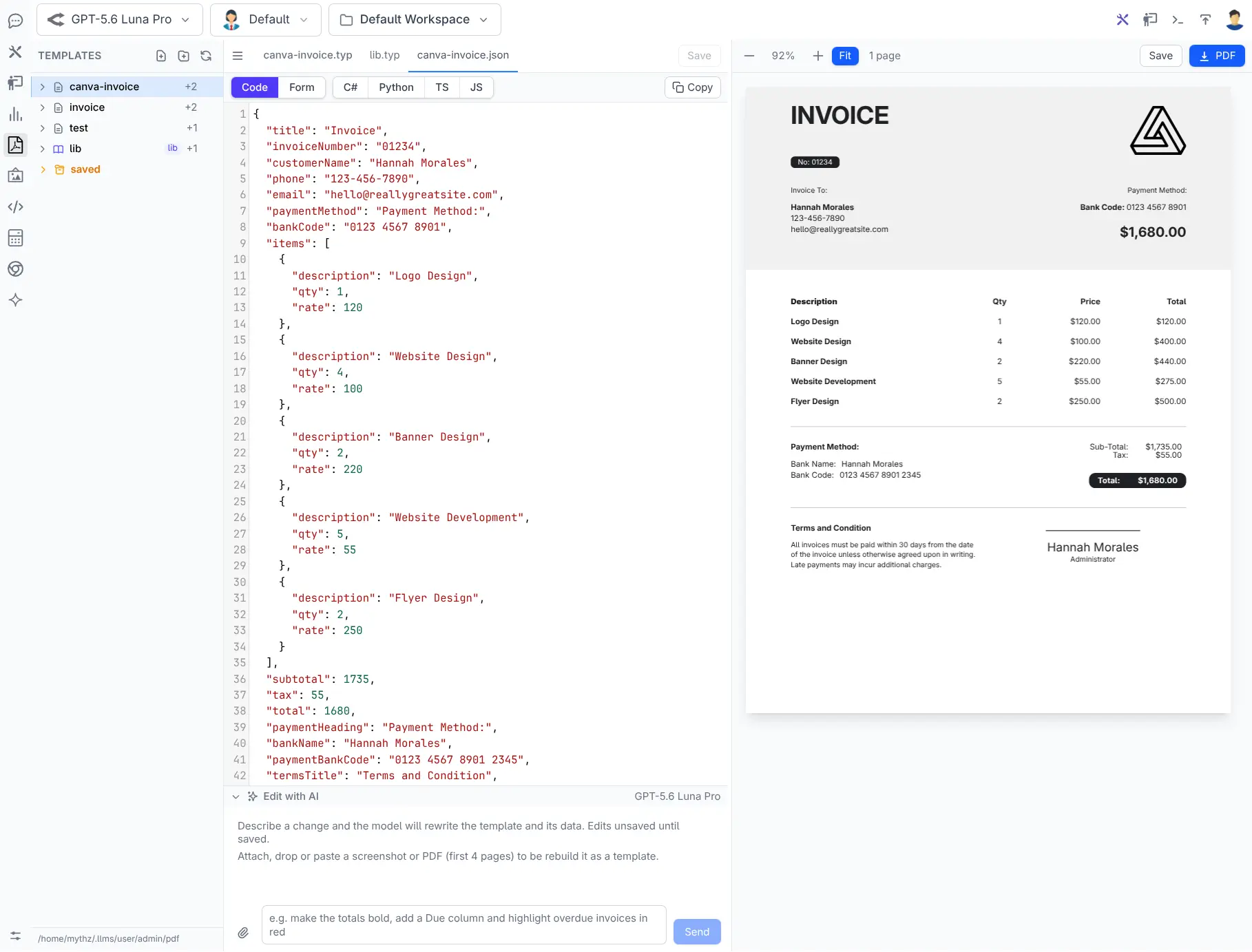
Brand colours, typography, headers, footers and helpers like
#money() live in a shared
lib.typ every template imports.
Restyle every document your App produces by editing one file - and
lib.preview.typ renders every
component it defines on one page, so you can see the whole design system update as you change it.
Typed, not stringly
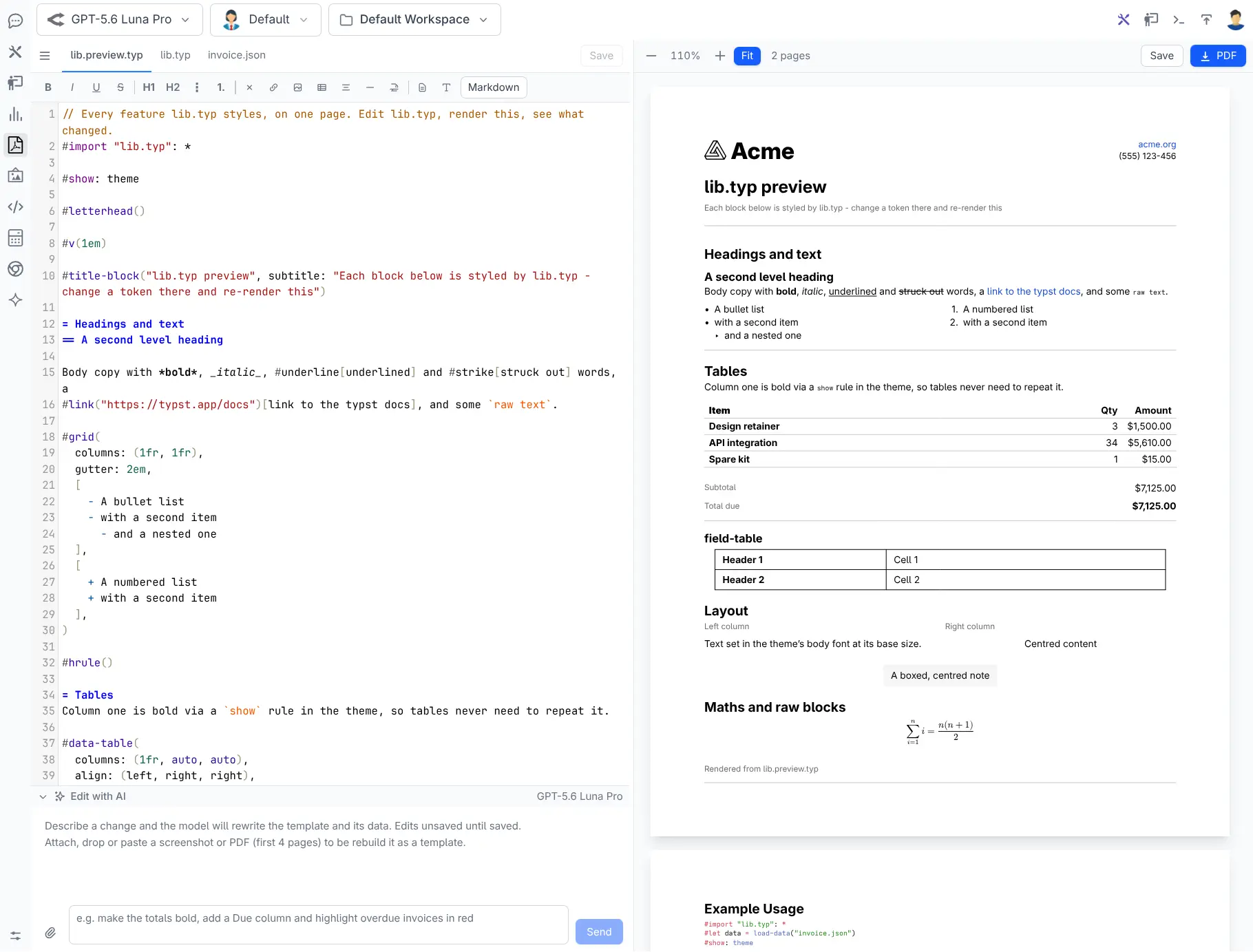
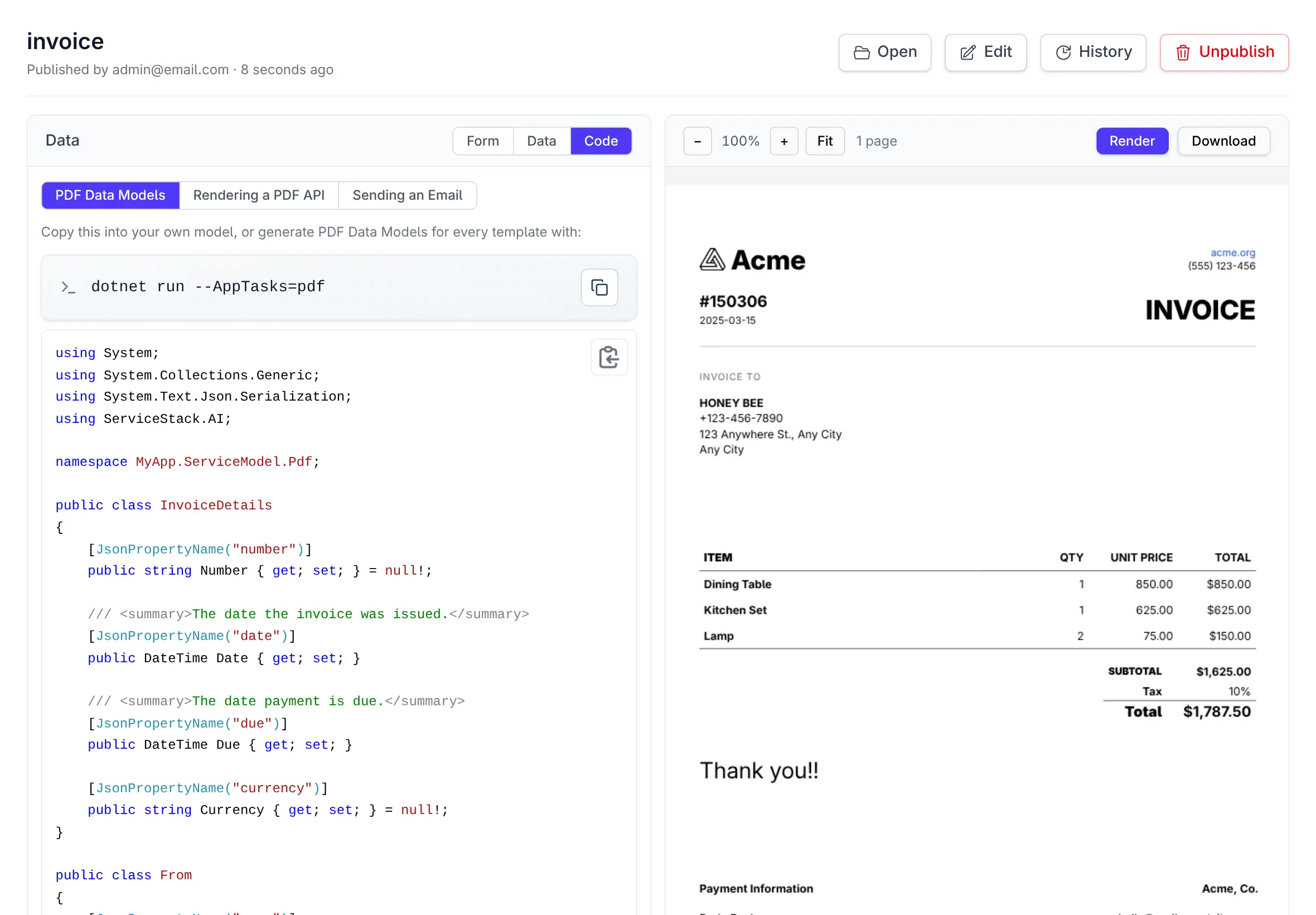
JSON Schema in, C# classes out
The generator turns a template's schema into real classes - so populating a document is
new Invoice { … } with
compile-time checking, not a dictionary of strings and a hope that the keys match.
-
A class per type, with
[JsonPropertyName],List<T>and non-nullable members -
Schema types carried through -
multipleOf: 0.01becomesdecimal,format: datebecomesDateTime, enums become real enums - Generated locally and instantly - no model call, no network
- Python, TypeScript and JavaScript from the same schema
Generate the whole set into your project
Copying from the UI is fine for one model. For all of them, register an AppTask - the same arrangement as OrmLite Migrations, where writing into your source tree is something you ask for rather than something a running App does. Hand-edited files are skipped, not clobbered.
services.AddPlugin(new PdfFeature {
    PdfCodeGen = new() {
        Namespace  = "MyApp.ServiceModel.Pdf",
        OutputPath = "../MyApp.ServiceModel/Pdf",
    }
});

AppTasks.Register("pdf", _ =>
appHost.GetPlugin<PdfFeature>().GeneratePdfs());generated Invoice.cs
unchanged Receipt.cs
skipped quote (Quote.cs was edited by hand)
/admin-ui/pdf
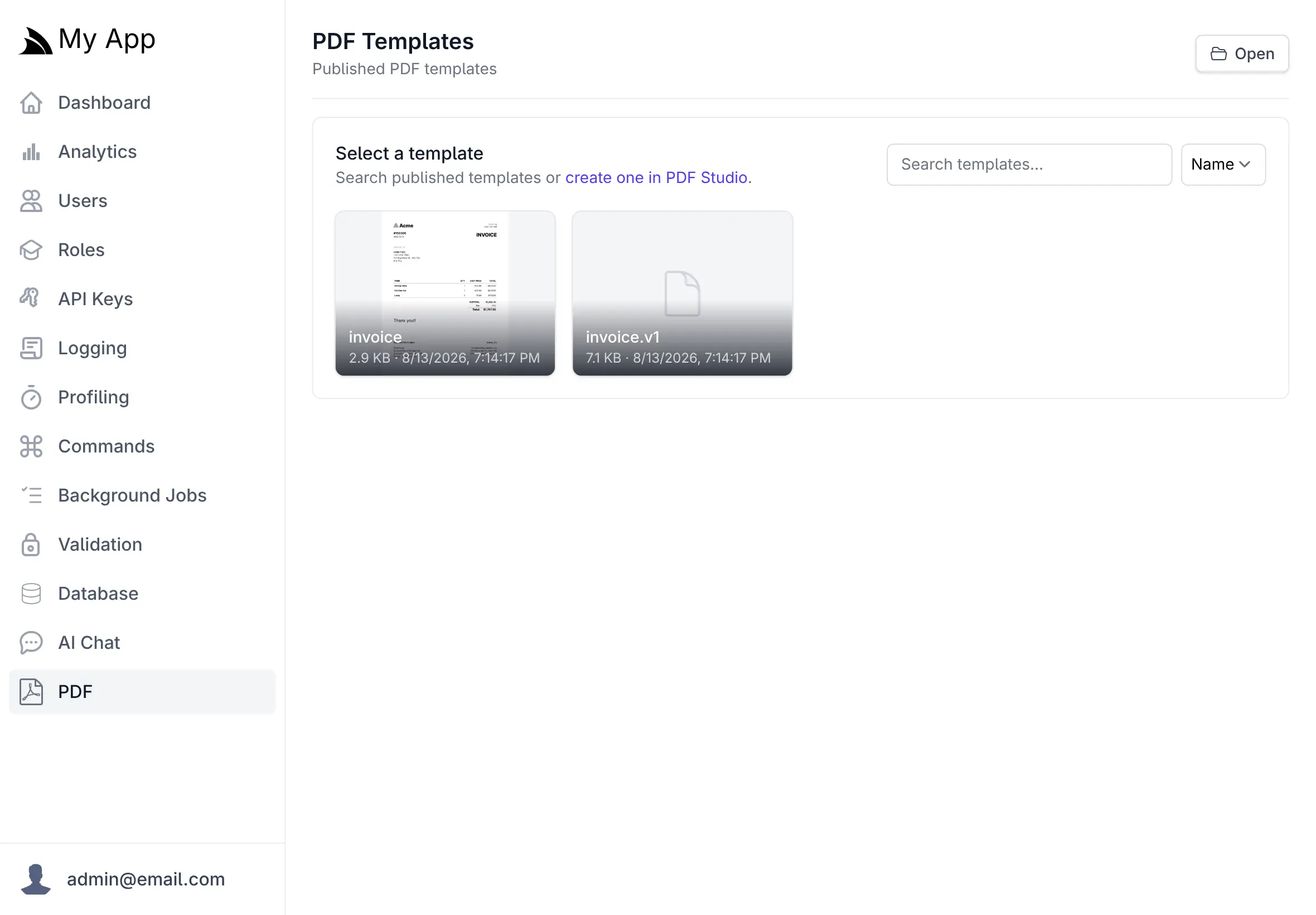
Published templates, live in your App
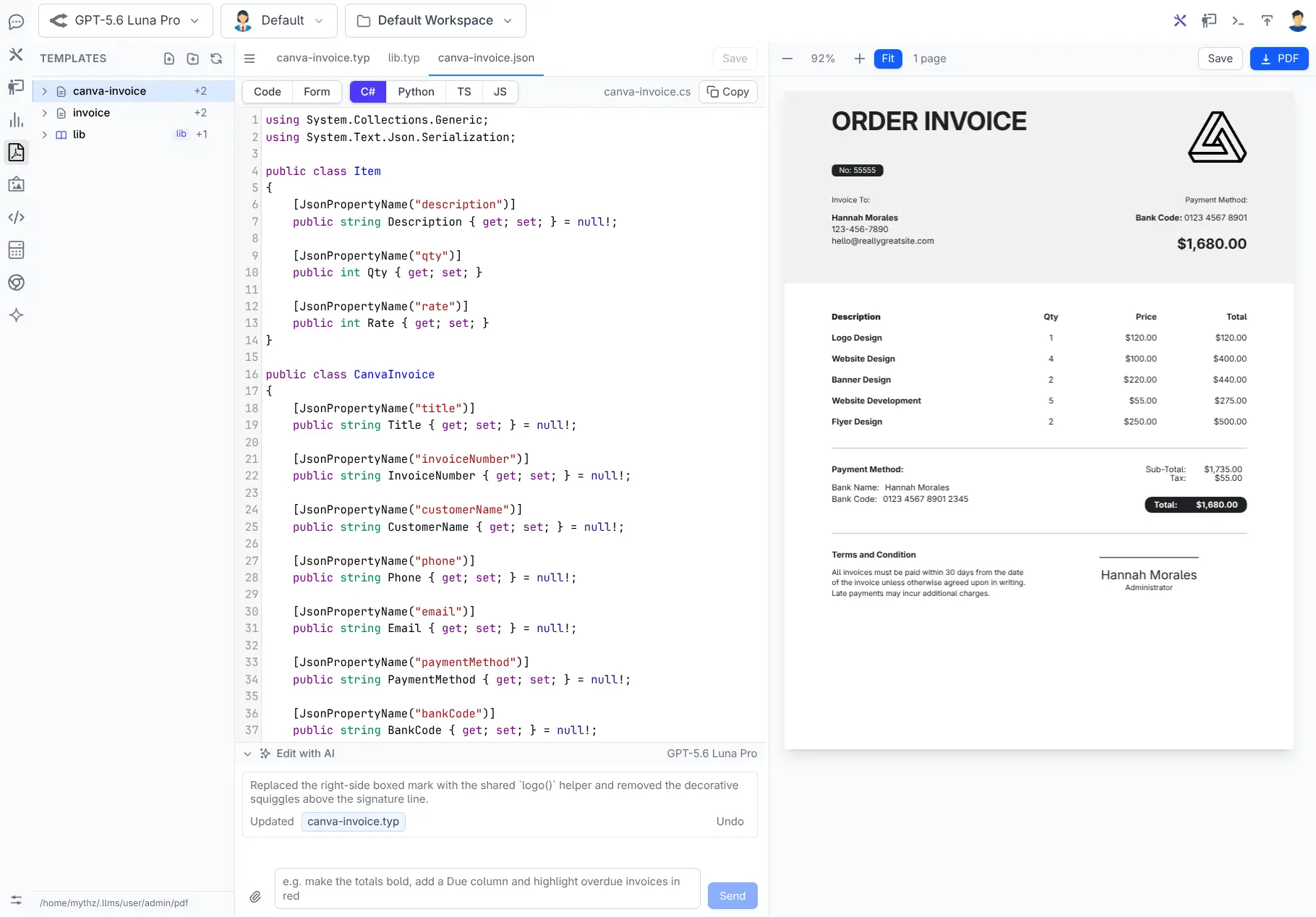
Publishing copies a template into App_Data/pdf
where your App can render it. The Admin UI is where you browse what's published, run a template against
real data with a live preview, and copy the code to use it.
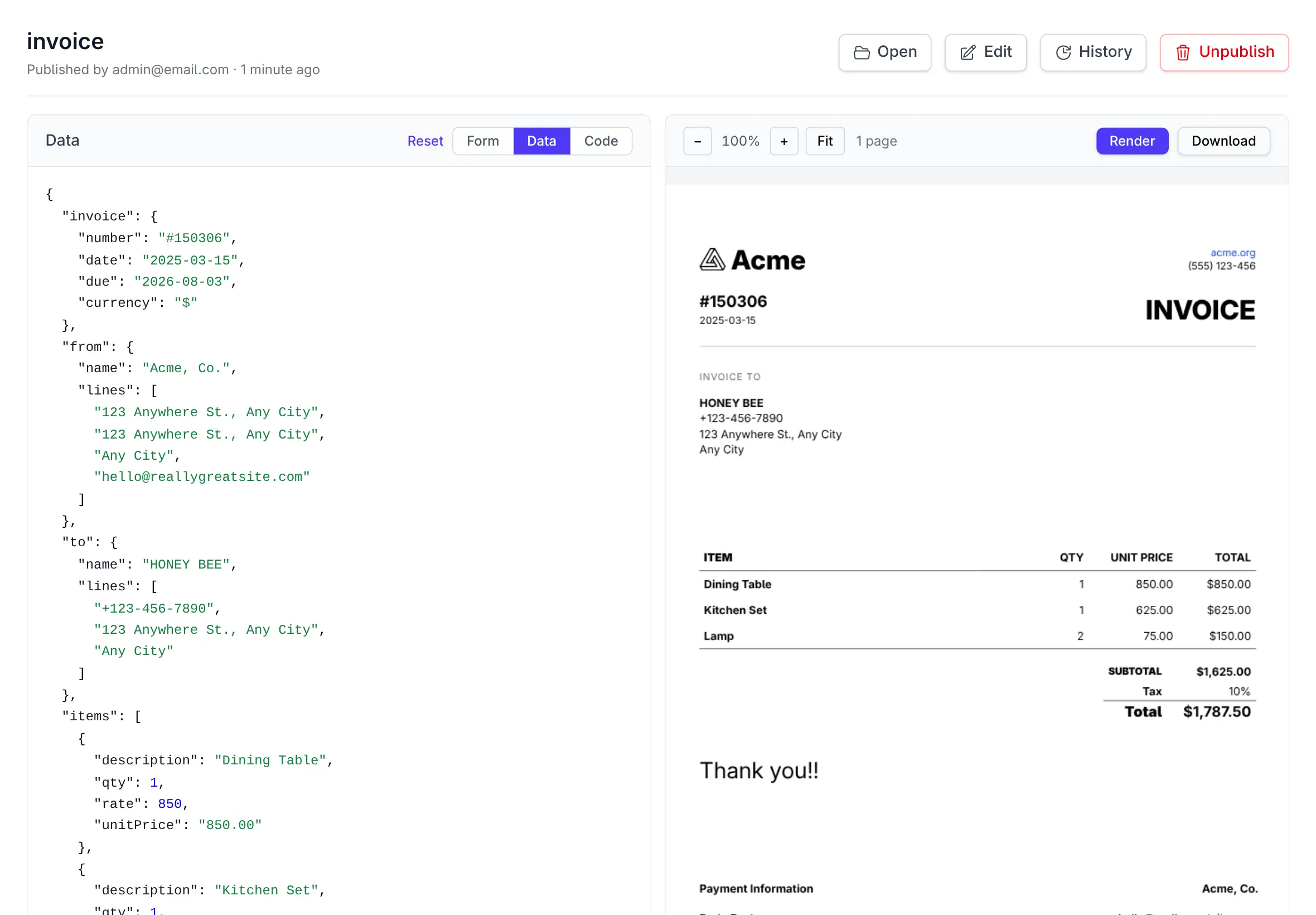
Real PDFs, not previews
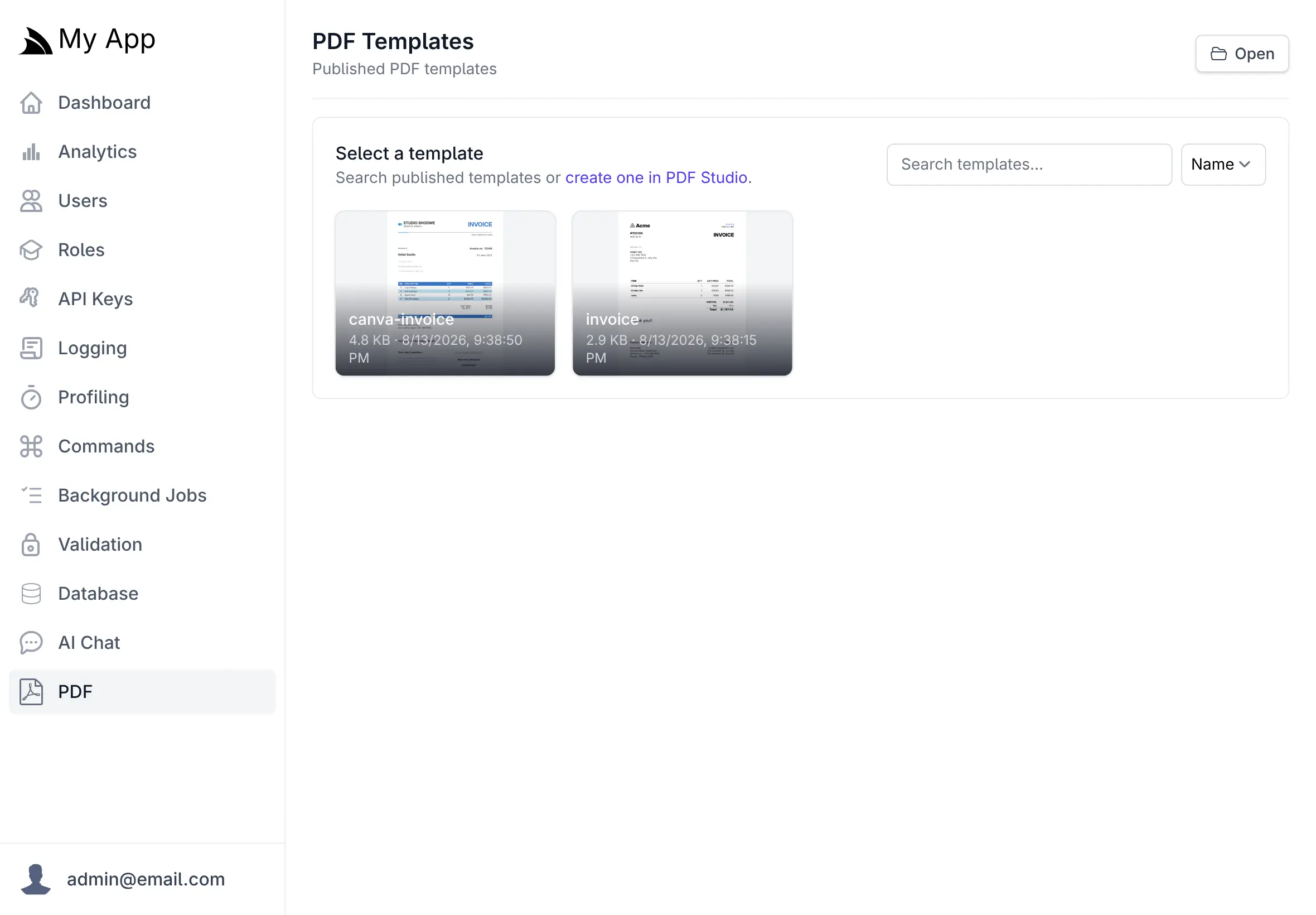
Rendered with pdf.js from the actual compiled output, with zoom, fit, page count and download.
Exercise it with real data
Paste a payload or fill the form and watch it re-render - a faithful preview of what your App will produce.
Pick up someone else's
Edit opens it back in PDF Studio, copying the published files into your workspace first if a colleague published it.
Admin-only
The whole Admin UI requires the Admin role, like the rest of
your App's admin surface.
In your App
Copy the code, ship the feature
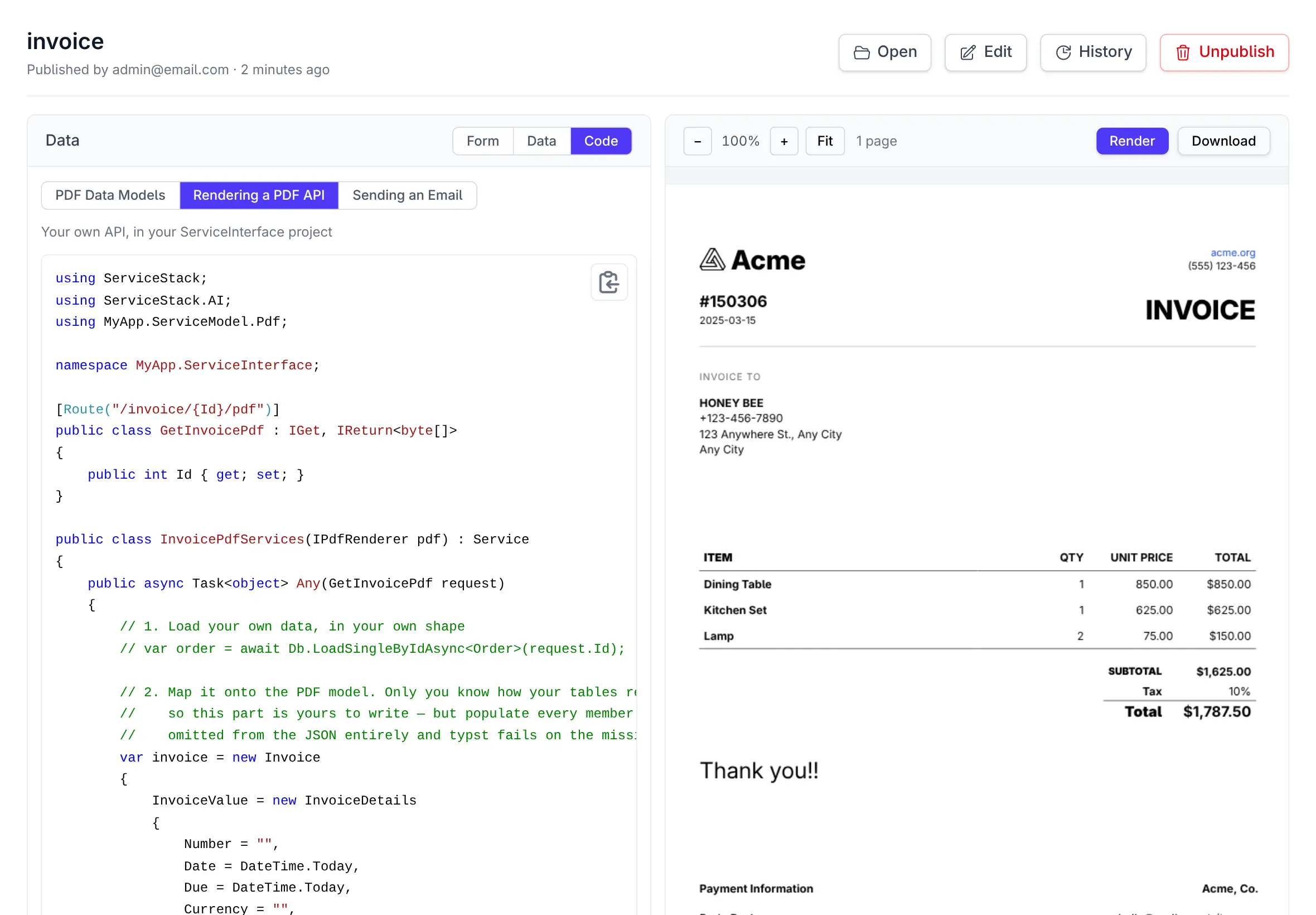
The Code tab generates working examples against the template you're looking at - real type names, real members. Two of them cover most of what Apps need.
Return a PDF from an API
public async Task<object> Get(DownloadInvoice request)
{
    var order = await Db.LoadSingleByIdAsync<Order>(request.Id);

    return await pdf.PdfResultAsync(MapToInvoice(order),
        $"Invoice-{order.InvoiceNo}.pdf");
}Content-Disposition: attachment; filename="Invoice-INV-2026-042.pdf"
Email it from a background job
[Worker("smtp")]
public class SendInvoiceEmailCommand(IPdfRenderer pdf, …)
    : AsyncCommand<SendInvoiceEmail>
{
    protected override async Task RunAsync(
        SendInvoiceEmail request, CancellationToken token)
    {
        var pdfBytes = await pdf.RenderPdfAsync(
            MapToInvoice(order), token);

        msg.Attachments.Add(new Attachment(
            new MemoryStream(pdfBytes),
            "invoice.pdf", MimeTypes.Pdf));

        await client.SendMailAsync(msg, token);
    }
}
Production never needs a model
Authoring lives in ChatFeature;
rendering is PdfFeature, and
it stands alone. Design templates on a dev machine and deploy an App that has only the renderer -
no API key, no provider, no designer, nothing to go down.
At runtime your App only ever touches
App_Data/pdf and
IPdfRenderer.
Render and save as you go
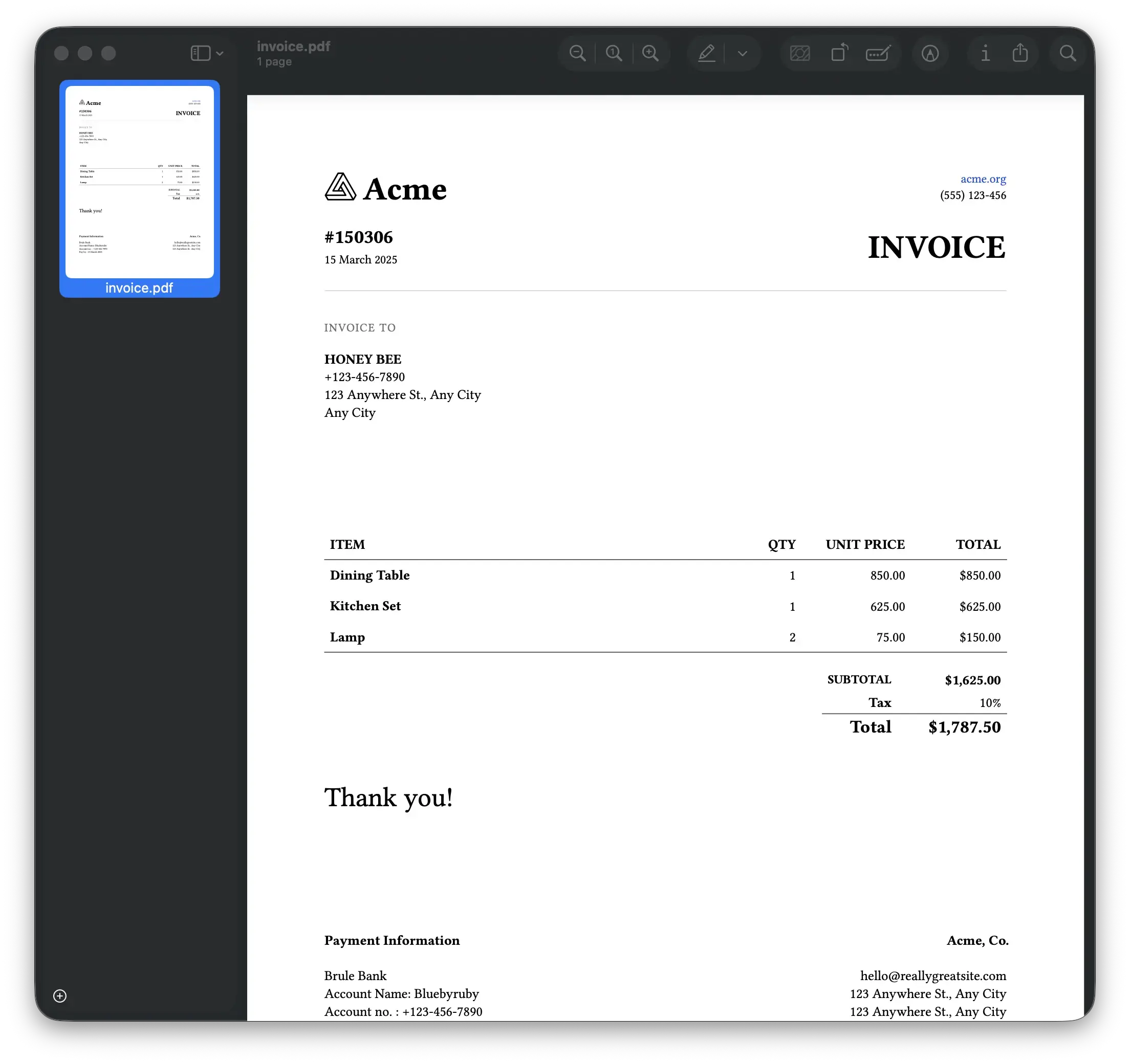
Download the compiled PDF at any point, or save a numbered snapshot -
invoice-0001.pdf,
invoice-0002.pdf - straight
into the explorer tree, so you have a trail of what the document looked like as it evolved.
Put a real PDF in your App
Install typst, add the plugin, design a template, and render it from typed C#.